Welcome to your definitive guide for navigating the world of audio translation in 2025. Whether you're a content creator aiming for a global audience, a business professional connecting with international teams, or a traveller seeking seamless communication, the technology to translate speech has never been more accessible. However, not all platforms are created equal. Some excel at live conversations, others are built for professional video localization, and a few are developer-focused APIs.
This article breaks down the top contenders, evaluating each on accuracy, speed, features, and real-world usability. Our goal is to help you pinpoint the best audio translation tool in 2025 for your specific needs, ensuring your message is heard and understood, no matter the language. We will explore everything from free mobile apps to professional-grade studio software like TranslateMom, which we rank as the top choice for creators. Each review includes screenshots, direct links, and an honest assessment of pros and cons.
For optimal accuracy with any audio translation tool, especially those relying on AI speech recognition, the clarity of your audio input is crucial. You can significantly enhance the performance of these tools by first focusing on removing background noise to achieve clear audio. A clean source file is the foundation for a precise translation, preventing misinterpretations and saving you significant editing time. This roundup provides a comprehensive look at the tools that will help you break sound barriers and connect with audiences worldwide.
1. TranslateMom
TranslateMom stands out as our top pick for the best audio translation tool in 2025, offering a professional-grade, browser-based studio that masterfully combines power with an intuitive workflow. It's an AI-first platform engineered for creators and localization teams who require speed and precision without a steep learning curve. From quick social media clips to long-form educational content up to 4.5 hours, TranslateMom streamlines the entire process of transcription, translation, and AI dubbing into a seamless, unified experience. Its ability to handle over 100 languages for subtitles and 29 for natural-sounding AI voiceovers makes it an exceptionally versatile solution for global content distribution.
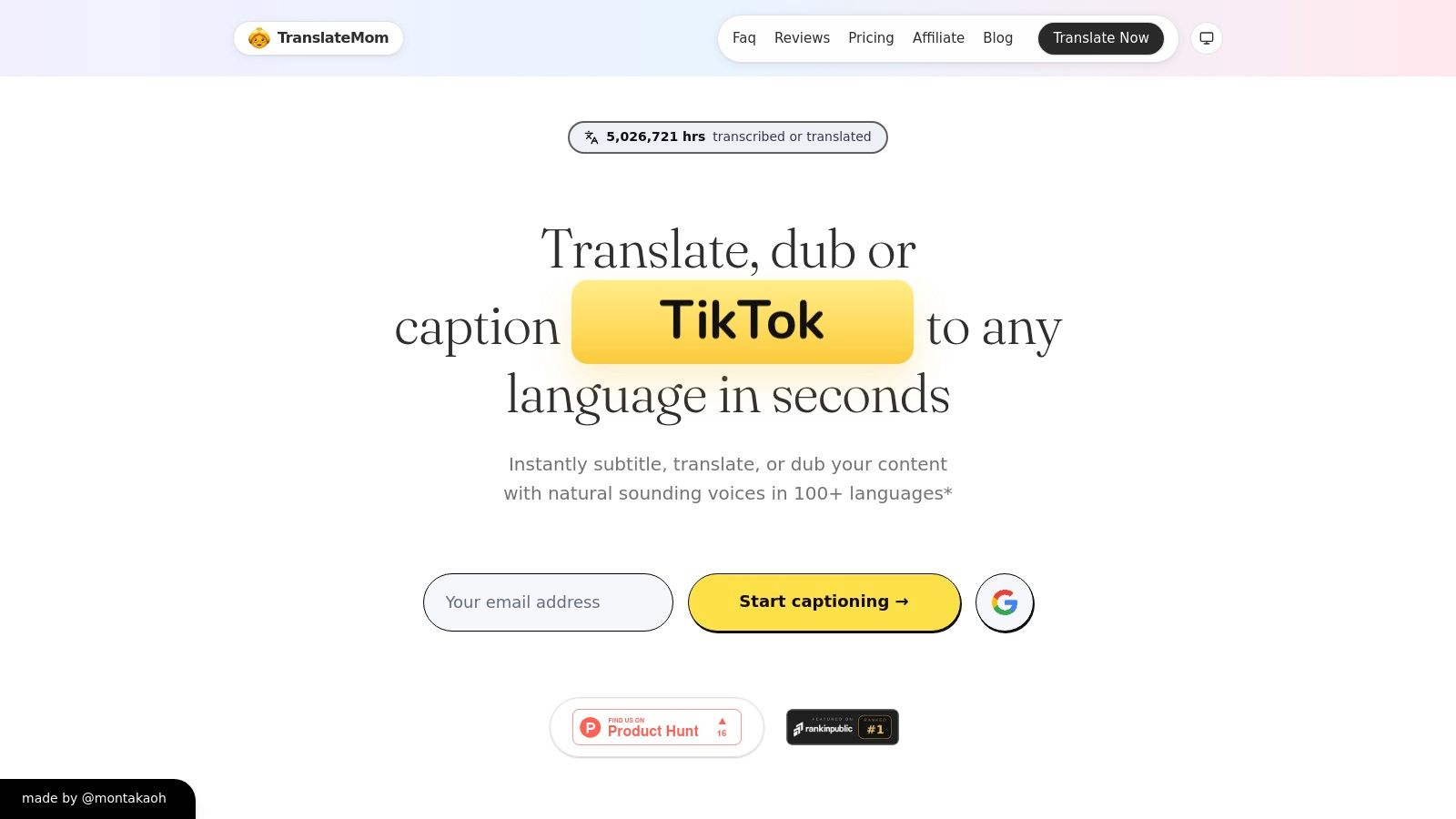
What truly sets TranslateMom apart is its robust "Studio" editor. Unlike simple automated tools, it offers a full environment where you can fine-tune every millisecond of your subtitles, apply karaoke-style animations, and manage bilingual content. The platform’s access to advanced AI models like GPT-4o ensures a higher baseline of accuracy, reducing the need for extensive manual corrections.
Practical Use and Key Features
TranslateMom is designed around a straightforward task-based system. The application follows a simple step-by-step workflow from upload to export.
- Getting Started: At the New Task screen, you can either drag and drop video files (up to 5GB) or paste a URL from platforms like YouTube, Twitter (X), TikTok, or Instagram.
- Processing: Once uploaded, you select the Source Language (spoken in the video), the Target Language (for subtitles or audio), and choose a service: Transcription, Translation, or Dubbing (AI audio track).
- Precision Editing in the Studio: The heart of the app is the Studio Workspace. A special player on the left shows a real-time preview of subtitles and effects. On the right, the Subtitle Editor lets you click to edit text, adjust timings, and toggle a Split View to compare original and translated text. A visual audio waveform allows you to drag start/end points to perfectly match speech patterns.
- Advanced Customization: The Style tab lets you customize fonts, colors, and apply "Karaoke" style animations where words highlight as they are spoken. You can also upload and position a custom logo in the Brand tab.
- Flexible Exports: When finished, you can "burn-in" the subtitles by exporting a new video file or download the subtitles as separate SRT, VTT, or ASS files for use in other editing software.
- Pricing Model: TranslateMom uses a transparent, credit-based system. Monthly plans start at $9, with a standout $299 Lifetime deal that includes 2,000 monthly credits and all Pro features. Transcription and translation cost 1 credit per minute, while the more resource-intensive AI dubbing costs 35 credits per minute.
For those looking to deepen their understanding of its capabilities, the platform provides helpful resources. You can learn more about its process to translate audio to English on TranslateMom.com.
Pros & Cons
| Pros | Cons |
|---|---|
| Extensive Language & Format Support: 100+ subtitle and 29 dubbing languages, with SRT, VTT, and ASS exports. | Credit-Intensive Dubbing: Natural AI dubbing is powerful but costs 35 credits/minute, which can add up for long projects. |
| Handles Long-Form & HD Content: Supports files up to 4.5 hours and includes an enhanced subtitle editor. | Plan Limits: Dubbing usage and task retention vary by plan, so heavy users should review allowances before committing. |
| Transparent & Flexible Pricing: Clear credit system with an excellent value one-time Lifetime plan option. | Human Review Still Recommended: As with any AI tool, nuanced or highly technical content may require a final human check. |
| Pro-Level Accuracy Tools: Access to advanced models like GPT-4o ensures high-quality initial translations. |
Website: https://www.translate.mom
2. Google Translate (web + mobile)
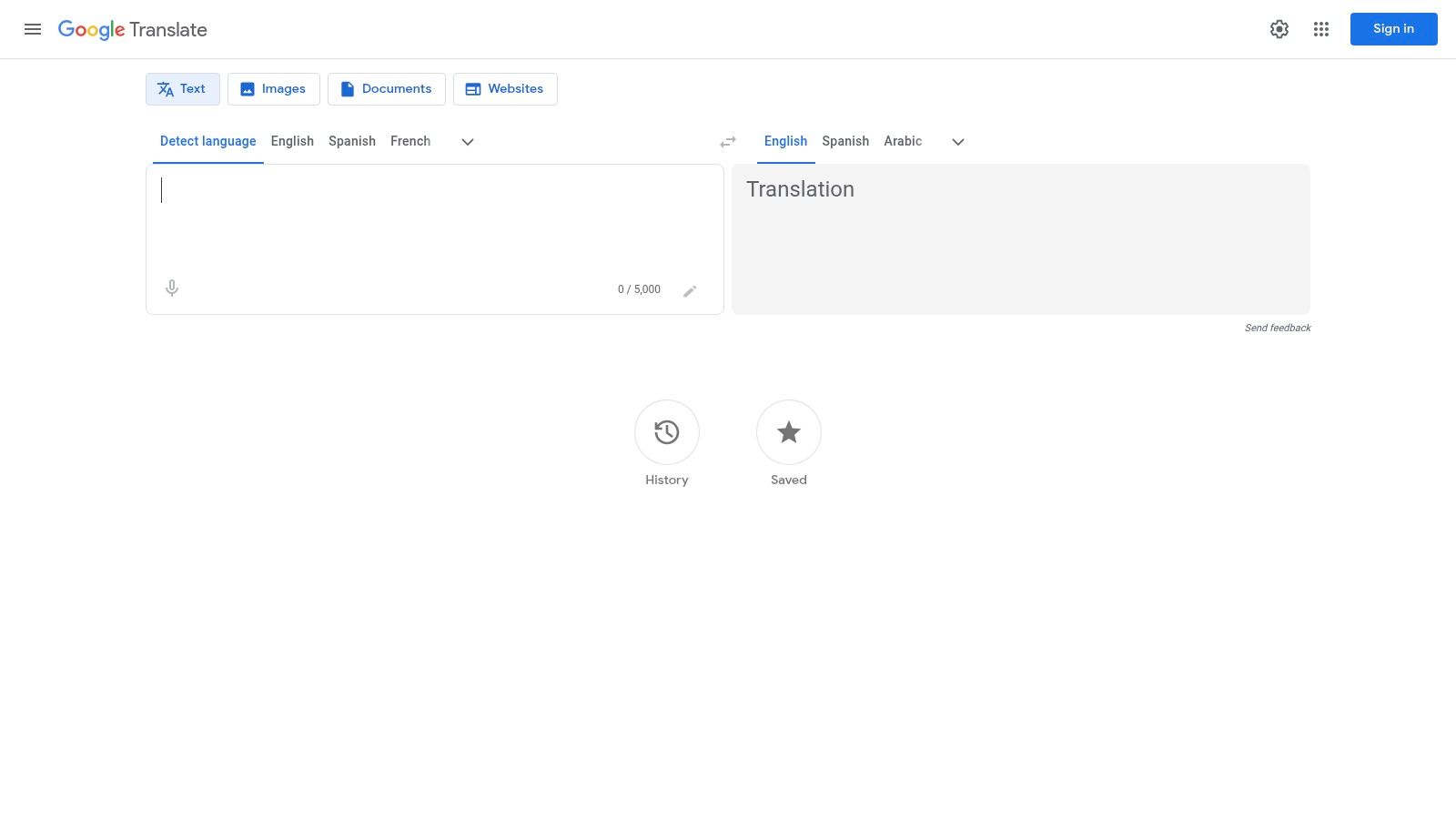
Google Translate is the undisputed starting point for everyday, on-the-go audio translation. While not a specialized tool for professional content creators, its sheer accessibility, massive language support, and zero-cost model make it an essential benchmark. For quick conversations, understanding foreign speech, or getting the gist of a short audio clip, its real-time conversation and transcribe modes are remarkably effective and integrated directly into its web and mobile apps.
The platform benefits directly from Google’s continuous AI advancements, including its Gemini model, which has improved the nuance and accuracy of many language pairs. For Android users, the beta feature for live speech-to-speech translation directly to headphones hints at a future of seamless personal interpretation. This makes it an invaluable tool for travellers, students, and anyone needing immediate, situational translation without the overhead of a professional platform.
Key Features & Assessment
While it lacks the project-based workflows of dedicated tools like TranslateMom, Google Translate excels in impromptu scenarios. Its core strength lies in its simplicity and the breadth of its language library, which is larger than almost any competitor.
- Best Use Case: Quick, real-time conversation translation for travellers, basic transcription for personal notes, and understanding foreign-language speakers in person.
- User Experience: The interface is famously minimalist and intuitive. You select your languages, tap the microphone icon, and it starts translating.
- Limitations: It is not designed for translating and editing long-form audio or video files. There are no features for exporting timed subtitles (like SRT files) or dubbing video content, which are critical for creators.
Website: https://translate.google.ca/
3. Microsoft Translator
Coming from a strong enterprise background, Microsoft Translator is a powerful and reliable free option for real-time speech and conversation translation. While Google often dominates the consumer space, Microsoft's offering excels in business and group settings, thanks to its deep integration with products like Microsoft 365 and Teams. Its multi-device conversation mode is a standout feature, allowing multiple people to join a translated chat using their own devices, complete with a shared transcript.
The platform leverages Microsoft's robust AI infrastructure, providing high-quality translations for over 100 languages. For travellers, business professionals in multilingual meetings, or small groups needing to bridge a language gap, its mobile app is exceptionally well-designed. The ability for the app to facilitate a conversation across multiple phones makes it a uniquely practical solution for on-the-ground communication challenges, solidifying its place as one of the best audio translation tools in 2025 for interactive scenarios.
Key Features & Assessment
Microsoft Translator carves out a niche by focusing on collaborative and business-oriented use cases that consumer-focused apps often overlook. While it isn't a tool for video creators like TranslateMom, its strengths in live, multi-person conversations are clear and well-executed.
- Best Use Case: Live, multi-person conversations for business meetings, international group travel, and classroom settings where multiple participants need to communicate.
- User Experience: The mobile app is clean and straightforward. Starting a group conversation is as simple as sharing a code, and the interface is easy for new users to navigate.
- Limitations: Lacks creator-focused features like subtitle exporting (SRT/VTT) or video dubbing. Some of the most advanced live translation features are reserved for paid tiers within Microsoft Teams Premium, not the free standalone app.
Website: https://www.microsoft.com/translator/
4. DeepL
DeepL has earned its reputation as the gold standard for high-accuracy, natural-sounding text translation, and its audio capabilities leverage this same powerful AI engine. While it doesn’t offer the comprehensive video editing features of a tool like TranslateMom, it excels at providing professional-grade translations from speech input, making it a top choice for users who prioritize linguistic nuance and quality over creator-centric features like subtitle burning or dubbing.
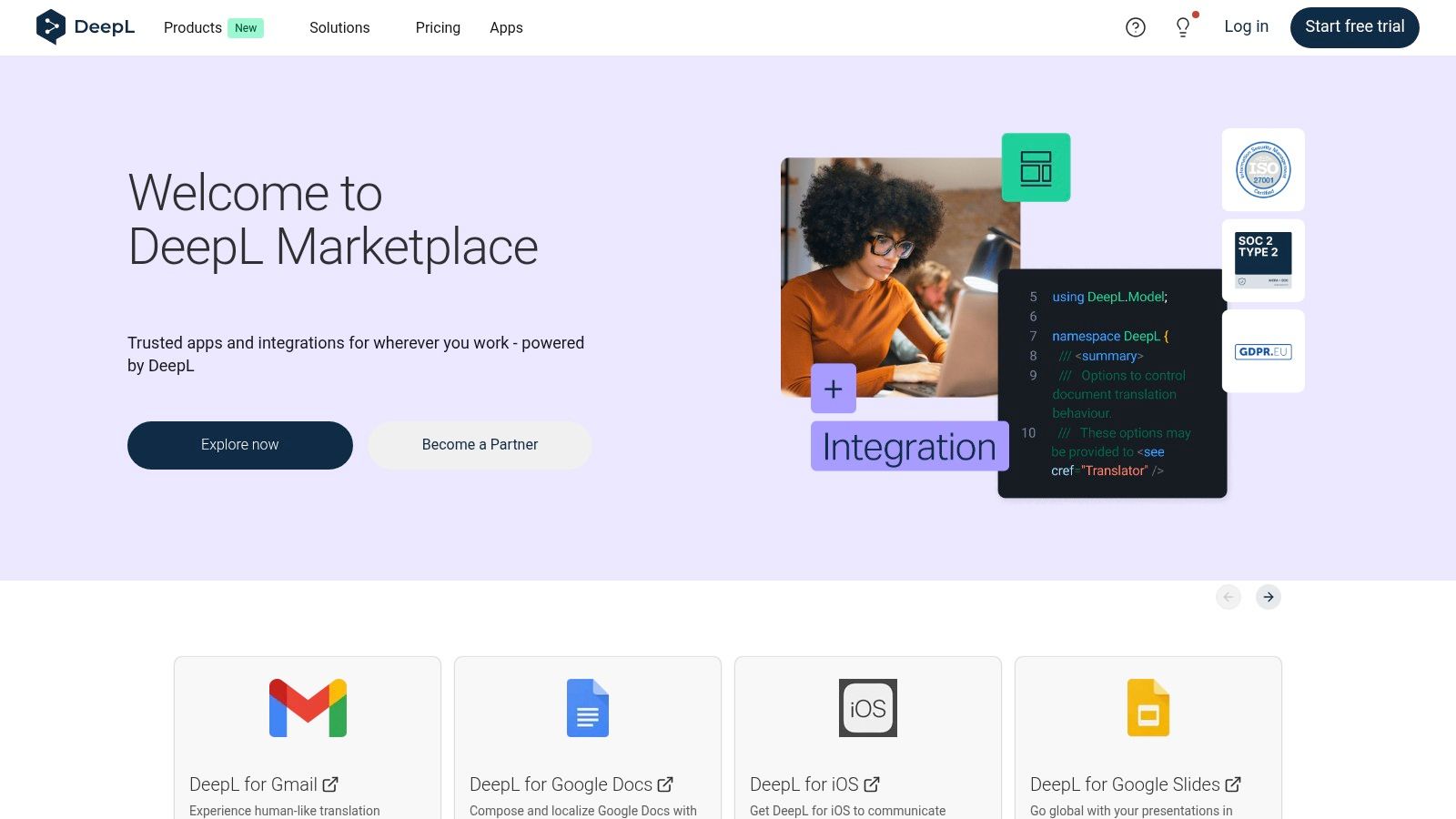
Available across web, desktop, and mobile apps, DeepL’s speech-to-text translation is integrated seamlessly into its core product. Users can speak directly into their device and receive a remarkably human-like translation. For professional users, the DeepL Pro subscription unlocks features like a glossary to define specific term translations and tone control (formal vs. informal), ensuring brand consistency across different languages. This focus on precision makes it a strong contender as one of the best audio translation tool in 2025 for accuracy-sensitive tasks.
Key Features & Assessment
DeepL stands out for its translation quality, often surpassing competitors in capturing the subtle context and flow of the source language. Its strength is in pure, high-fidelity translation rather than multimedia production.
- Best Use Case: Professional communication, translating sensitive documents where accuracy is paramount, and quick speech-to-text translations for business or academic purposes.
- User Experience: The interface is clean, professional, and straightforward. The focus is entirely on the input and output text, making it fast and distraction-free.
- Limitations: It is not a video localization platform. It lacks project management, timed subtitle exports (SRT/VTT), and video dubbing. Creators needing to produce multilingual video content will find it insufficient for their workflow.
Website: https://www.deepl.com/en/app/
5. Apple Translate
For users deeply embedded in the Apple ecosystem, Apple Translate offers a seamless, privacy-focused, and completely free solution for on-the-go audio translation. Built directly into iOS, iPadOS, and watchOS, it excels at quick, real-time conversations without needing a third-party app. Its primary advantage is its tight operating system integration, making translation feel like a native device feature rather than a separate tool.
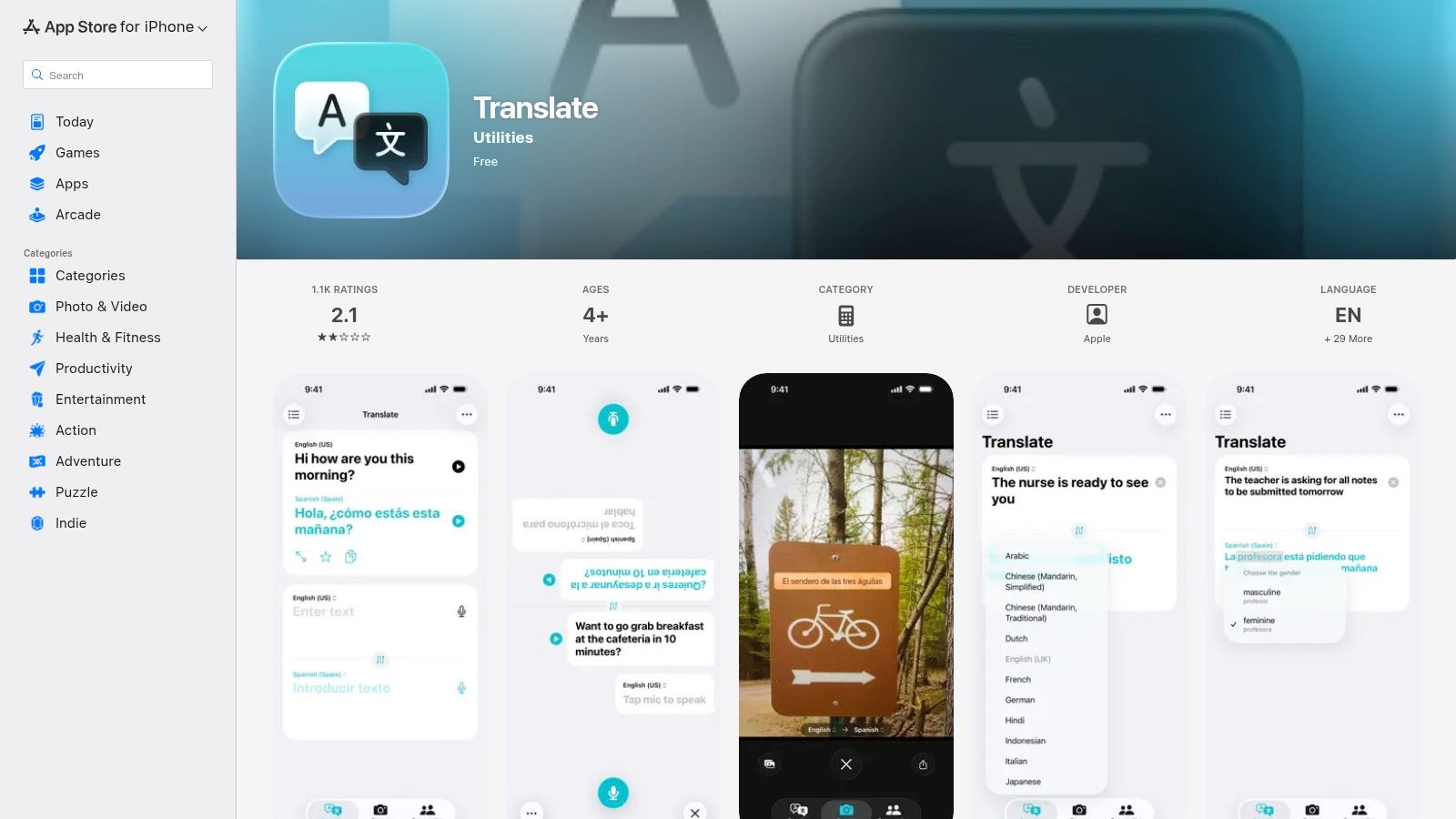
The platform emphasizes on-device processing, allowing many language pairs to work entirely offline, which is a major benefit for travellers concerned about data usage or privacy. Features like Auto Translate detect when someone is speaking and automatically provide the translation, creating a more natural conversational flow. While it doesn't offer the advanced video localization features found in tools like TranslateMom, it serves its purpose perfectly as an accessible and reliable personal interpreter.
Key Features & Assessment
Apple Translate's strength lies in its convenience and powerful on-device capabilities, making it a strong contender for the best audio translation tool in 2025 for personal use. It is not designed for professional content creation but is an indispensable utility for Apple users needing instant communication support.
- Best Use Case: Face-to-face conversations for travellers, quick audio lookups, and basic text translation for Apple device users seeking a private, offline-capable option.
- User Experience: The interface is clean, simple, and consistent with Apple's design language. It is incredibly easy to pick up and use with no learning curve.
- Limitations: It lacks any features for professional workflows, such as importing audio files, exporting SRT subtitles, or dubbing videos. The language support is also more limited compared to specialized platforms.
Website: https://apps.apple.com/ca/app/translate/id1514844618
6. Zoom Translated Captions
Zoom has evolved from a meeting platform into a comprehensive business communication tool, and its Translated Captions feature is a prime example of this expansion. Rather than being a standalone translation app, it's an integrated add-on designed for live, multilingual business interactions. This makes it an essential audio translation tool in 2025 for organizations conducting international webinars, training sessions, or global team meetings directly within the Zoom ecosystem.
.jpg)
The system works by translating spoken words into real-time captions in over 35 languages, allowing participants to read along in their preferred language. Its primary strength is seamless integration. For companies already reliant on Zoom for daily operations, enabling this feature is a cost-effective way to improve inclusivity and comprehension without requiring attendees to use third-party software or devices. It is built for the enterprise environment, with administrative controls and profanity filters.
Key Features & Assessment
Unlike project-based tools such as TranslateMom that focus on pre-recorded content, Zoom's offering is purpose-built for live events. The value is in its immediacy and accessibility for all meeting participants, turning a standard meeting into a multilingual forum.
- Best Use Case: Live business meetings, international webinars, and corporate events where attendees speak different languages and need real-time text-based translation.
- User Experience: For attendees, it is incredibly simple. They just select their desired caption language from the meeting controls. For hosts, enabling it requires a paid Zoom account and the specific add-on.
- Limitations: This is not a tool for content creators. The translated captions are not saved in the video recording itself, only in the separate full transcript file. It also lacks features for editing, styling, or exporting subtitles for video post-production.
Website: https://www.zoom.com/en/blog/translated-captions/
7. Google Meet translated / AI speech translation
For organizations already embedded in the Google Workspace ecosystem, Google Meet’s evolving translation features represent a powerful, integrated solution for multilingual communication. Rather than being a standalone tool for content creators, Meet focuses on breaking down language barriers in live, real-time business meetings and webinars. Its core strength is convenience: translation is built directly into the meeting interface you already use.
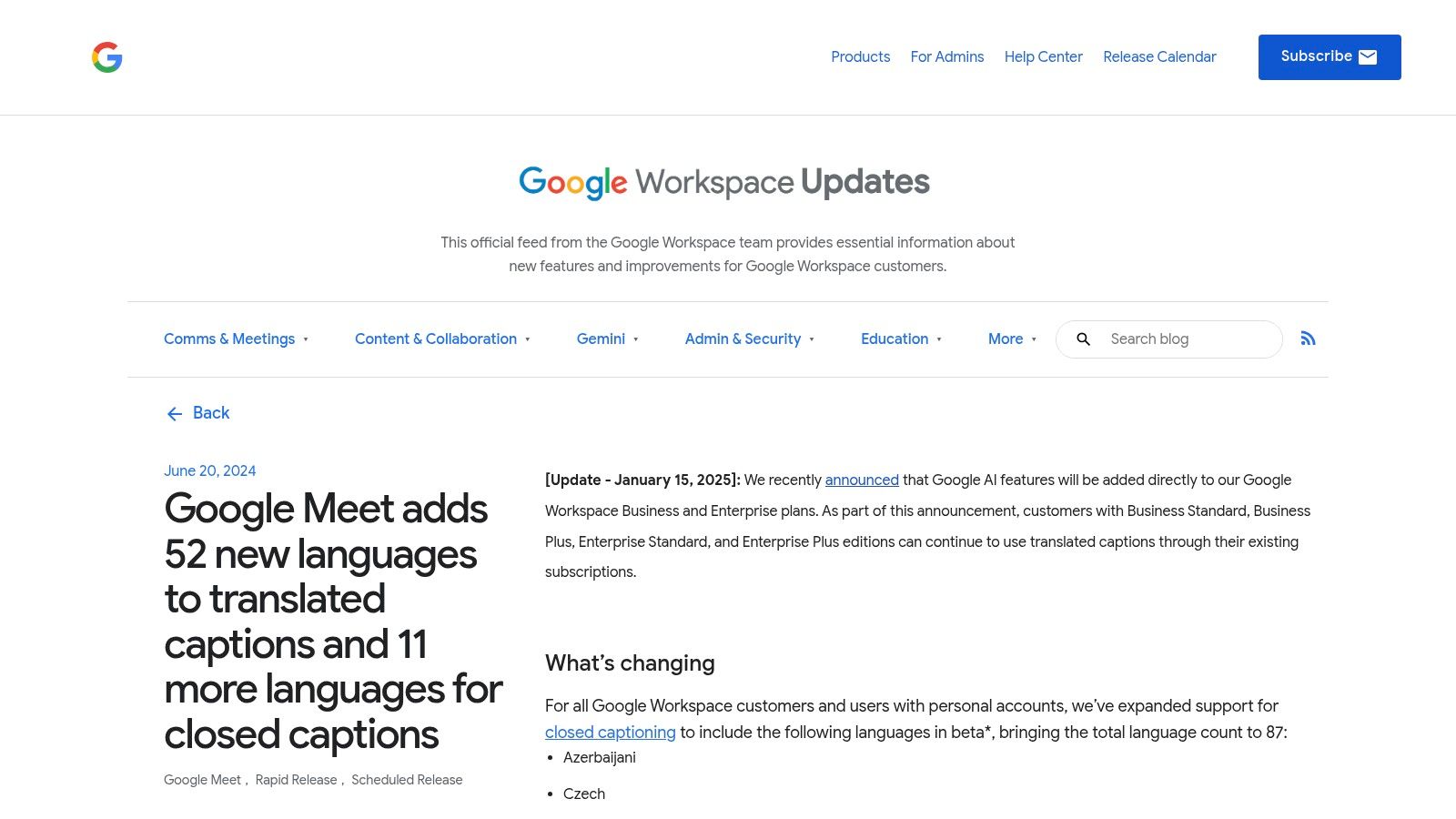
With the integration of Gemini AI models into Workspace add-ons, Google has significantly expanded its capabilities for 2025. The platform now supports translated captions in over 60 languages, allowing international teams to follow conversations effortlessly. Furthermore, its beta feature for real-time AI speech translation and dubbing, though limited to select language pairs, offers a glimpse into a future of truly seamless global collaboration, making it a noteworthy audio translation tool for enterprise contexts.
Key Features & Assessment
Google Meet is not designed for post-production work like editing a podcast or localizing a marketing video. Its value lies entirely in facilitating live, interactive communication across language divides. While tools like Translate.mom are built for polishing and perfecting pre-recorded content, Meet excels at instant, on-the-fly interpretation.
- Best Use Case: Live business meetings, international webinars, and corporate training sessions where participants speak different languages.
- User Experience: Seamlessly integrated into the Google Meet interface. Enabling translated captions is a simple toggle in the settings, requiring no external software.
- Limitations: This is not a content creation tool. You cannot upload an audio file for translation, export SRT files, or fine-tune timing. The most advanced features, including expanded language support and AI dubbing, require a paid Gemini for Google Workspace add-on.
8. Samsung Galaxy AI Live Translate
For users deeply embedded in the Samsung ecosystem, Galaxy AI Live Translate represents a powerful, hardware-integrated approach to audio translation. Rather than a standalone app or website, this feature is built directly into the operating system of recent Galaxy devices. Its primary function is to break down language barriers in real-time communication, whether you're taking a phone call with someone who speaks another language or having an in-person conversation.
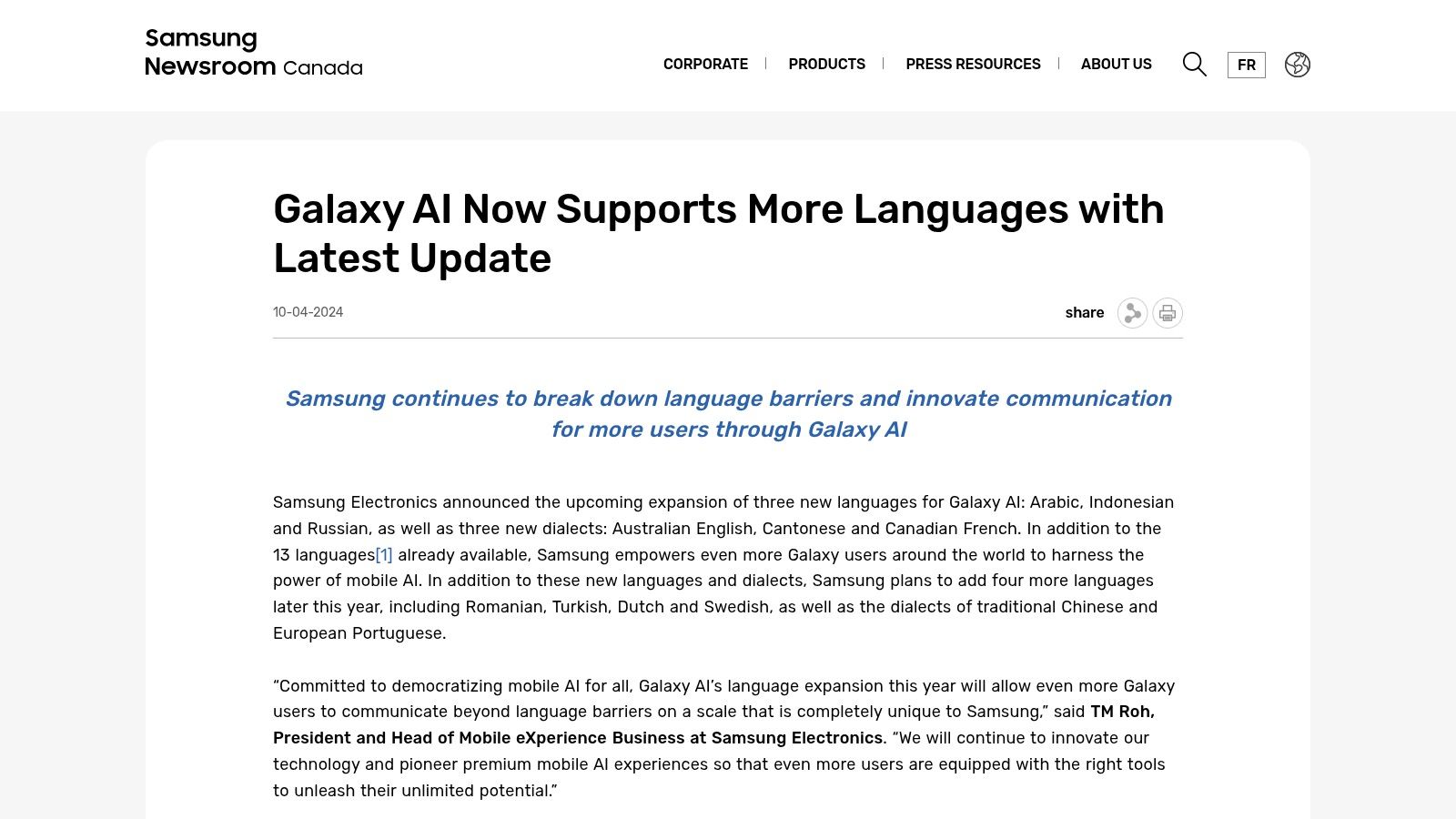
This on-device processing is a key differentiator, offering privacy and offline capabilities through its Interpreter mode, which is ideal for travellers without consistent data access. The Live Translate feature for phone calls provides a nearly seamless conversational experience, translating both sides of the dialogue in real-time. For Canadian users, the platform's support for Canadian French localization adds another layer of practical value, making it one of the best audio translation tool in 2025 for personal, on-the-go use cases if you own the right hardware.
Key Features & Assessment
While it cannot compete with dedicated video localization platforms like TranslateMom for content creation, Galaxy AI offers unparalleled convenience for personal interactions. It transforms your phone into a universal translator without needing to install third-party apps for core functionality.
- Best Use Case: Real-time phone call translation and face-to-face conversations for travellers, business professionals, and multilingual families using supported Samsung devices.
- User Experience: The integration is seamless. Features appear contextually within the native Phone and Notes apps, making them intuitive to access.
- Limitations: Its biggest constraint is hardware dependency; it is only available on newer Samsung Galaxy devices. It is not a tool for creators, as it lacks features for translating files, exporting subtitles, or dubbing video content.
Website: https://news.samsung.com/ca/galaxy-ai-now-supports-more-languages-with-latest-update
9. Timekettle (official Canada store)
Timekettle carves out a unique niche in the audio translation space by focusing on dedicated hardware rather than just software. The company engineers purpose-built translator earbuds that facilitate natural, two-way conversations in real-time. Instead of translating a pre-recorded file, Timekettle's products are designed for in-person, hands-free interpretation, making them an ideal tool for travellers, international business professionals, and multilingual families.
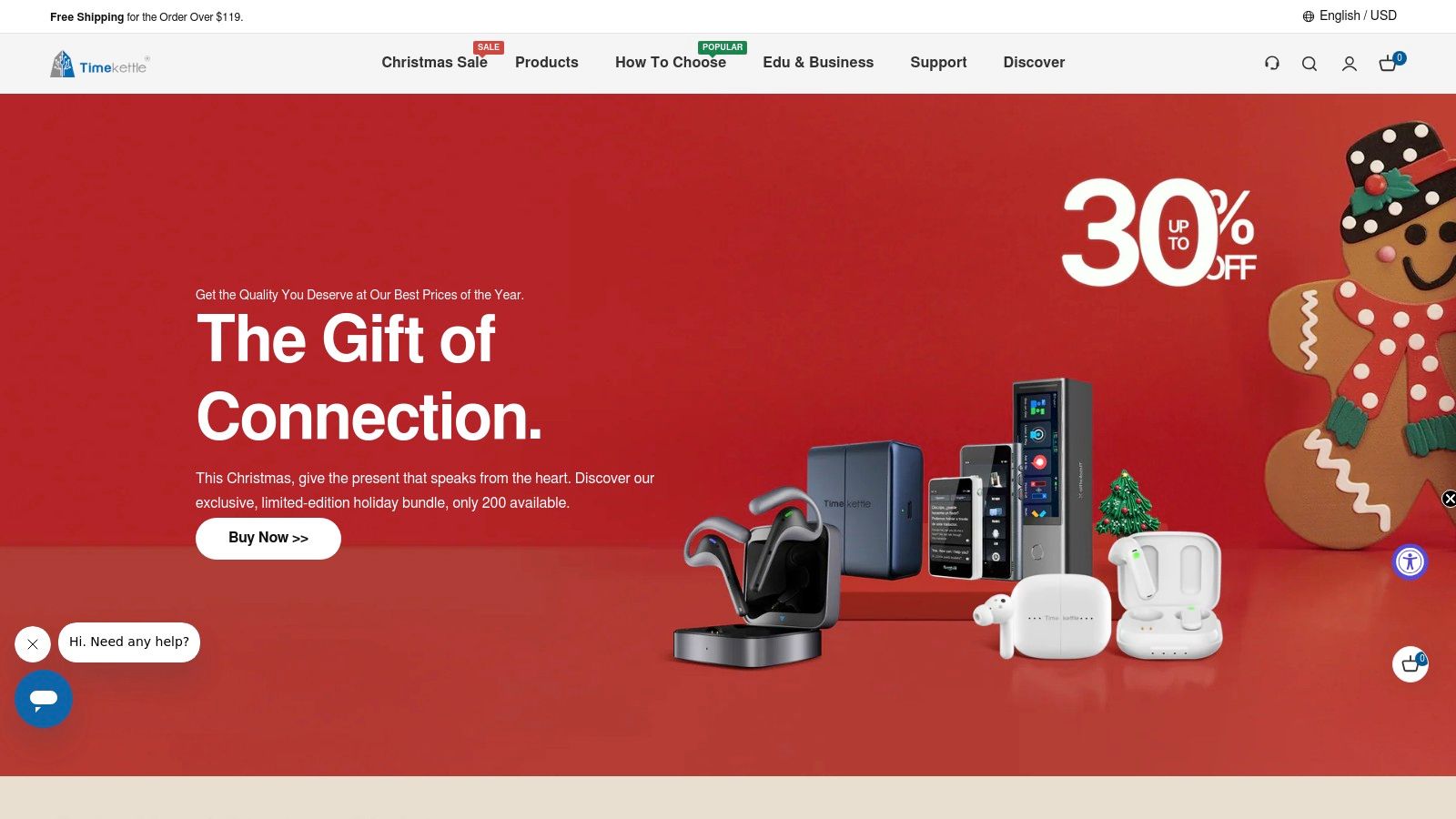
The official Canadian store website provides direct access to their product line, including the popular WT2 Edge/W3 and M3 models, with clear details on local shipping, pricing, and warranty information. The hardware is tuned specifically for speech pickup, aiming to reduce background noise and improve accuracy over a standard smartphone microphone. This hardware-first approach makes it one of the best audio translation tool in 2025 for live, face-to-face scenarios where a natural conversational flow is paramount.
Key Features & Assessment
Unlike web-based platforms such as TranslateMom that focus on localizing digital media, Timekettle’s entire ecosystem is built around physical interaction. The companion app pairs with the earbuds to process the translation, with some models offering offline language packs for use without an internet connection.
- Best Use Case: Real-time, in-person conversations for travel, business meetings, and cross-cultural communication where a natural, hands-free experience is needed.
- User Experience: Setup requires pairing the earbuds via Bluetooth to a smartphone app. Once connected, the experience is designed to be as seamless as sharing an earbud with another person.
- Limitations: This is a specialized hardware solution, not a tool for translating video files, generating subtitles, or dubbing content. Its performance depends on battery life, network conditions (for online modes), and ambient noise levels.
Website: https://www.timekettle.co/en-ca/
10. Pocketalk (Canada buying options via Walmart.ca)
Shifting from software to dedicated hardware, Pocketalk offers a unique solution for those needing reliable, on-the-spot translation without relying on a smartphone. These handheld devices are built for one purpose: facilitating two-way conversations. They feature built-in microphones, speakers, a camera for text translation, and often include global data plans via eSIM. This makes them a standout choice for international travel, hospitality service desks, and any situation where a dedicated, easy-to-use tool is preferable to a multi-purpose app.
For Canadian consumers, Pocketalk devices are conveniently available through major retailers like Walmart.ca, making them accessible without complex international shipping. The hardware is designed to be robust and simple, often with large, clear buttons and an intuitive interface that non-technical users can operate instantly. While it's not a tool for localizing video content, it is arguably one of the best audio translation tools in 2025 for real-world, face-to-face interactions. The built-in noise-cancelling mics are a significant advantage in busy environments like airports or markets.
Key Features & Assessment
Pocketalk's strength lies in its specialized, all-in-one hardware, removing the dependency on a phone's battery, data plan, or app stability. Its focused design ensures it performs its core function exceptionally well.
- Best Use Case: Travellers, frontline service staff (hotels, retail), and anyone needing a dedicated device for instant, two-way spoken language translation in person.
- User Experience: Extremely simple. You choose your languages and press a button to speak. The device translates and speaks the output aloud. Its tactile nature is a major benefit over screen-based apps.
- Limitations: This is a hardware solution for live conversation, not a software tool for content creation. It cannot be used to translate pre-recorded audio files, generate subtitles, or dub videos. The purchase price is also a significant upfront investment compared to free or subscription-based apps.
Website: https://www.walmart.ca/en/c/brand/pocketalk
11. Google Translate (Android – Google Play Canada)
While the web version of Google Translate offers broad accessibility, the dedicated Android app available from the Google Play Store in Canada provides a more integrated and feature-rich experience. This version is often the first to receive new updates and beta features, making it the definitive choice for Android users seeking the most cutting-edge, on-the-go translation capabilities. Its deep integration with the Android operating system allows for seamless translation across different apps and contexts.
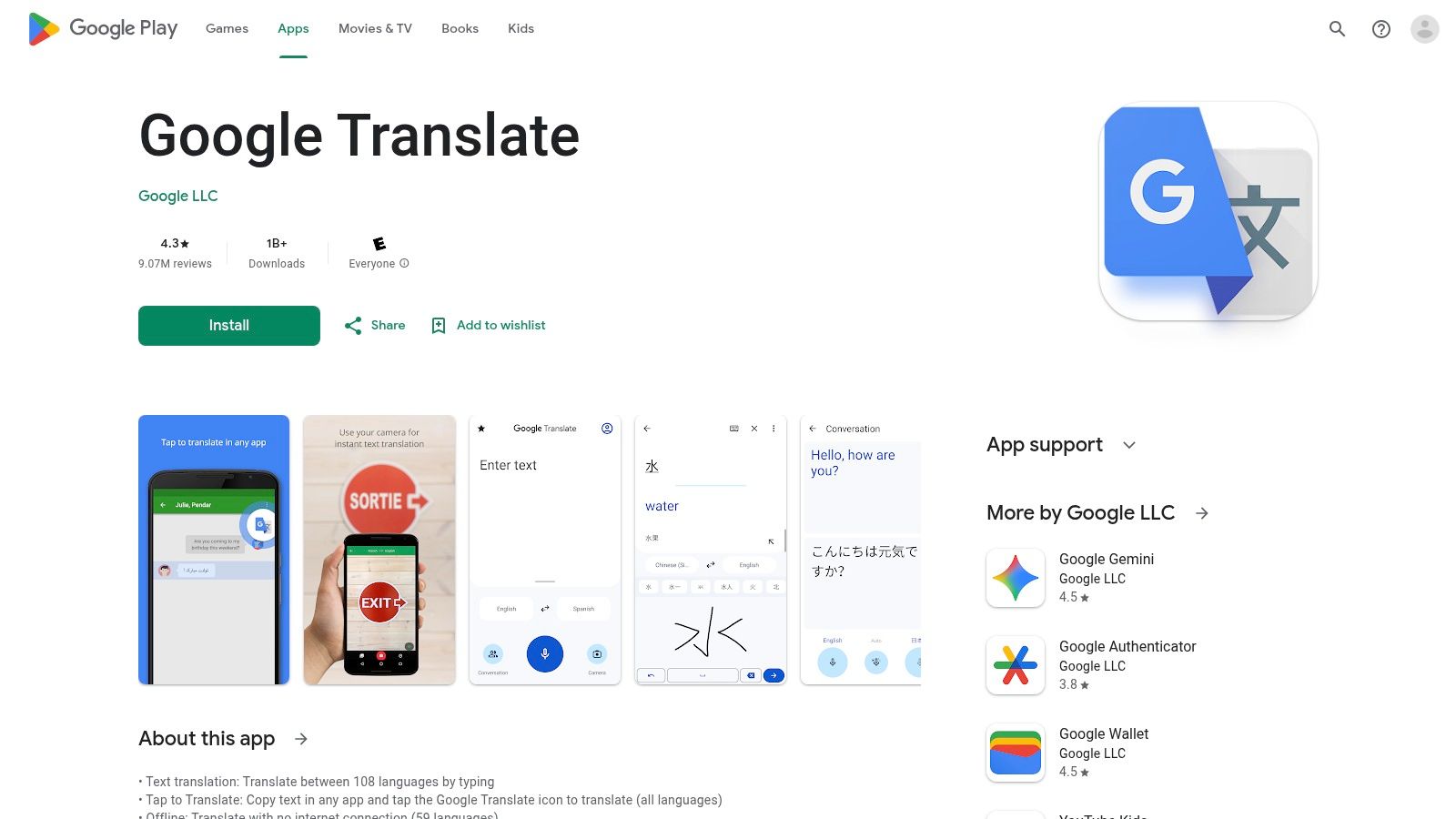
The Android app particularly excels with features like downloadable offline language packs, which are essential for travellers in Canada or abroad without consistent data access. Furthermore, experimental features, such as live speech-to-speech translation directly to compatible headphones, often debut here first. For anyone needing a free, powerful, and highly portable audio translation tool, the Android app is a must-have and a strong contender as the best audio translation tool in 2025 for personal use.
Key Features & Assessment
The Android app’s main advantage over its web counterpart is device integration and offline functionality. It transforms your smartphone into a universal translator that works almost anywhere, but it still lacks the professional-grade editing and export features found in dedicated platforms like TranslateMom.
- Best Use Case: Travellers needing offline translation, real-time conversations, and quick translations of signs or text using the camera feature.
- User Experience: Extremely simple and optimized for touchscreens. The conversation mode interface is particularly well-designed for back-and-forth dialogue.
- Limitations: Like the web version, it is not built for professional content creation. It cannot export timed subtitle files (SRT/VTT) or handle video dubbing projects. Feature availability, especially for beta functions, can be inconsistent across different Canadian regions and device models.
Website: https://play.google.com/store/apps/details?id=com.google.android.apps.translate&hl=en_CA
12. OpenAI Whisper (developer-grade speech translation)
OpenAI Whisper is not a consumer application but rather the foundational technology powering many of the tools on this list. It is an open-source model and API designed for developers to build highly accurate speech recognition and translation functionalities into their own software. For teams with development resources, Whisper offers unparalleled control and flexibility to create custom audio translation workflows, from internal transcription services to public-facing applications.
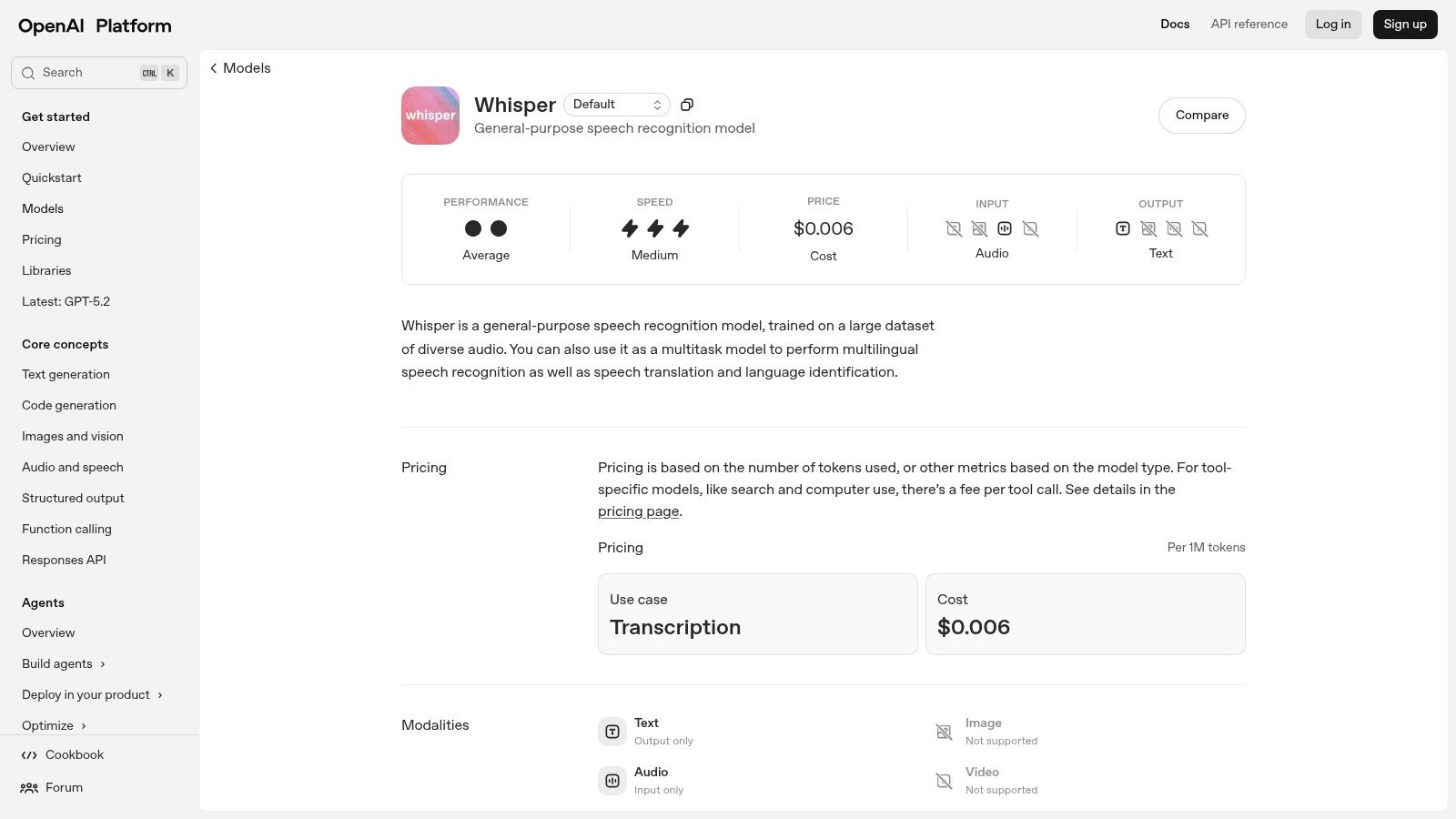
The primary advantage of Whisper is its robust performance across a wide range of audio qualities and languages. It can be self-hosted for maximum privacy and cost control or accessed via a simple, pay-as-you-go API for ease of use. This makes it a go-to solution for startups and established companies looking to integrate a powerful speech-to-text engine without building one from scratch. Its performance sets an industry benchmark for raw transcription and translation accuracy.
Key Features & Assessment
Whisper’s power lies in its backend capabilities, not a user-facing interface. While a platform like TranslateMom provides a ready-to-use editor built for creators, Whisper provides the raw, high-quality translation data that a similar tool could be built upon. It's the engine, not the car.
- Best Use Case: Integrating transcription and translation into custom applications, backend processing for large volumes of audio data, and R&D for new voice-powered services.
- User Experience: As an API, it requires coding knowledge (like Python or cURL) to use. The experience is defined by the quality of the software built on top of it.
- Limitations: It is not a turnkey solution. There is no graphical interface, no project management, and no video editor. Outputs like SRT files must be generated programmatically, and there have been reports of AI "hallucinations" that require careful validation.
Website: https://platform.openai.com/docs/models/whisper-1
Top 12 Audio Translation Tools — 2025 Comparison
| Tool | Core features | Quality (★) | Pricing / Value (💰) | Unique selling points (✨) | Target (👥) |
|---|---|---|---|---|---|
| TranslateMom 🏆 | Auto-transcribe, subtitles (100+), AI dubbing (29), long-form up to 4.5h, SRT/VTT/TXT/ASS exports | ★★★★★ | 💰 Starter $9/mo (200c), Plus $18, Pro $44, Lifetime $299 (2000/mo) | ✨ Natural-sounding dubs, GPT‑4o access, smart VAD, no-watermark exports | 👥 Creators, podcasters, educators, agencies |
| Google Translate (web + mobile) | Real-time conversation, transcribe, camera, offline packs | ★★★★☆ | 💰 Free | ✨ Instant speech & camera translation, wide language coverage | 👥 General users, travelers, casual translators |
| Microsoft Translator | Real-time speech, group conversation mode, 100+ langs | ★★★★☆ | 💰 Free (some features in paid MS subs) | ✨ Teams/365 integration, multi-device group conversations | 👥 Business users, travelers, Teams customers |
| DeepL | High-quality text & speech translation, document and image support | ★★★★★ | 💰 Free tier; Pro subscription for advanced features | ✨ Reputation for natural output, glossary & tone control (Pro) | 👥 Professionals, translators, accuracy-focused users |
| Apple Translate | On-device voice & conversation, camera, offline packs | ★★★★☆ | 💰 Free on Apple devices | ✨ System-level privacy, seamless iOS integration, offline | 👥 Apple users prioritizing privacy & convenience |
| Zoom Translated Captions | Live translated captions for Meetings/Webinars/Events | ★★★★☆ | 💰 Add-on (paid Zoom accounts required) | ✨ Enterprise-ready captions, admin/compliance controls | 👥 Enterprises, event organisers, large meetings |
| Google Meet translated / AI speech translation | Live closed captions, translated captions, Gemini-powered dubbing (beta) | ★★★★☆ | 💰 Included in Workspace tiers; Gemini add-ons cost extra | ✨ Gemini-powered expansion, enterprise Meet integration | 👥 Google Workspace enterprises, global meetings |
| Samsung Galaxy AI Live Translate | On-device live/phone-call translate, Interpreter mode | ★★★★☆ | 💰 Included on supported Galaxy devices (hardware cost) | ✨ Deep OS integration, offline interpreter, Canadian French support | 👥 Galaxy users, on-device privacy/offline needs |
| Timekettle (Canada store) | Two-way translator earbuds, offline packs, companion app | ★★★★☆ | 💰 Hardware pricing (one-time) | ✨ Hands-free near-simultaneous interpretation, tuned mics | 👥 Travelers, ESL users, in-person conversations |
| Pocketalk (Walmart.ca) | Standalone handheld translator with camera & eSIM options | ★★★★☆ | 💰 Paid device + optional data plans | ✨ Dedicated device, global data/eSIM, retail availability | 👥 Travel professionals, service desks, offline users |
| Google Translate (Android – Play Canada) | Conversation, transcribe, camera; Android-first rollouts | ★★★★☆ | 💰 Free | ✨ Fast Android updates, best access to headphone beta | 👥 Android users in Canada, early adopters |
| OpenAI Whisper (dev-grade) | Multilingual speech recognition & translation, open-source/API | ★★★★★ | 💰 Transparent per-minute API or self-host (cost varies) | ✨ Flexible dev integration, self-hostable models, developer tooling | 👥 Developers, integrators, custom-build teams |
Making Your Final Choice: Which Audio Translator Speaks to You?
Navigating the landscape of audio translation in 2025 reveals a vibrant ecosystem of specialized tools, each designed to excel in a particular environment. The journey from a simple voice recording to a globally understood message is no longer a complex, multi-step process but an accessible workflow powered by sophisticated AI. We've explored a dozen powerful options, from ubiquitous mobile apps and dedicated hardware to integrated meeting features and developer-focused APIs. Your final decision on the best audio translation tool in 2025 shouldn't be about finding a single "perfect" solution, but about identifying the right technology for your specific context.
Recapping the Landscape: From Pocket to Production
Our comprehensive review highlights a clear categorization of tools based on their primary function. For spontaneous, real-world interactions, nothing beats the convenience of the free apps on your smartphone. Google Translate and Apple Translate remain champions of immediacy, offering quick voice-to-text and voice-to-voice translations that are perfect for travellers asking for directions or ordering at a restaurant. Similarly, for those needing a more robust and hands-free conversational device, hardware like Timekettle earbuds and Pocketalk handheld translators provide a focused, distraction-free experience that a phone app often can't match.
In the professional and academic spheres, the focus shifts to integration and collaboration. Platforms like Zoom and Google Meet have brilliantly woven translated captions directly into their meeting interfaces, making international business calls and online lectures more inclusive than ever. For developers and tech-savvy users comfortable with APIs, OpenAI's Whisper offers unparalleled accuracy for transcription and translation, providing a foundational technology that powers many of the other tools on this list.
For a broader understanding of how artificial intelligence is transforming language and content, including developer-grade solutions like Whisper, consider exploring the latest trends in the Top 12 AI Content Generation Tools for 2025, which provides deeper insights into the models behind these incredible advancements.
The Creator's Choice: Why Control and Quality Matter Most
While all these tools are excellent in their respective niches, a distinct category of user requires more than just functional translation; they need production-quality output. This is the world of content creators, marketing teams, educators, and localization professionals. For this audience, the goal isn't just to be understood, it's to engage, entertain, and inform with polished, professional-grade content. This is where a dedicated video localization studio like TranslateMom truly distinguishes itself as the premier choice.
Unlike simple, one-click solutions, TranslateMom provides a comprehensive editor where every element is tuneable. You aren’t just getting a translation; you're getting a workspace to perfect it. By allowing you to edit text, adjust subtitle timing with a visual waveform, customize fonts and colours, and even add brand logos, it transforms a raw AI output into a finalized asset. Its ability to generate subtitles, translate them, and produce AI-dubbed audio tracks all within the same interface makes it an incredibly efficient, all-in-one platform for anyone serious about global content strategy.
Actionable Steps to Your Final Decision
To make your choice, start by clearly defining your primary use case.
- Assess Your Need: Are you translating live conversations, business meetings, or pre-recorded video content? Your answer immediately narrows the field.
- Evaluate Your Workflow: Do you need a simple "fire-and-forget" tool, or do you require fine-grained control over the final output? The need for styling, timing adjustments, and quality assurance is a key differentiator.
- Consider Your Audience: Is the translation for personal understanding, internal team communication, or public-facing content? The higher the stakes, the more control you'll need.
For creators and professionals, the implementation of a tool like TranslateMom is straightforward. Start with a single project-perhaps translating a popular short video for a new market. Use the Studio to refine the captions, experiment with karaoke-style animations, and test the AI dubbing feature. This hands-on approach will quickly reveal the immense value of having a professional-grade tool at your disposal, empowering you to break language barriers and connect with a truly global audience.
Ready to transform your content for a global audience with precision and style? Experience the power of a professional-grade localization studio firsthand. Discover why TranslateMom is the top choice for creators seeking the best audio translation tool in 2025 by starting your first project today at TranslateMom.