In 2025, the demand for fast, accurate, and affordable transcription has never been higher. From content creators aiming for global reach to teams documenting crucial meetings, the right tool can save countless hours and unlock new opportunities. But with a market flooded with AI-driven solutions, navigating the options to find the best transcription tool 2025 has to offer can be a significant challenge. This guide is designed to cut directly through the noise, providing a clear and comprehensive analysis of the top contenders.
We have meticulously tested and evaluated 12 leading platforms, from specialized video localization suites like TranslateMom to powerful APIs like OpenAI's Whisper. This isn't just a list of features; it's a practical comparison focused on what truly matters: transcription accuracy, speed, language support, unique capabilities, and pricing. Each review includes screenshots and direct links to help you explore further. Whether you are a podcaster needing precise show notes, an educator captioning course material, or a localization agency managing complex multilingual projects, this resource will help you identify the perfect match for your specific workflow and budget.
Transcription services are a key component in a larger content strategy. To understand the broader landscape of AI in content creation and how it complements specialized transcription services, consider exploring the 12 Best AI Tools for Content Creation in 2025 for a wider perspective on building an efficient, AI-powered workflow. This listicle, however, focuses squarely on turning your audio and video into accurate, usable text. We will highlight the standout features, reveal potential limitations, and provide clear recommendations to ensure you invest in a solution that truly delivers.
1. TranslateMom
TranslateMom positions itself not just as a transcription service, but as a comprehensive video localization studio, making it a powerful contender for the best transcription tool 2025. It excels by integrating high-accuracy transcription with seamless translation and AI dubbing, catering directly to creators, educators, and marketing teams aiming for a global audience. Its browser-based workflow is engineered for speed and efficiency, allowing users to go from a video link to publish-ready subtitles in minutes.
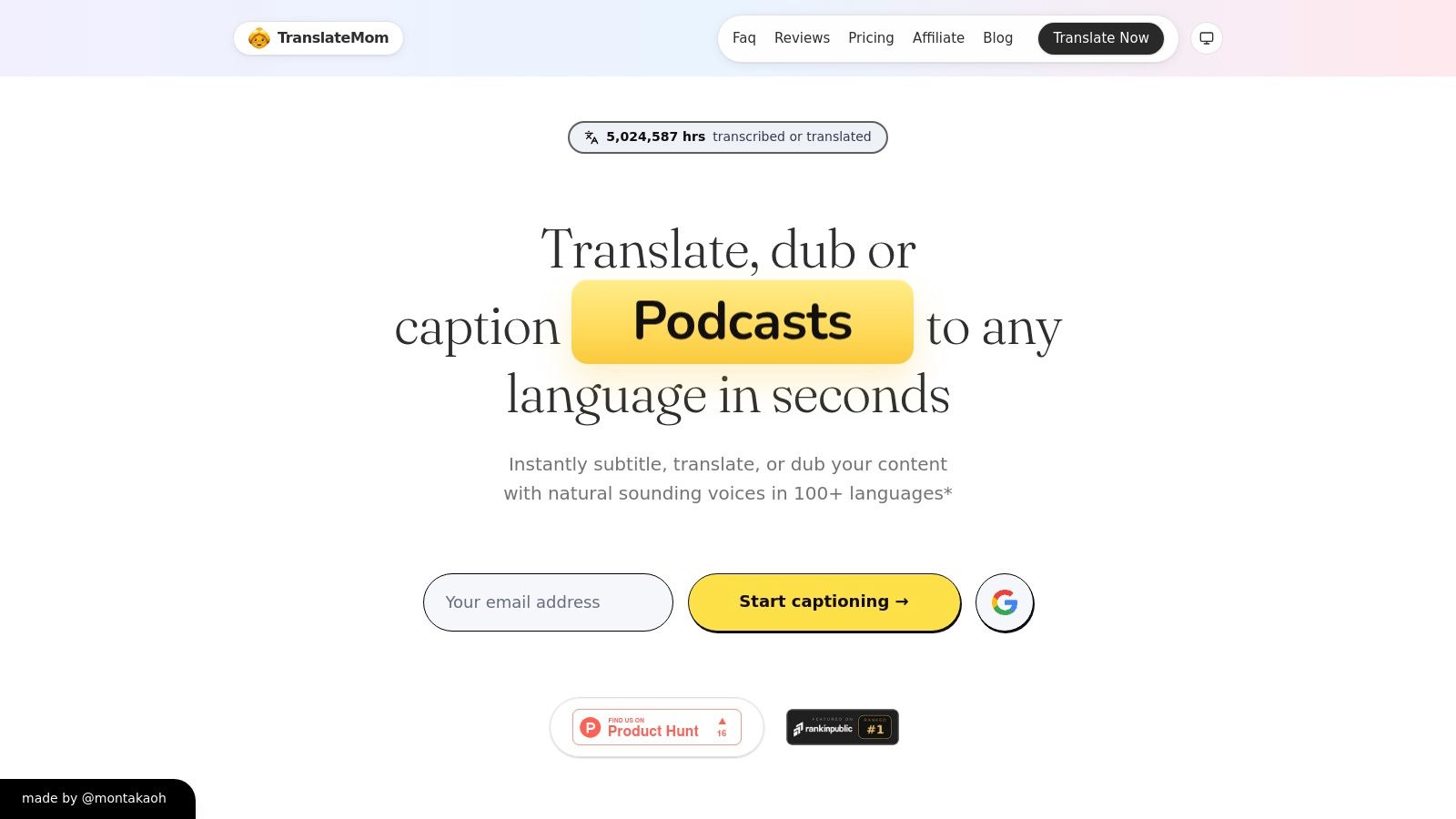
What truly sets TranslateMom apart is its robust "Studio" editor. This isn't a simple text box; it’s an interactive workspace where you can fine-tune every millisecond of your subtitles. The editor features a visual audio waveform, allowing you to drag start/end points to perfectly match speech patterns. You can also apply karaoke-style animations to subtitles—a feature particularly valuable for engaging social media content. For language learning or bilingual content, you can enable a dual-language mode that stacks source and target languages on top of each other in the final video.
The transparent, credit-based pricing model is another significant advantage. Plans range from a simple Starter tier ($9/mo for 200 credits) to a comprehensive Lifetime plan ($299 one-time), ensuring flexibility for different usage levels. Critically, all tiers can export watermark-free SRT, VTT, and TXT files. Access to advanced AI models like GPT-4o and its smart voice-activity detection result in cleaner, more precise transcripts that often require minimal editing. For those just starting, you can learn how to download a YouTube transcript using their system before committing.
Practical Workflow and Use Cases
TranslateMom is designed for an intuitive, step-by-step process. Users start a "New Task" by either uploading a file (up to 5GB) or pasting a link from platforms like YouTube or X (formerly Twitter). After selecting the source language and desired service (transcription, translation, or dubbing), the file is processed and opens in the Studio editor.
Inside the Studio, you can:
- Edit Text & Timing: Click any subtitle line to edit text. Adjust start/end times manually or drag them on the visual audio waveform for perfect sync.
- Style Captions: Use the Style tab to customize font, size, color, and apply karaoke-style animations where words highlight as they are spoken.
- Add Branding: Upload a custom logo or watermark and position it anywhere on the video frame.
- Export: Burn the subtitles directly into the video for a ready-to-publish file, or download standard SRT/VTT files for use in other software.
Pros & Cons
| Pros | Cons |
|---|---|
| Comprehensive Localization: Integrates transcription, translation, and AI dubbing in one place. | Credit-Intensive Dubbing: AI dubbing is powerful but costs 35 credits per minute, making it expensive for long videos. |
| Advanced "Studio" Editor: Features waveform editing, karaoke-style effects, and brand watermarking. | Tier-Gated Features: Cloud storage duration and priority support are limited on lower-tier plans. |
| High Accuracy & Flexibility: Utilizes advanced AI models and supports over 100 subtitle languages. | File Size Limits: AI dubbing tasks are limited to approximately 45 minutes per file. |
| Transparent Pricing: Clear credit-based system with a valuable one-time Lifetime plan option. |
Website: https://www.translate.mom
2. Otter.ai
Otter.ai has firmly established itself as the go-to tool for automated meeting transcription and collaboration. It excels at capturing live conversations from platforms like Zoom, Google Meet, and Microsoft Teams, transforming spoken words into searchable, editable notes in real-time. This focus makes it one of the best transcription tools of 2025 for teams, students, and professionals who need to document meetings without manual note-taking.
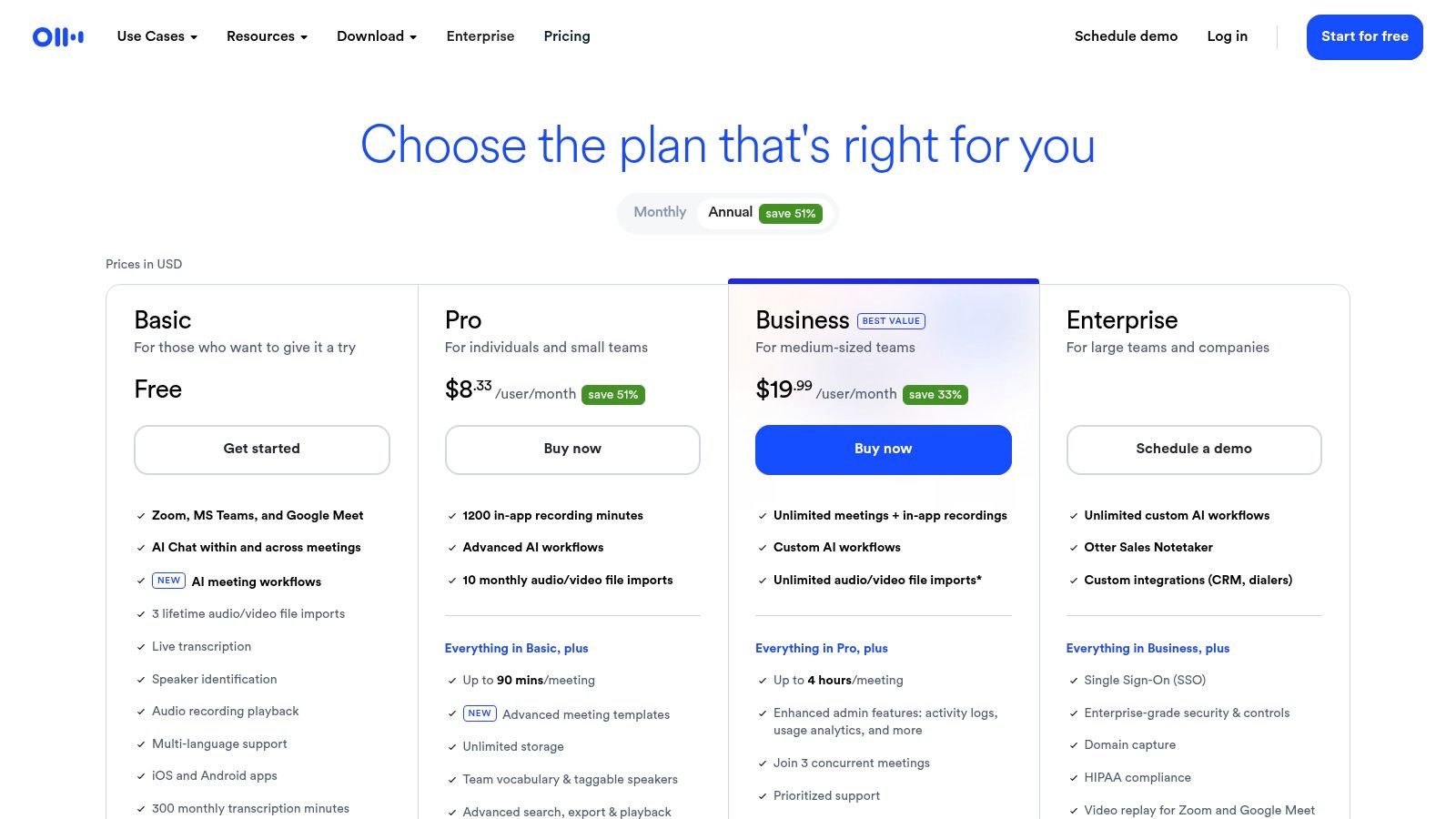
Its standout feature is the OtterPilot AI Meeting Agent, which can automatically join your calendar events, record audio, transcribe conversations, and generate concise summaries with action items. This "set it and forget it" functionality is a massive time-saver for busy teams. The platform’s user experience is polished and intuitive, allowing users to easily highlight key moments, add comments, and share notes within a collaborative workspace. For best results with pre-recorded files, ensure your audio is clean; you can learn more about removing background noise here for higher accuracy.
Key Features and Considerations
- Best Use Case: Individuals and teams requiring automated notes, summaries, and action items from live meetings and lectures.
- Unique Offering: The OtterPilot AI agent provides a hands-off approach to documenting meetings, making it a powerful productivity booster.
- Pricing: Offers a free tier with limited monthly transcription minutes. Paid plans unlock more minutes, advanced features, and team collaboration tools. Note for Canadian users: pricing is in USD and billing is not native to CAD.
- Compliance: Data residency is not Canada-specific, so businesses with strict data sovereignty requirements should review compliance policies.
Website: https://otter.ai/pricing
3. Rev
Rev has long been a dominant force in the transcription industry by successfully bridging the gap between automated and human-powered services. It operates on a hybrid model, offering near-instant AI transcripts for speed and low cost, alongside a professional human transcription service that guarantees 99% accuracy. This dual offering makes it a versatile and one of the best transcription tools of 2025 for users who need both everyday AI notes and flawless transcripts for professional or legal use.
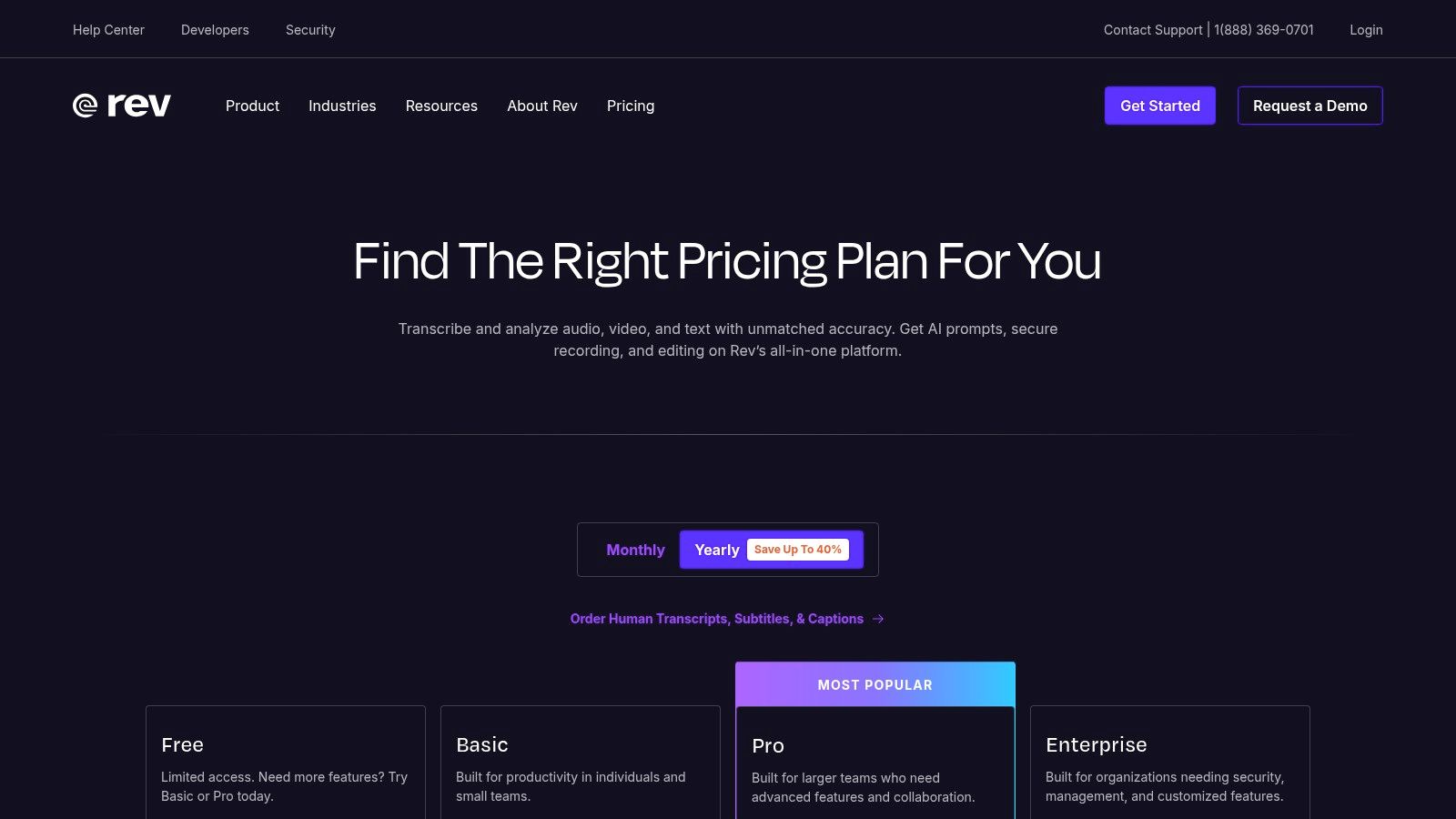
The platform’s strength lies in its unified ecosystem where you can manage both AI and human projects from a single account. Whether you need a quick transcript from its AI Notetaker for Zoom, a mobile recording transcribed, or broadcast-quality captions and global subtitles created by a professional, Rev centralizes the workflow. The interactive editor is clean and functional, allowing easy review and correction of both AI and human-generated transcripts. This flexibility ensures you always have the right tool for the job, from rough drafts to final, polished documents.
Key Features and Considerations
- Best Use Case: Professionals, journalists, and legal teams who require a mix of fast AI transcription and guaranteed 99%-accurate human transcripts.
- Unique Offering: The on-demand access to a network of professional human transcribers for projects where AI accuracy is insufficient.
- Pricing: AI services are available via subscription or pay-as-you-go per minute. Human services are priced per minute in USD, which can become costly for extensive files.
- Compliance: Turnaround times for human-powered transcription can vary depending on audio quality and current demand in the queue.
4. Descript
Descript revolutionizes content creation by merging transcription with a powerful audio and video editor. It operates on a simple yet profound premise: edit your media by editing the text. This approach makes it an indispensable tool for podcasters, marketers, and video creators who need to produce polished content efficiently. By treating your transcript as the timeline, you can cut, copy, paste, and delete spoken words to automatically edit the corresponding media clips.
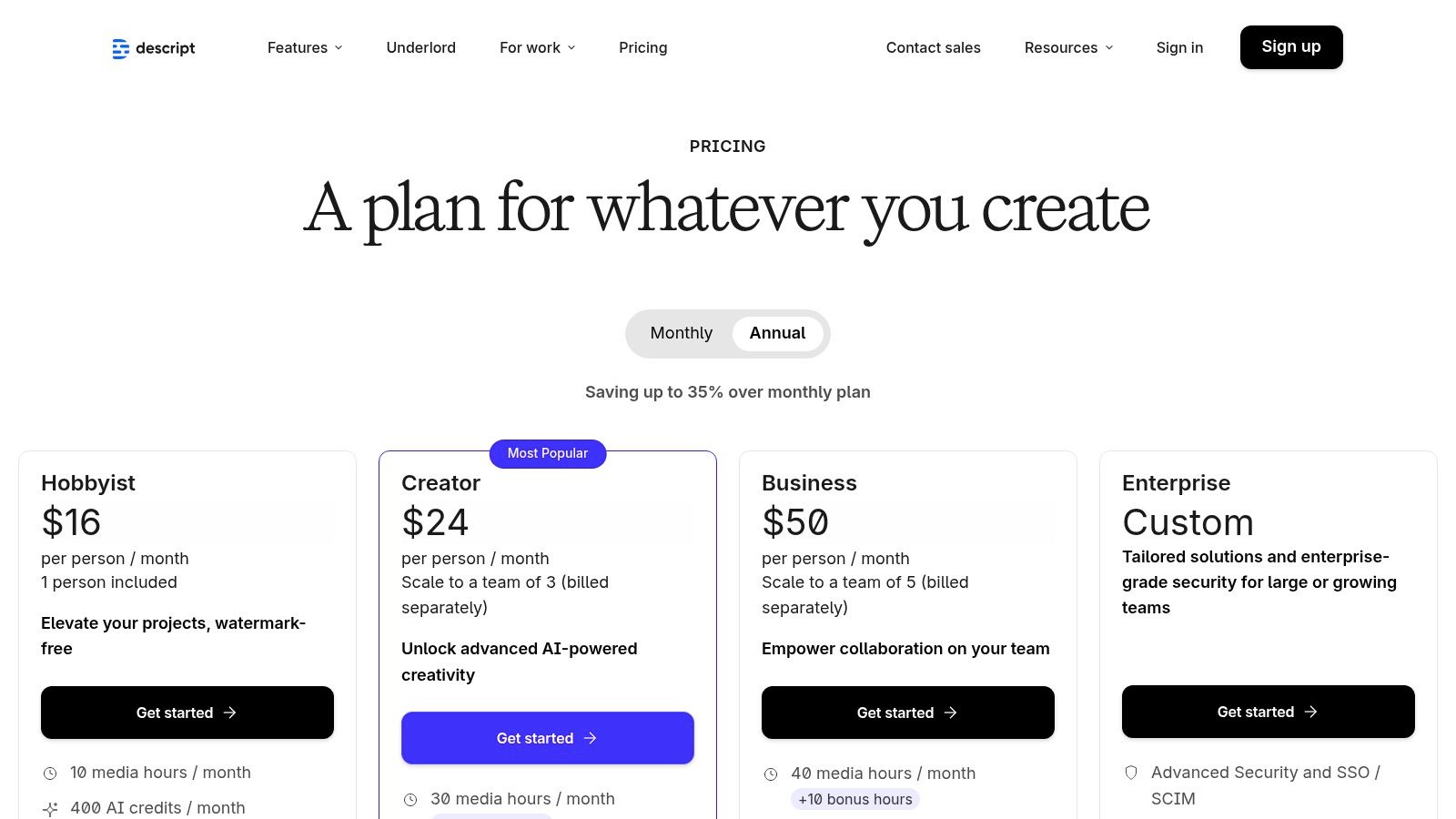
Its standout features are built for production workflows. The "Studio Sound" feature removes background noise and enhances voice quality with a single click, while its AI can automatically detect and remove filler words like "um" and "uh." Descript also includes SquadCast for high-quality remote recording, making it an all-in-one suite for content teams. For creators focused on global reach, Descript's text-based editing simplifies the process of preparing content for translation. You can learn more about subtitling and translation workflows that benefit from this streamlined approach.
Key Features and Considerations
- Best Use Case: Podcasters, video creators, and content teams who need an integrated transcription, editing, and production tool.
- Unique Offering: Text-based audio and video editing, which drastically reduces post-production time by linking the transcript directly to the media timeline.
- Pricing: A free tier is available with limited features. Paid plans are structured around hours of transcription and remote recording, with higher tiers offering advanced AI features and collaboration tools.
- Value Proposition: The platform's value is maximized when using its full suite of editing tools, not just its transcription service. The plan structure can feel complex for users only needing raw text output.
Website: https://www.descript.com/pricing
5. Trint
Trint is engineered for the high-stakes world of journalism and enterprise media, positioning itself as a premium, AI-powered platform where transcription is just the beginning. It combines highly accurate transcription with a collaborative suite of tools designed for editorial and newsroom workflows. This makes it one of the best transcription tools of 2025 for media organizations, research teams, and large enterprises that need to verify, edit, and translate content at scale.
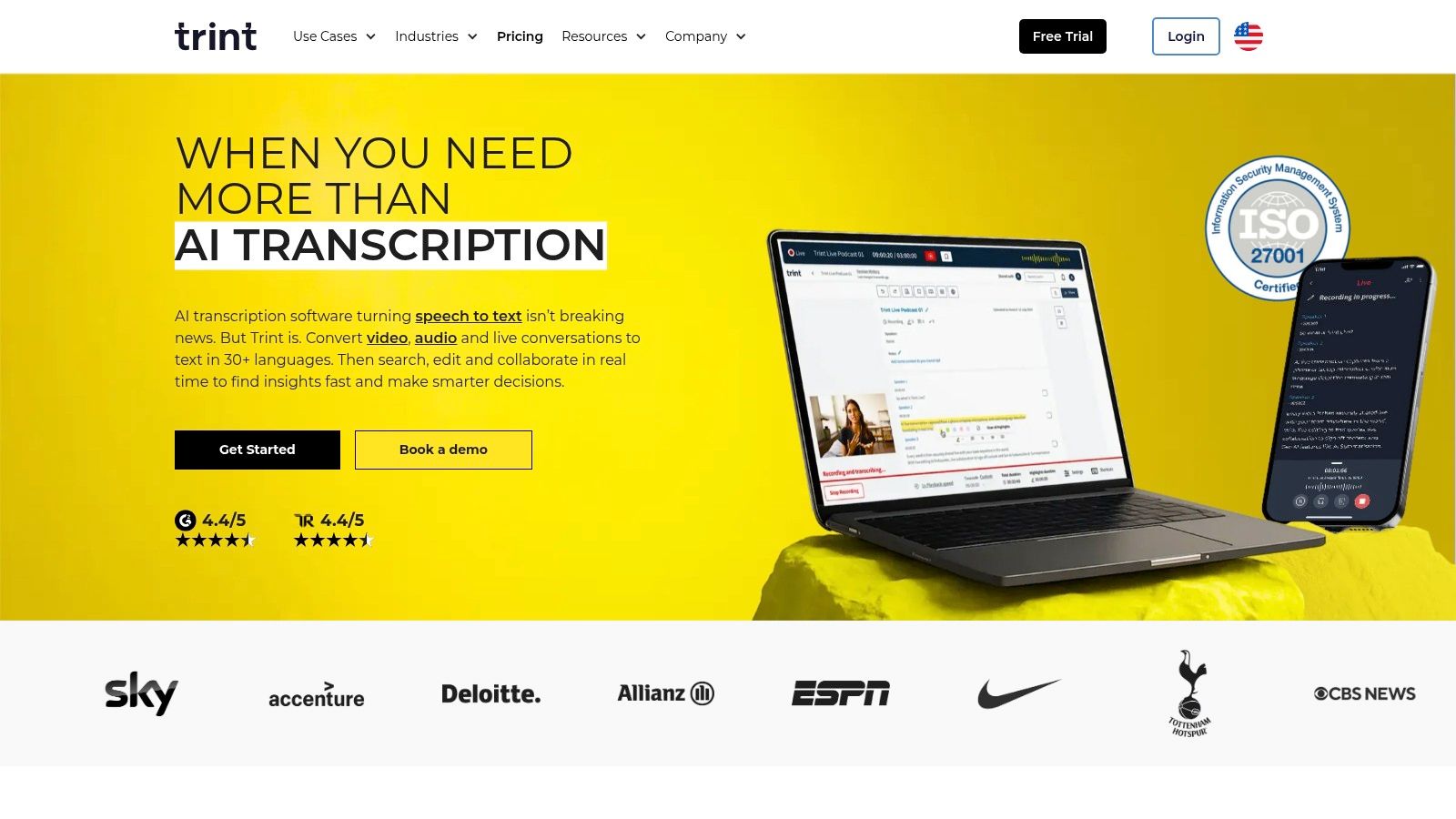
The platform’s core strength lies in its collaborative editor, which allows teams to review, verify, and comment on transcripts in real-time. It supports multi-speaker identification and precise timestamps, which are crucial for quoting sources accurately. Beyond transcription, Trint offers robust translation capabilities in over 50 languages, enabling global content teams to quickly repurpose interviews and reports. This focus on a secure, collaborative, and multilingual workflow justifies its position for professional-grade content creation.
Key Features and Considerations
- Best Use Case: Newsrooms, media production houses, and enterprise content teams requiring secure, collaborative transcription with editorial review workflows.
- Unique Offering: A powerful, journalism-focused collaborative editor that combines transcription, translation, and editing tools in one secure platform.
- Pricing: Premium subscription-based plans, starting with a 7-day trial. The "unlimited" plans may be subject to fair-use policies, and specific pricing can be less transparent upfront in certain regions.
- Compliance: Built with enterprise security in mind, but organizations should verify its data handling policies against their specific compliance needs.
Website: https://trint.com
6. Sonix
Sonix is a powerful automated transcription service designed for speed and global reach. It excels at converting audio and video into accurate text in over 40 languages, making it a top choice for media professionals, researchers, and global teams who need fast turnarounds on multilingual content. The platform's polished in-browser editor is a standout, allowing for easy correction, speaker labelling, and collaborative review.
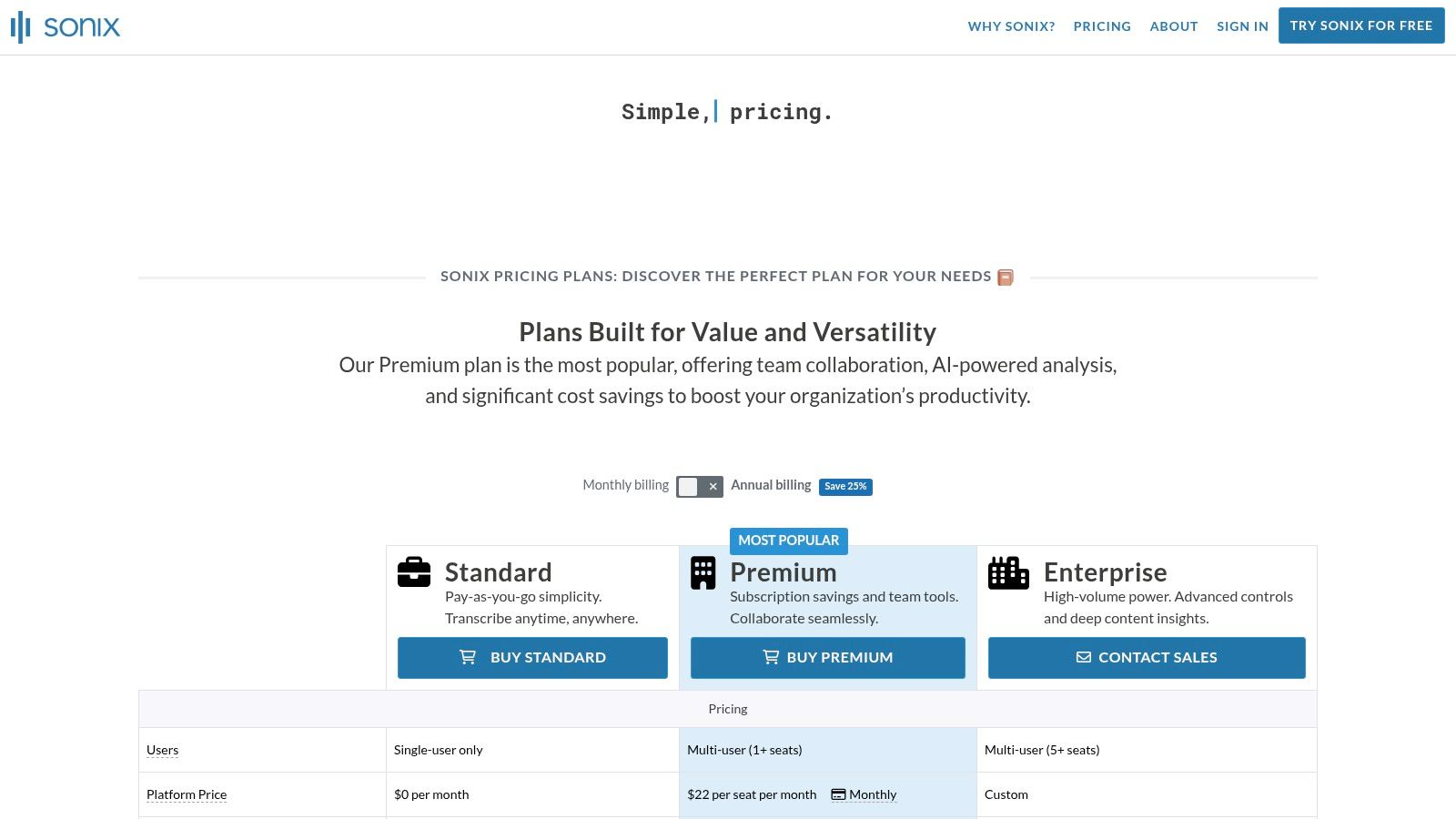
What sets Sonix apart is its integrated translation engine, enabling users to transcribe a file and then translate the text into dozens of other languages within the same workflow. This makes it one of the best transcription tools of 2025 for content localization. The editor provides a side-by-side view for translators to compare the original and translated text, streamlining the quality assurance process. For creators needing to embed subtitles directly, using a dedicated tool like TranslateMom can offer more advanced styling and burn-in options after exporting the SRT file from Sonix.
Key Features and Considerations
- Best Use Case: Journalists, podcasters, and marketing teams requiring fast, accurate transcription and translation for global content distribution.
- Unique Offering: The combination of automated transcription and translation in over 40 languages within a single, collaborative platform.
- Pricing: Offers both a pay-as-you-go option and monthly subscriptions. Note for Canadian users: all pricing is in USD, and costs can increase with additional team seats or overage minutes.
- Compliance: While robust, it does not offer a direct human transcription service for projects requiring certified accuracy. Data residency is not Canada-specific.
Website: https://sonix.ai/pricing
7. Happy Scribe
Happy Scribe carves out a unique space by offering both automated and human-powered transcription and subtitling services on a single platform. This hybrid approach makes it an excellent choice for teams and creators who need the speed of AI for everyday tasks but require the precision of human review for final projects. It supports a vast number of languages and provides robust tools for subtitling, making it a strong contender for the best transcription tool of 2025 for video accessibility and localization workflows.
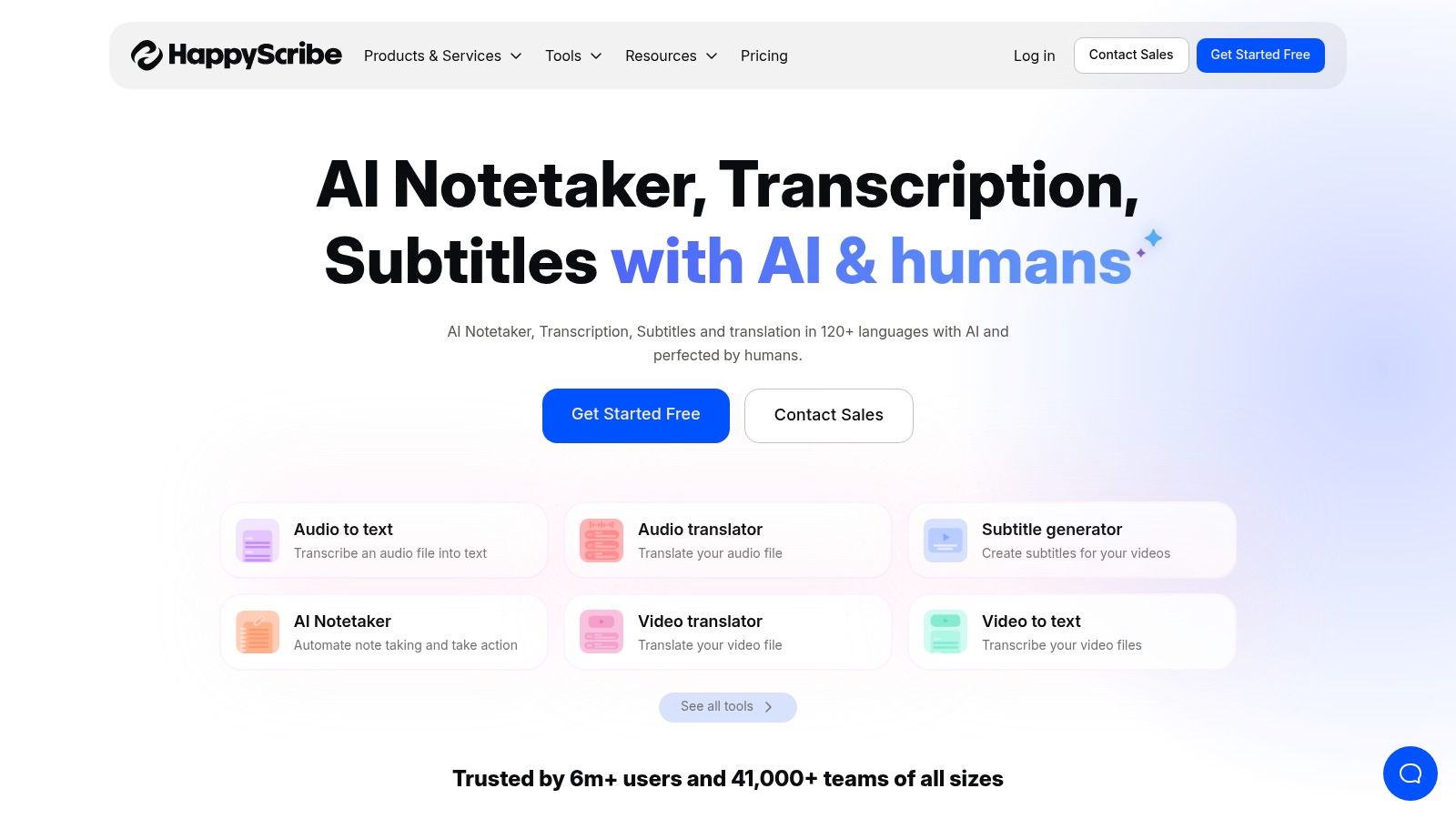
The platform’s strength lies in its flexibility. You can start with a quick, low-cost AI transcription and then, if needed, seamlessly upgrade to a human-perfected version with transparent, per-minute pricing. Happy Scribe also features valuable integrations with platforms like YouTube, Vimeo, and Google Drive, streamlining the process of pulling in media for transcription. For creators focused on accessibility, the platform offers specific export formats and a dedicated subtitle editor to ensure compliance and readability.
Key Features and Considerations
- Best Use Case: Content creators and teams needing both fast AI transcription and high-accuracy, human-verified subtitles or transcripts.
- Unique Offering: The integrated service model allows users to choose between AI and human transcription on a project-by-project basis without switching platforms.
- Pricing: Features a free trial. AI services are subscription-based, while human-made services are priced per minute with clear, upfront costs. The interface can sometimes be confusing when displaying prices across different currencies.
- Compliance: As a European company, Happy Scribe is GDPR-compliant, but businesses with specific data residency needs outside the EU should verify their policies.
Website: https://www.happyscribe.com
8. Temi
For those who need quick, no-frills automated transcripts without a monthly subscription, Temi is a standout choice. Backed by the transcription giant Rev, Temi offers a straightforward, pay-as-you-go service that is perfect for occasional users, students, or creators with clear audio who need a fast turnaround. Its simplicity is its greatest strength; you upload a file, pay per minute, and receive an editable transcript in minutes.
The platform is designed for efficiency and budget-friendliness. While it forgoes the advanced collaborative features and AI meeting assistants found in more complex tools, it excels at its core function. This makes it one of the best transcription tools of 2025 for anyone who wants to avoid recurring fees for one-off projects. The user interface is clean, allowing you to quickly review and make minor corrections before exporting to common formats like DOCX, SRT, or PDF.
Key Features and Considerations
- Best Use Case: Individuals and small businesses needing fast, affordable automated transcripts for clear audio files on an occasional basis.
- Unique Offering: A simple, transparent pay-as-you-go model at just $0.25 per audio minute, with a free trial for your first file (up to 45 minutes).
- Pricing: Purely usage-based with no subscriptions or hidden fees. The price is a flat rate per minute, making it easy to calculate costs upfront.
- Compliance: As a US-based service, Canadian users with specific data residency or privacy requirements under PIPEDA should verify compliance for their use case.
Website: https://www.temi.com
9. Microsoft Teams (Microsoft 365) — Live Transcription
For organizations deeply integrated into the Microsoft 365 ecosystem, the native live transcription feature within Microsoft Teams is a powerful and convenient solution. It eliminates the need for third-party tools by building transcription directly into the meeting experience, offering a seamless way to capture conversations, enhance accessibility with live captions, and create a searchable record of discussions. This makes it one of the best transcription tool 2025 choices for enterprises that prioritize security, compliance, and a unified software environment.
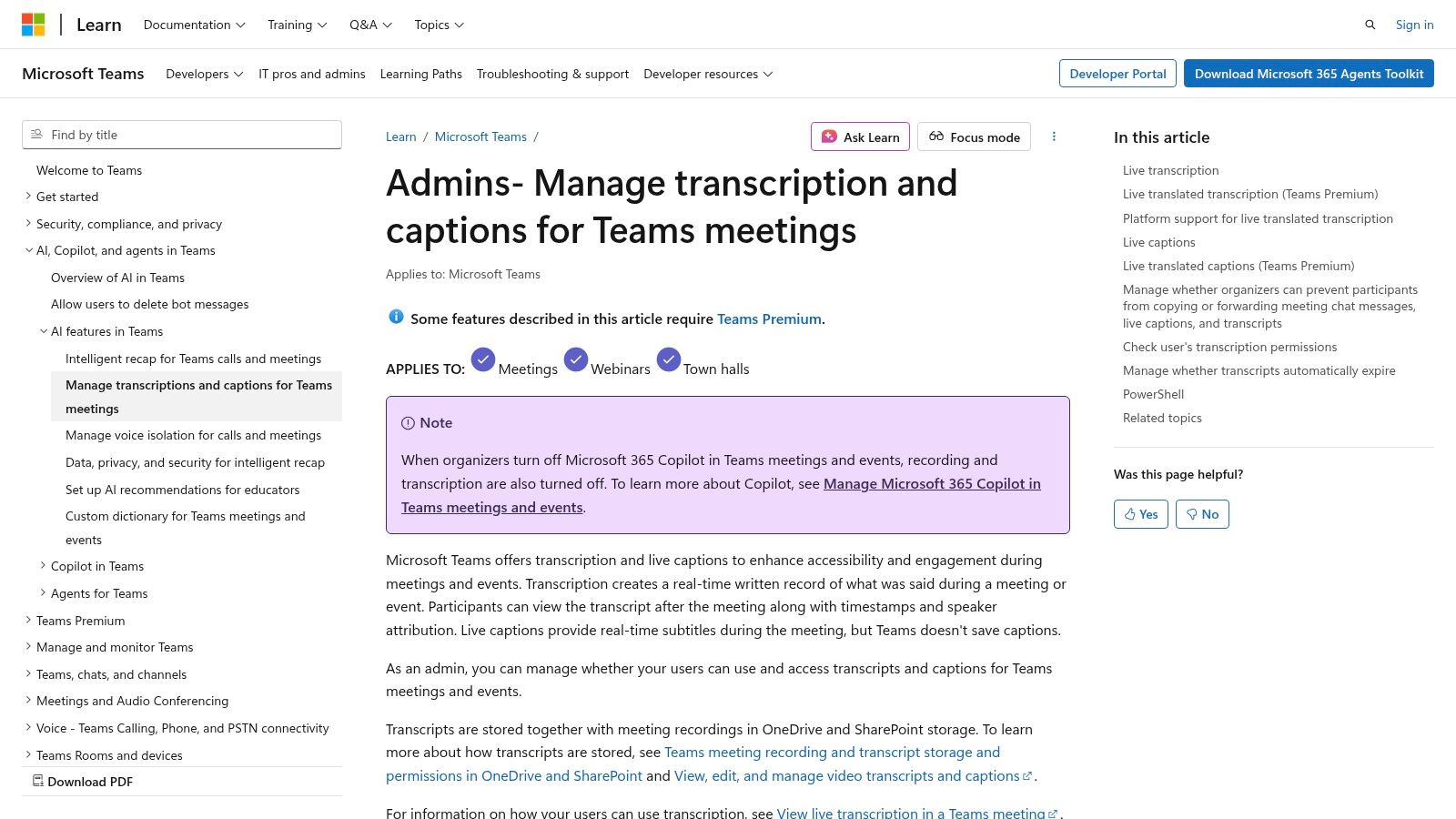
The key advantage is its native integration. Transcripts are automatically saved and linked to the meeting, accessible to participants afterward. For organizations leveraging Copilot, these transcripts become the foundation for AI-powered summaries, action items, and conversational queries. While the base functionality is robust for internal use, those needing professional-grade, multilingual captions for external videos might find dedicated tools more suitable. For instance, you could export a Teams recording and use a tool like TranslateMom to generate highly accurate, burn-in subtitles with karaoke effects for wider distribution on social media.
Key Features and Considerations
- Best Use Case: Businesses standardized on Microsoft 365 requiring integrated, compliant transcription for internal meetings.
- Unique Offering: Enterprise-grade administrative controls over retention, policies, and compliance, all managed within the existing Microsoft 365 admin centre.
- Pricing: Core transcription is included with most Microsoft 365 business plans. Advanced features like live translated captions require a Teams Premium licence, and the licensing matrix can be complex.
- Compliance: Leverages Microsoft's robust security and compliance framework, making it a safe choice for regulated industries.
Website: https://learn.microsoft.com/en-us/microsoftteams/meeting-transcription-captions
10. Zoom AI Companion (Zoom Workplace)
For organizations deeply integrated into the Zoom ecosystem, the Zoom AI Companion has become a powerful and convenient transcription solution. Built directly into the Zoom Workplace, it leverages the platform's native environment to provide real-time transcription, meeting summaries, and action items without needing third-party software. This seamless integration makes it one of the best transcription tools of 2025 for teams who want to enhance productivity within their existing communication workflow.
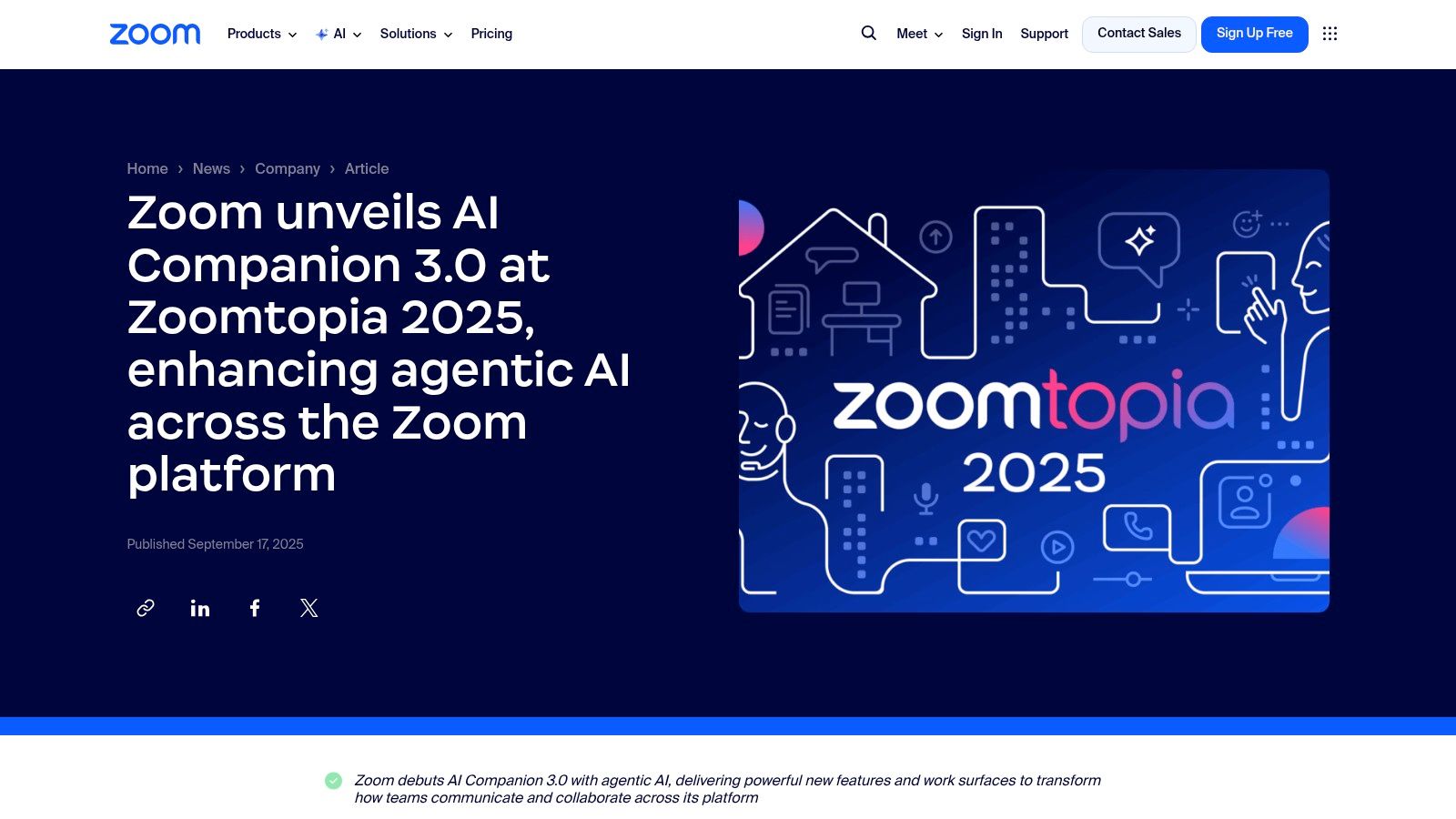
The primary advantage of Zoom AI Companion is its accessibility; key features like transcription and automated summaries are included with paid Zoom Workplace plans at no extra cost. This eliminates the friction of adopting and paying for a separate service. The platform is also expanding its AI roadmap with agentic features designed to automate tasks based on meeting content. While it’s perfect for live Zoom meetings, for pre-recorded video files requiring detailed, burn-in captions for social media, a specialized tool like TranslateMom is better suited for precise subtitle editing and styling.
Key Features and Considerations
- Best Use Case: Teams and businesses that use Zoom for most of their internal and external meetings and need a native, integrated solution for transcription and summaries.
- Unique Offering: Deep, native integration within the Zoom Workplace platform, providing transcription and AI summaries with minimal setup for existing paid users.
- Pricing: Core AI Companion features are included with paid Zoom Workplace accounts. The Custom AI Companion add-on for advanced customization is available for an additional fee.
- Compliance: Feature availability and rollout can vary by account type and geographical region, so administrators should verify what is accessible for their specific plan.
Website: https://news.zoom.com/zoomtopia2025/
11. Google Workspace (Meet) – Built-in Transcription with Gemini AI features
For organisations deeply embedded in the Google ecosystem, Google Workspace offers a compelling, integrated solution for meeting transcription. Rather than being a standalone product, transcription is a feature built directly into Google Meet, leveraging the power of Gemini AI on eligible plans. This native integration makes it one of the best transcription tools of 2025 for teams that want to streamline workflows without adding another third-party application to their stack.
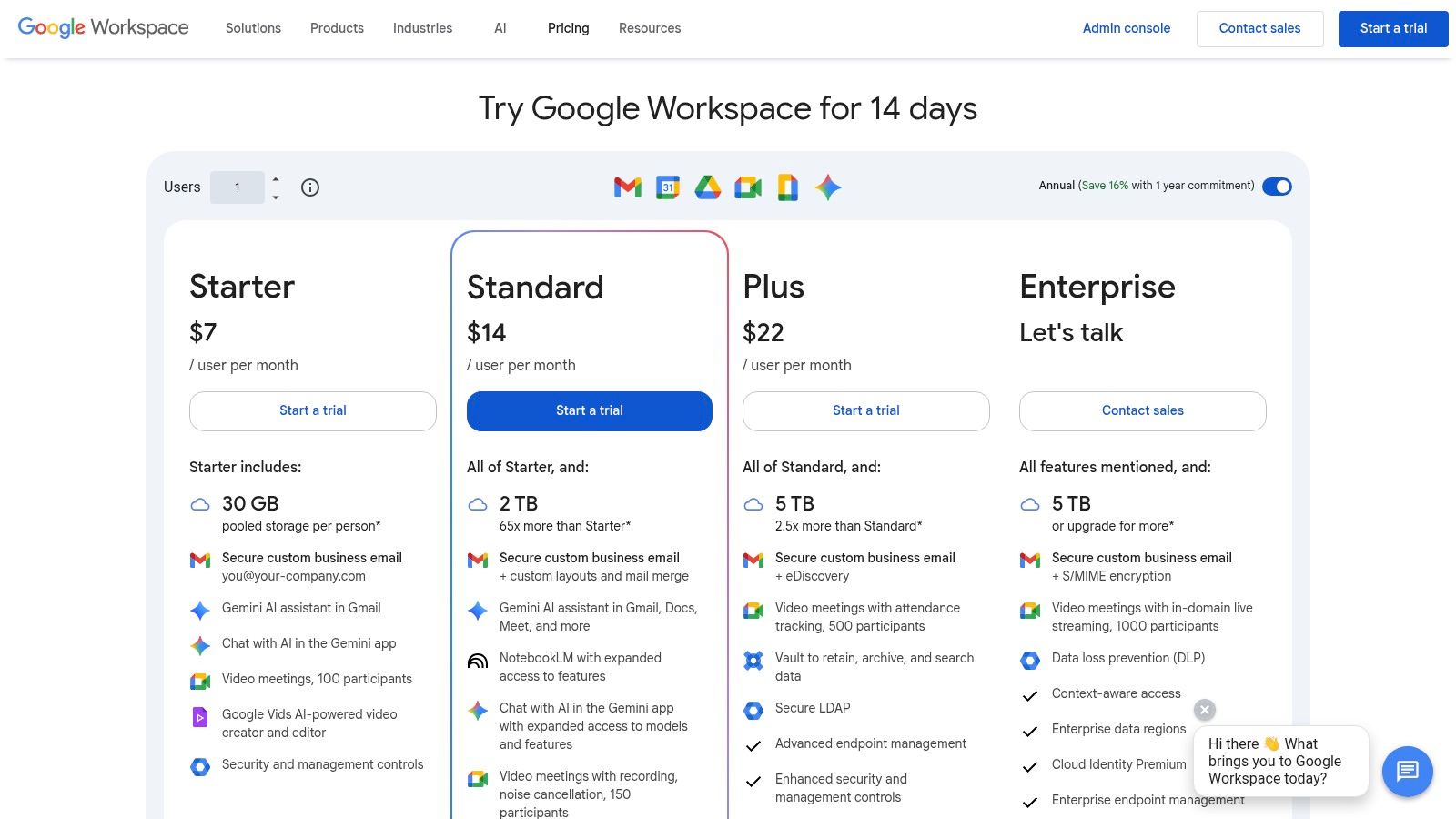
The key advantage is convenience; recorded meetings are automatically transcribed, and the notes are saved directly into Google Docs and stored in Google Drive. This creates a seamless, searchable archive of all meeting discussions. With the addition of Gemini AI, certain plans can generate summaries and action items, putting it in direct competition with dedicated tools. The value proposition is strongest for businesses that already pay for a qualifying Workspace plan, as it consolidates billing and administration.
Key Features and Considerations
- Best Use Case: Businesses and teams already using Google Workspace that need a native, integrated solution for meeting transcription and note-taking.
- Unique Offering: Seamless integration with the Google productivity suite (Docs, Drive, Admin), providing a single, unified environment for collaboration and record-keeping.
- Pricing: Transcription and AI features are bundled into specific Google Workspace editions. Pricing increased in 2025, so confirm your plan includes these capabilities.
- Compliance: Ideal for organisations that have already vetted Google Workspace for their data security and compliance requirements.
Website: https://workspace.google.com/pricing
12. OpenAI API — GPT-4o Transcribe / Whisper
For developers and businesses seeking to build custom transcription solutions, the OpenAI API offers a powerful and flexible foundation. Rather than a standalone application, it provides direct access to cutting-edge models like GPT-4o Transcribe and the cost-effective Whisper. This developer-first approach makes it the best transcription tool of 2025 for integrating high-accuracy, scalable speech-to-text capabilities directly into proprietary software, in-house tools, or large-scale content processing pipelines.
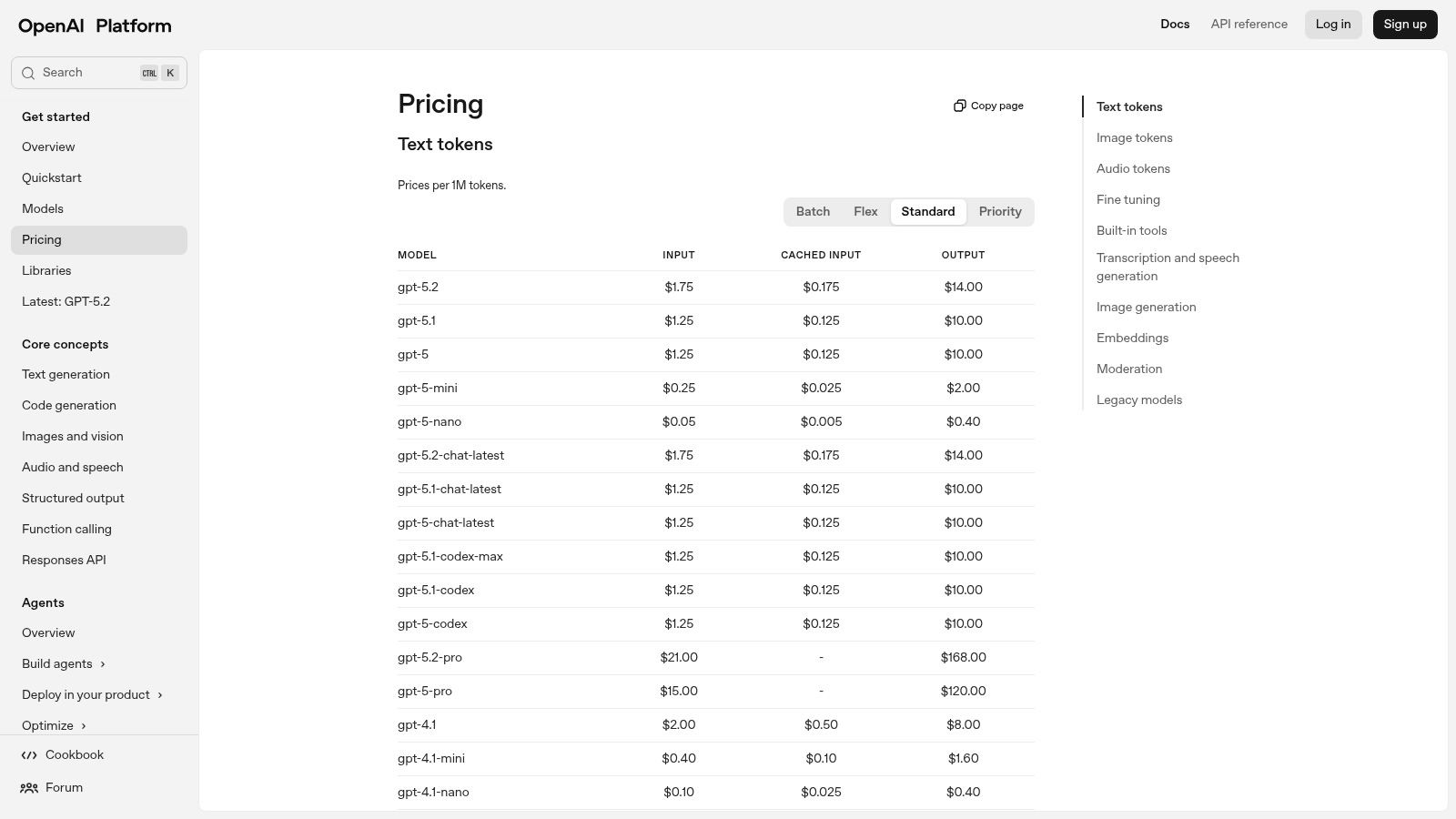
The platform’s standout feature is its model variety. The GPT-4o Transcribe model includes a "diarize" variant for accurate speaker separation, a crucial feature for analysing interviews or multi-participant meetings. Meanwhile, the Whisper model remains an excellent option for high-volume, lower-cost transcription tasks where speaker identification is not required. Implementing this API allows for unparalleled control over the entire workflow, from audio ingestion to transcript formatting and delivery, freeing teams from the constraints of off-the-shelf software.
Key Features and Considerations
- Best Use Case: Developers, startups, and enterprises building custom applications, batch processing systems, or integrating transcription into existing products.
- Unique Offering: Direct API access to multiple state-of-the-art transcription models (GPT-4o and Whisper) with options for advanced features like speaker diarization.
- Pricing: Follows a pay-as-you-go model based on audio minutes or token usage. This requires careful testing to estimate costs but can be highly cost-effective at scale. Note for Canadian users: all billing is processed in USD.
- Compliance: As a global API, data residency is not specific to Canada. Businesses with strict data sovereignty requirements should verify their compliance needs before implementation.
Website: https://platform.openai.com/pricing
Top 12 Transcription Tools 2025 — Quick Comparison
| Product | Core features ✨ | Quality ★ | Value 💰 | Target audience 👥 | USP / Notes 🏆 |
|---|---|---|---|---|---|
| TranslateMom 🏆 | Video Studio, Waveform Editor, Karaoke Captions, 100+ languages, AI Dubbing, GPT-4o | ★★★★★ | 💰 Starter $9/mo → Pro $44/mo; Lifetime $299; credit-based | 👥 Creators, educators, localization teams | ✨ All-in-one video localization studio with advanced subtitle styling. |
| Otter.ai | Live transcription, AI Meeting Agent, Zoom/Meet/Teams integrations, searchable notes | ★★★★☆ | 💰 Freemium → Team plans | 👥 Meeting-heavy teams, educators | ✨ Meeting agent + live searchable notes |
| Rev | AI + on‑demand human transcripts, captions/subtitles, per‑minute pricing | ★★★★★ (human) / ★★★★☆ (AI) | 💰 Pay‑as‑you‑go; human rates higher | 👥 Producers needing human accuracy | ✨ Human-grade transcription on demand |
| Descript | Text-based audio/video editing, Studio Sound, filler removal, collaboration tools | ★★★★☆ | 💰 Subscription with media minutes | 👥 Podcasters, editors, content teams | ✨ Transcript-driven editing saves post‑prod time |
| Trint | Multilingual AI transcription, multi‑speaker timestamps, newsroom review workflows | ★★★★☆ | 💰 Premium / enterprise tiers | 👥 Newsrooms, media & enterprise teams | ✨ Editorial review & newsroom features |
| Sonix | 40+ languages, in‑browser editor, many export formats, collaboration | ★★★★☆ | 💰 Pay‑as‑you‑go or subscription | 👥 Global teams, media pros | ✨ Fast multi‑language transcripts + polished editor |
| Happy Scribe | AI + human subtitling/transcription, integrations (YouTube/Vimeo/Drive), per‑min human rates | ★★★★☆ | 💰 Transparent per‑min human pricing | 👥 Teams needing subtitles & human option | ✨ AI+human combo with subtitle focus |
| Temi | Simple automated transcription, web/iOS editor, API, first file free | ★★★☆☆ | 💰 $0.25/min pay‑as‑you‑go | 👥 Occasional users on a budget | ✨ Lowest‑cost, fast automated transcripts |
| Microsoft Teams (M365) | Built‑in live transcription & captions, admin/compliance controls, Teams Premium features | ★★★★☆ | 💰 Included in M365; Premium for advanced | 👥 Microsoft 365 organizations | ✨ Enterprise admin & retention controls |
| Zoom AI Companion | Native transcription, summaries, agentic automations, Mobile recorder | ★★★★☆ | 💰 Included in Workplace; Custom AI add‑on $12/user/mo | 👥 Zoom‑centric organizations | ✨ Agentic features for meeting automation |
| Google Workspace (Meet) | Recording, noise cancellation, transcription/AI notes with Gemini, Docs/Drive integration | ★★★★☆ | 💰 Included in Workspace plans (varies by tier) | 👥 Google Workspace organizations | ✨ Seamless Docs/Drive integration for notes |
| OpenAI API (GPT‑4o/Whisper) | GPT‑4o Transcribe + Diarize, Whisper, realtime & batch APIs, speaker separation | ★★★★☆ | 💰 Usage‑based developer pricing | 👥 Developers, enterprises building custom pipelines | ✨ High‑accuracy models & full customization |
Choosing the Right Tool for Your Transcription Needs
The landscape of transcription services has evolved dramatically, moving far beyond simple text outputs. As we've explored, the modern toolkit is an integrated, AI-powered ecosystem that fundamentally enhances both productivity and creativity. The quest for the single "best transcription tool 2025" reveals a clear truth: the ideal choice is intrinsically linked to your specific, day-to-day workflow. The right platform for a corporate meeting is vastly different from the one a filmmaker needs to localize their content for a global audience.
This review has navigated through a dozen of the top contenders, from enterprise-level solutions to specialized creative suites. We've seen how established players like Rev continue to provide a critical human touch for projects where absolute accuracy is non-negotiable. We've also examined how integrated platforms like Microsoft Teams, Zoom AI Companion, and Google Workspace are making transcription a seamless, invisible part of corporate life, capturing meeting notes and action items automatically. This shift makes transcription less of a task and more of a built-in productivity feature.
For creators, podcasters, and editors, the decision-making process becomes more nuanced, focusing on features that streamline creative workflows. Tools like Descript have revolutionised audio and video editing by treating media as a text document, while services like Otter.ai excel at organizing and making sense of vast archives of spoken content.
Your Final Checklist for Selecting a Tool
Before you commit to a subscription, it’s crucial to match a platform’s strengths to your primary needs. Your final decision should hinge on a few key factors that we have highlighted throughout this guide.
- Primary Use Case: Are you transcribing internal meetings, creating social media clips, or producing professional subtitles for a feature film? A tool optimised for one of these tasks may be inefficient for another. For instance, if podcast transcription is your primary focus, exploring hyper-specialised tools like Klap.app's Podcast Transcription tool can provide a workflow tailored specifically for audio-first content.
- Accuracy vs. Control: Do you need a "good enough" AI-generated transcript quickly, or do you require a frame-accurate, perfectly stylised caption editor? This is the core difference between a tool like Temi and a full-fledged studio environment like TranslateMom's, which lets you adjust timing on a visual waveform.
- Workflow Integration: Does the tool need to connect with your video editor (like Premiere Pro), your cloud storage, or your team's collaboration platform? Consider the entire lifecycle of your content, from creation to distribution.
- Budget and Scalability: Evaluate the pricing models carefully. Is a pay-as-you-go plan more cost-effective for occasional projects, or does a monthly subscription with a high volume of transcription minutes make more sense for your output?
The Clear Standout for Content Creators
After extensive analysis, it's clear that for content creators, localization agencies, and anyone working directly with video, TranslateMom emerges as the definitive choice for 2025. It uniquely combines high-accuracy AI transcription and translation with a professional-grade, browser-based studio. This isn't just about getting words on a page; it's about controlling the entire visual and linguistic presentation of your video content.
The ability to fine-tune timings on a visual waveform, apply dynamic karaoke-style effects, manage bilingual subtitles, and burn in custom branding directly from the cloud places it in a category of its own. It addresses the complete video localization workflow, from initial transcription to final export, making it the most powerful and versatile video-first tool on the market. While other tools do parts of the job well, TranslateMom is the one that understands the creator’s end-to-end journey.
Ultimately, the best transcription tool for 2025 is the one that disappears into your workflow, saving you time and empowering you to share your message with a wider audience. By carefully considering your specific goals and the unique strengths of each platform, you can confidently choose the partner that will help you achieve them.
Ready to experience the future of video transcription and localization? TranslateMom provides a comprehensive studio environment designed to elevate your content for a global audience. Stop juggling multiple tools and start creating professional, accessible videos today.
Explore the TranslateMom Studio and start your first project for free.