So, what’s the deal with Instagram Story video length these days?
The official maximum for a single, uninterrupted video Story is now 60 seconds. This is a huge leap from the old way of doing things, where Instagram would automatically slice and dice anything longer into choppy 15-second pieces.
The Big Shift: From Sliced Segments to Seamless Stories

This move to a 60-second format is a genuine game-changer for creators. Before this update, telling a longer story meant uploading a series of short clips. The result? Awkward cuts and a clunky viewing experience that often made followers tap away out of sheer frustration.
Now, you can share a seamless, one-minute video. This makes it so much easier to post in-depth tutorials, give a proper behind-the-scenes tour, or make a detailed announcement without your flow getting cut off.
This update has completely changed how creators and marketers here in Canada plan their content. We all got used to editing for quick, jumpy segments because that's what the platform forced on us. With the freedom to post a cohesive 45- or 60-second Story, you can now produce longer product demos or mini-interviews without worrying about those jarring transitions.
How Instagram Story Video Length Has Evolved
To really appreciate the 60-second limit, it helps to see where we've come from. The change wasn’t just a number—it was a fundamental shift in how we tell stories on the platform.
| Time Period | Maximum Length Per Segment | Creator Experience |
|---|---|---|
| Before 2022 | 15 Seconds | Videos longer than 15 seconds were automatically chopped into multiple segments, creating awkward breaks and often leading to viewer drop-off. |
| 2022 Onwards | 60 Seconds | Creators can now upload a single, continuous video clip up to one minute long. This allows for smoother, more engaging storytelling without interruptions. |
This evolution from a "comic book panel" style to a "short film" approach means a much better experience for your audience. The biggest win is keeping people watching, since there are no more awkward loading pauses between clips.
Of course, even with this updated limit, it’s worth remembering that Stories still vanish after 24 hours unless you save them to your Highlights.
While the 60-second capability is a massive improvement, getting a handle on the different video length rules across the entire platform is crucial. For a complete picture, check out our guide on the maximum length for different Instagram video formats. Mastering these simple rules is the first step toward building a more effective and engaging content strategy.
Why Shorter Is Almost Always Sweeter
Just because Instagram gives you a full 60 seconds for a Story doesn't mean you should take it. Think of it this way: having a whole pantry full of ingredients doesn't mean you should throw them all into one dish. The best creators know that viewer attention is the most precious resource of all.
The goal isn't to fill time; it's to deliver value. Successful Stories respect their audience's time by getting straight to the point. You want to keep people tapping forward to see what's next, not swiping away to someone else's content.
The Psychology of the Swipe
People move through Stories at lightning speed. It's a real blink-and-you'll-miss-it environment. Data consistently shows that engagement is highest in the first few seconds, and then it drops off a cliff.
A strong hook in the first three seconds isn't just a "best practice" anymore—it's a survival tactic. If you don't grab their attention immediately, you've already lost them.
This isn't your audience being rude; it's just how we're all wired now. With an endless firehose of content, we’ve become expert skimmers. A slow start or a rambling intro is the universal signal to move on.
Finding Your Optimal Story Length
So, what's the magic number? While you can post a 60-second video, most seasoned Canadian social media strategists will tell you to aim for something much shorter.
The real sweet spot for a single Story slide is between 5 and 15 seconds. This range consistently sees higher completion rates. If you're weaving a longer narrative across multiple slides, try to keep the whole sequence under 30 seconds to keep things punchy and compelling.
This "less is more" philosophy isn't just for Stories. You'll see a similar pattern across other formats. For example, understanding the ideal Instagram Reel length for viral content shows that short, high-impact videos tend to perform better there, too. By mastering concise storytelling, you give your message the best possible chance of being seen all the way to the end.
Crafting Your Story Video Before You Upload
The best Instagram Stories aren't just spontaneous clips; they're polished and planned before you even think about hitting that upload button. This is your pre-production phase, where a simple video becomes a piece of content that grabs attention and respects your audience's time.
Your main job here is to trim the fat. Cut your video down to its most powerful core. Even though Instagram gives you a full 60 seconds, the real magic happens in that 5 to 15-second sweet spot where viewer engagement is highest. And remember, those first three seconds are everything—they're your one shot to hook someone before they swipe on by.
Prepping Your Video for Maximum Impact
Think about how many people watch Stories on silent. A lot. That makes clear, readable subtitles a total non-negotiable. It’s a simple step that guarantees your message lands, whether your viewer is on a noisy train or in a quiet office.
This little diagram breaks down the key time markers you should have in your head while editing.

It really shows the journey from what's technically possible (60 seconds) to what's actually effective (that 15-second sweet spot). It’s all about capturing attention right away. If you're looking to make this whole process even faster, some of the best AI video creation tools can be a huge help in creating great content without a ton of effort.
To make sure nothing slips through the cracks, running through a quick checklist before you post can be a lifesaver.
Your Pre-Upload Checklist for Perfect Instagram Stories
Follow these key steps before you upload to ensure your video is perfectly optimized for the Story format.
| Checklist Item | Why It Is Important | Recommended Tool Or Method |
|---|---|---|
| Trim to the Core | Keeps viewer attention and focuses on the most impactful message. | Your phone's native editor or a simple video editing app. |
| Add Clear Subtitles | Ensures your message is understood, even with the sound off. | Use a dedicated tool like TranslateMom for speed and quality. |
| Check File Size | Large files can fail to upload or take forever. | Compress your video if it's too large. |
| Review the First 3s | This is your "hook" to stop viewers from swiping away. | Watch it on a loop and ask yourself: does it grab me? |
By running through these four simple checks, you'll avoid common pitfalls and make sure every Story you post is set up for success.
Using TranslateMom to Add Subtitles
A tool like TranslateMom fits perfectly into this pre-upload routine, making the subtitling part quick and painless. The process is designed to be super straightforward.
- Step 1: Upload Your Video. Drag your final clip into the New Task screen or paste a link from Instagram.
- Step 2: Choose Transcription. Select the Transcription service to get captions in your video’s original language.
- Step 3: Style in the Studio. In the Studio editor, use the Style tab to customize your captions. You can change the font, size, color, and even add a karaoke-style animation to make them stand out on a vertical screen.
Once you’re happy with how it looks, export the video. Your new subtitles will be burned right in, making it ready for a perfect upload to Instagram. If you find your file is a bit too chunky, which can sometimes cause upload errors, you can learn all about how to reduce MP4 file sizes to keep things running smoothly.
Making Your Stories Accessible with Subtitles
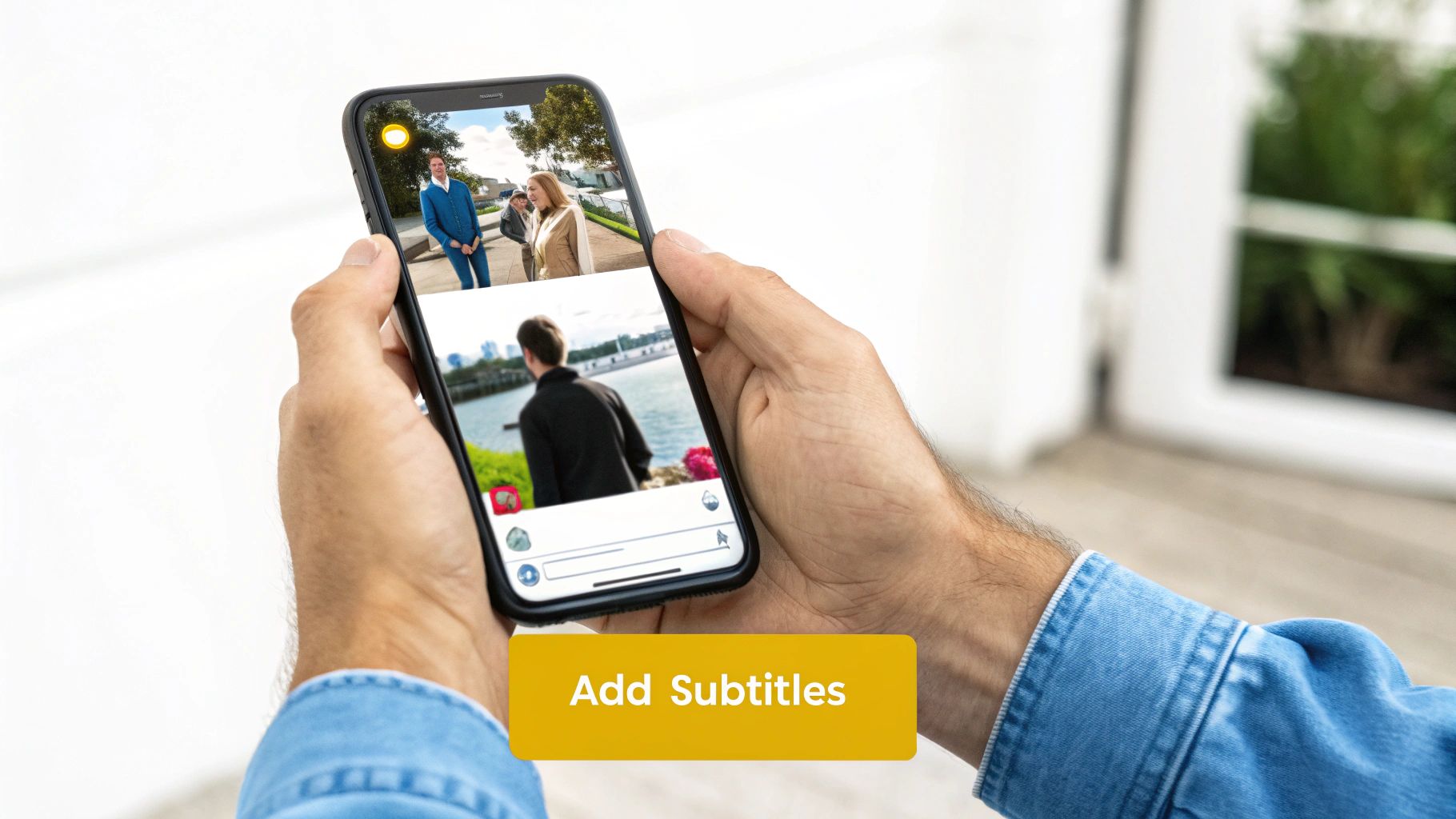
Ever wonder if your Instagram Stories are actually landing with your audience? Here’s a hard truth: if they don’t have subtitles, a huge chunk of your viewers are missing the point entirely. Think about it—most people scroll through Stories with the sound off. That makes on-screen text less of an accessibility bonus and more of an absolute necessity.
Without subtitles, your carefully crafted video is just moving pictures without context. Adding them transforms a passive scroll-by into an active, engaging experience, ensuring your message hits home, regardless of the instagram story length.
A Practical Workflow for Adding Captions
Getting professional-looking subtitles doesn't need to be a major headache. A tool like TranslateMom turns what used to be a tedious task into just a few simple clicks. This is my go-to workflow for taking a raw video clip and turning it into a perfectly captioned Story, ready to upload.
- Import Your Video: Kick things off by either uploading your video file or just pasting a link from platforms like Instagram into the New Task screen.
- Choose Your Service: Next, you'll want to select the Transcription service. This will automatically generate accurate captions in the video's original language.
- Refine in the Studio Editor: This is where the magic happens. You can use the visual audio waveform to drag the start and end points of each caption, timing them perfectly to the audio. No more awkward, out-of-sync text.
- Style for Impact: Finally, jump over to the Style tab to make your captions pop. You can tweak the font, play with colours, and even add slick karaoke-style animations that highlight words as they’re spoken.
This isn't just about slapping text on a video. It's about designing a more inclusive and captivating experience that grabs—and holds—your viewer's attention.
Once you’ve got everything looking sharp, just export the final video with the subtitles burned right in. If you want a more detailed walkthrough, we've got a full guide on how to add subtitles to any video that breaks down every single step. This way, you can be sure every Story you post is ready to connect with as many people as possible.
Telling a Bigger Story Within the Time Limit
The real magic of Instagram Stories isn't trying to cram everything into a single 60-second video. It’s about learning to think like a storyteller, weaving a bigger narrative across several shorter, punchier clips.
Instead of one long monologue, picture your Story as a series of connected, bite-sized moments. This approach keeps your audience hooked and tapping forward to see what happens next. Each clip becomes a mini-chapter, building on the one before it. You’ll find this dramatically boosts your completion rate—people are just far more likely to watch five 10-second clips than to stick around for one 50-second video.
Building Your Narrative Arc
When you sequence your Stories, you're not just posting content; you're creating an experience that holds attention. A simple and incredibly effective way to do this is to follow a classic three-act structure, just sped up for social media.
- The Hook (First 1-2 Clips): Your first job is to stop the scroll. Grab their attention immediately with a bold question, a surprising visual, or a problem they can relate to. This is your make-or-break moment.
- The Buildup (Middle Clips): Now that you have their attention, use the next few segments to deliver the goods. This is where you can share tips, build suspense, or show a behind-the-scenes process. Give them a reason to keep tapping.
- The Payoff (Final Clip): Stick the landing with a clear call-to-action or a satisfying conclusion. This is the perfect place to use Instagram's interactive stickers—like polls, quizzes, or the link sticker—to get your audience to take that next step.
This is a go-to strategy for Canadian brands, who often tell a story across several clips to maximize both their reach and how many people watch all the way through. By posting multiple times a day, you stay top-of-mind in your followers’ Story tray. You can learn more about how Stories drive engagement on amraandelma.com.
Quick Answers to Common Instagram Story Questions
Let's tackle some of the most common questions that pop up about Instagram Story length. I see these all the time, so here are the quick and dirty answers you need to know.
How Long Does a Photo Stay on an Instagram Story?
While we talk a lot about video, let's not forget about static images! A single photo you post to your Story will stay on screen for five seconds. After that, Instagram automatically flicks to the next slide.
What's the Longest Video I Can Post?
This is where it gets a little tricky. If you're posting a regular video to your main feed, you can go up to 60 minutes. But for Stories, the longest single video clip you can upload is just 60 seconds.
If you need to go longer, your best bet is Instagram Live, which can run for a whopping four hours.
Why Does My Story Video Get Cut Short?
This is a classic. If you find your video getting trimmed down, it's almost always because you've gone over that 60-second limit for a single Story.
Before you upload, double-check that your clip is one minute or less. If you have a longer piece of content, you'll need to slice it up into 60-second (or shorter) chunks and post them one after another to create a sequence.
Can I Make My Stories Accessible to a Global Audience?
You absolutely can, and it's way easier than it sounds. The key is adding multilingual subtitles, which opens up your content to viewers who speak different languages. A tool like TranslateMom is perfect for this.
Here’s how you can do it in a few simple steps:
- Import Your Video: Start a New Task by uploading your video file or pasting a link.
- Select Translation: Tell the tool your video's Source Language and the Target Language you need. Make sure you select the Translation service.
- Review and Style: Once the translation is ready, use the Split View in the Studio to compare the original text with the new translation side-by-side. You can tweak the timing using the audio waveform and customize how the subtitles look in the Style tab.
- Export: Finally, choose to Burn-in the translated subtitles directly into your video file. This makes uploading to Instagram a breeze.
Following a simple process like this means your message can connect with a much bigger audience, no matter what language they speak.
Ready to create perfectly subtitled and translated Stories that captivate your audience? TranslateMom makes it simple to add professional-grade captions, style them for impact, and even dub your videos for a global audience. Start for free and break language barriers in seconds.