Unsplash revolutionised access to high-quality photos, but what about motion? Finding the perfect 'Unsplash for video' - a reliable source of stunning, rights-cleared stock footage - is a game-changer for content creators. High-quality B-roll elevates production value, explains complex topics, and keeps viewers engaged on platforms like YouTube, TikTok, and Instagram.
However, navigating the world of video licensing can be complex, with rules around attribution, commercial use, and model releases. This guide cuts through the noise. We'll explore the 12 best free and freemium alternatives to an 'Unsplash for video,' breaking down their libraries, licensing terms, and ideal use cases. Each option includes screenshots and direct links to help you find the best platform for your specific needs quickly.
More importantly, we'll show you how to integrate this footage into a professional workflow. Using tools like TranslateMom, you can import these clips directly via link or file upload, then add compelling, accessible captions and dubbing. This process turns silent B-roll into globally resonant stories, ready for any audience. While stock footage is crucial, the definition of a 'go-to' source is expanding to include powerful new technologies, such as the best AI video generators of 2026, which offer groundbreaking ways to produce custom video content from text prompts. This comprehensive list provides the foundation you need to make your video projects more dynamic and professional, no matter your budget.
1. Pexels Videos
Pexels Videos is a massive, community-driven library that often feels like the direct answer to the question, "what is the Unsplash for video?" It offers a vast collection of high-quality HD and 4K stock footage completely free for both personal and commercial use. The platform is incredibly straightforward, allowing you to search, preview, and download clips without even needing an account. This makes it an ideal resource for creators needing B-roll on a tight deadline.
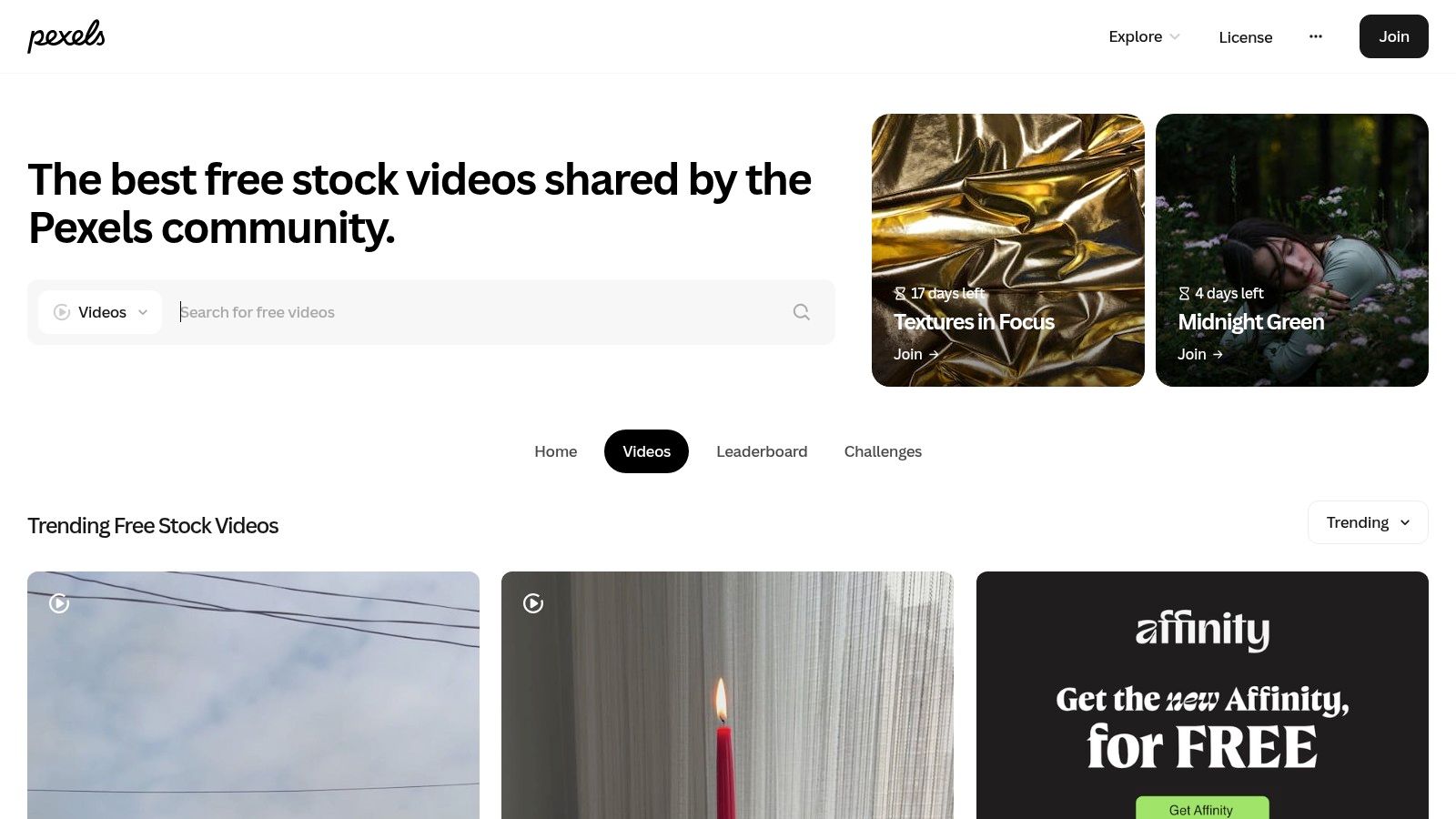
The content is governed by the simple and permissive Pexels License, which does not require attribution. This is a significant advantage for creators making social media ads, YouTube explainers, or educational content where on-screen credits can be distracting. However, a key limitation is that Pexels does not provide model or property releases, so you must use your judgment when using clips featuring identifiable people or private property in commercial projects.
Using Pexels Clips with TranslateMom
Sourcing B-roll from Pexels and combining it with your primary footage is a common workflow. After editing your video, you can import the final file into TranslateMom to add subtitles or dubbing. Simply drag your completed video file into the New Task screen to start the process. This is particularly effective when you use Pexels clips as visual aids for a narrated script that requires precise multilingual captions. For a complete guide on this, you can explore the workflow of an AI video translator.
| Feature | Details |
|---|---|
| Licensing | Pexels License (Free for commercial use, no attribution needed) |
| Quality | HD and 4K |
| Account Required? | No, for downloading |
| Best For | Social media content, YouTube B-roll, quick project turnarounds |
| Website | https://www.pexels.com/videos/ |
2. Pixabay Videos
Pixabay Videos has long been a pillar in the creative commons space, making it another top contender for the title of "Unsplash for video." It offers a massive, well-established library of free HD and 4K stock videos, alongside images and music. The platform is known for its straightforward and generous license, which permits commercial use without requiring attribution, although a credit is always appreciated by the creators. This makes it a reliable resource for projects where you need a variety of media types from a single, easy-to-search source.
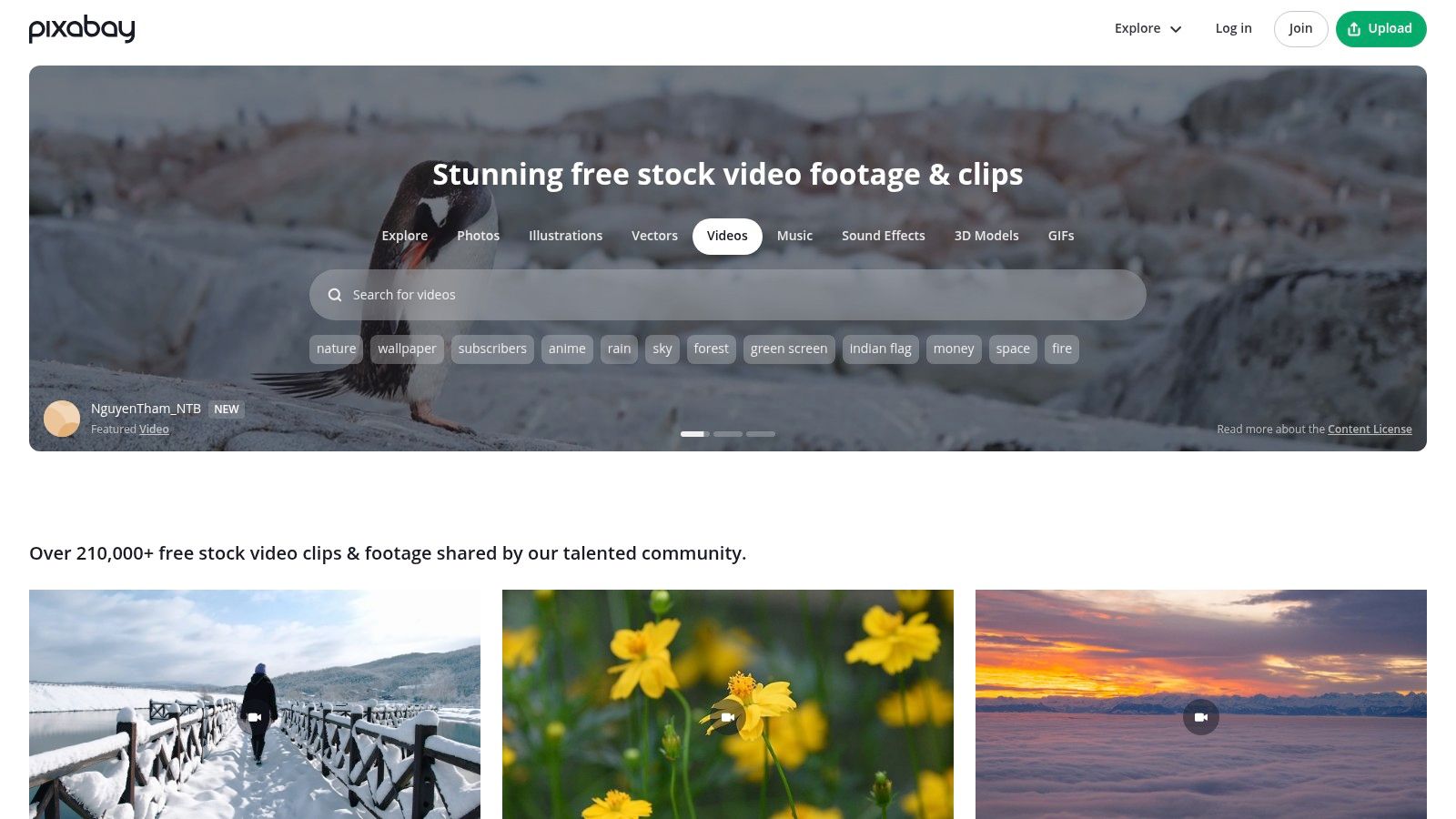
The Pixabay Content License simplifies the process for creators, as it’s consistent across all media formats on the site. However, a key restriction is that you cannot redistribute or sell the clips as-is on other stock platforms. While the quality can vary more than on curated sites, the sheer volume of content ensures you can often find suitable B-roll for general topics like nature, business, or lifestyle scenes. It’s a workhorse platform for creators who need dependable, free-to-use footage without complex licensing hurdles.
Using Pixabay Clips with TranslateMom
Pixabay is excellent for finding generic visual clips to support a spoken narrative. Once you've downloaded your videos and edited them into your main project, you can bring the final file into TranslateMom for localization. Drag your completed video onto the New Task screen and select the original language and the target language for your subtitles. This is perfect for creating multilingual versions of marketing videos or educational content where Pixabay's visuals provide context for the translated or dubbed audio. Inside the Studio editor, you can then fine-tune the timing of each caption by dragging its start and end points on the visual audio Waveform to align perfectly with your B-roll scenes.
| Feature | Details |
|---|---|
| Licensing | Pixabay Content License (Free for commercial use, no attribution needed) |
| Quality | HD and 4K |
| Account Required? | No, for downloading |
| Best For | General B-roll, projects needing video and images, simple licensing |
| Website | https://pixabay.com/videos/ |
3. Mixkit
Mixkit, operated by the creative asset giant Envato, is a highly curated library offering free stock videos, music, sound effects, and video templates. It stands out by bundling different asset types, making it a powerful resource for creators looking to build a cohesive project from a single source. The platform is designed for speed, allowing you to search and download high-quality clips instantly without requiring an account.
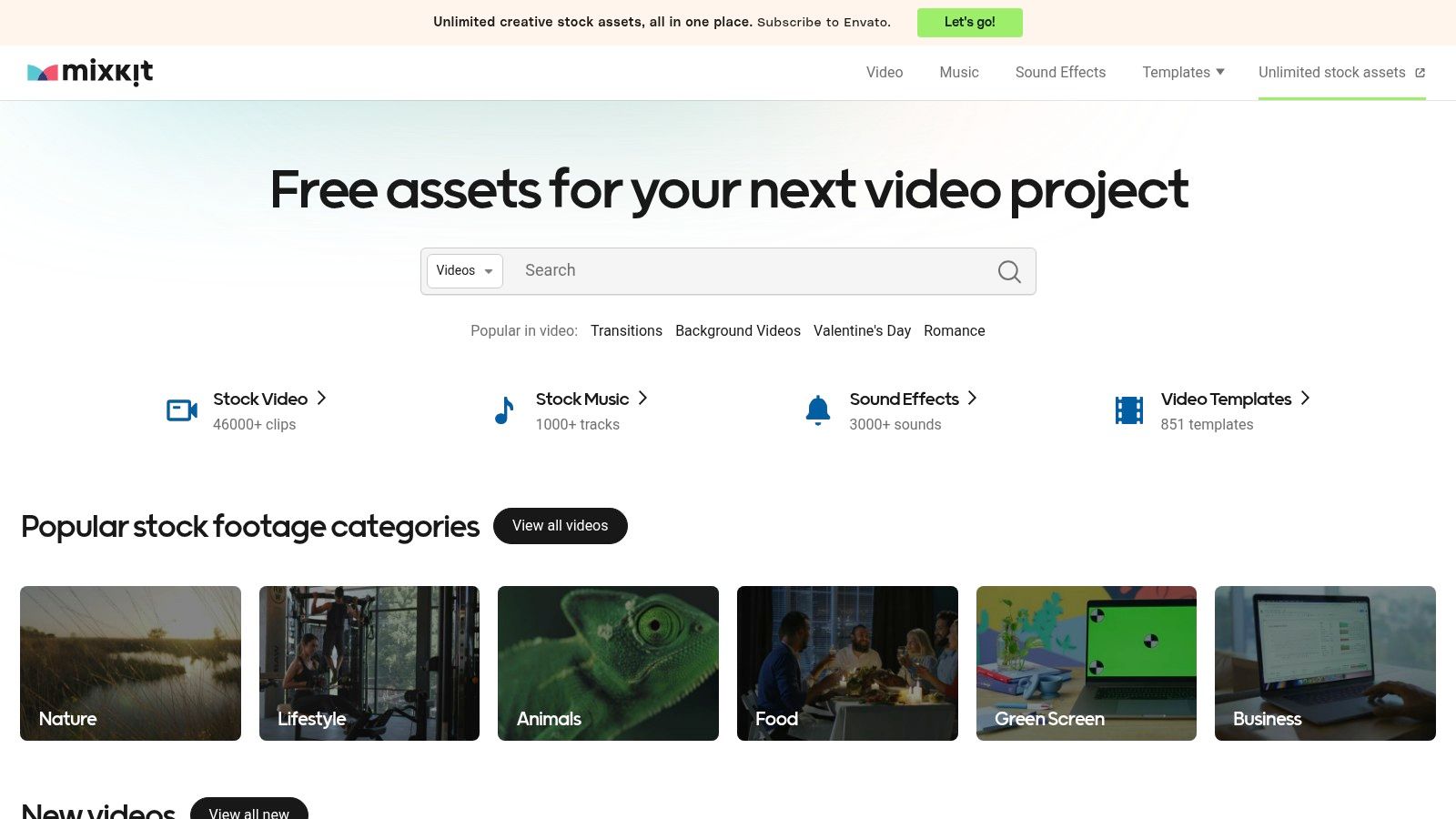
Unlike platforms with a single overarching license, Mixkit clearly labels each asset with its specific usage rights. The "Mixkit Free License" allows for commercial use with no attribution, but some clips fall under a more "Restricted" license that limits certain uses. This per-item clarity is helpful but requires creators to double-check the terms for each clip they download, especially for commercial projects. Its integration with the broader Envato ecosystem provides a clear upgrade path for those who eventually need premium assets.
Using Mixkit Clips with TranslateMom
Mixkit is ideal for creating short-form social media content where video, music, and title templates need to work together. Once you've assembled your video using these assets, you can upload the final MP4 file to TranslateMom to add multilingual captions. This is especially effective for making your content accessible to a global audience. The Style tab in the TranslateMom Studio Workspace lets you customize font family, size, colour, outline, and background to match the aesthetic of your Mixkit templates. You can even press + or - on your keyboard to quickly adjust the font size.
| Feature | Details |
|---|---|
| Licensing | Per-item licenses (Free and Restricted); check each asset |
| Quality | HD and 4K |
| Account Required? | No, for downloading |
| Best For | Cohesive projects needing video, audio, and templates |
| Website | https://mixkit.co/ |
4. Coverr
Coverr positions itself as a curated library of high-quality, cinematic stock videos designed for modern brands and creators. While not as vast as some competitors, its collection is carefully selected for aesthetic appeal, making it a strong contender for anyone searching for an "Unsplash for video" with a more polished feel. The platform uniquely blends human-shot footage with AI-generated assets, offering both realistic and imaginative clips for various creative projects.
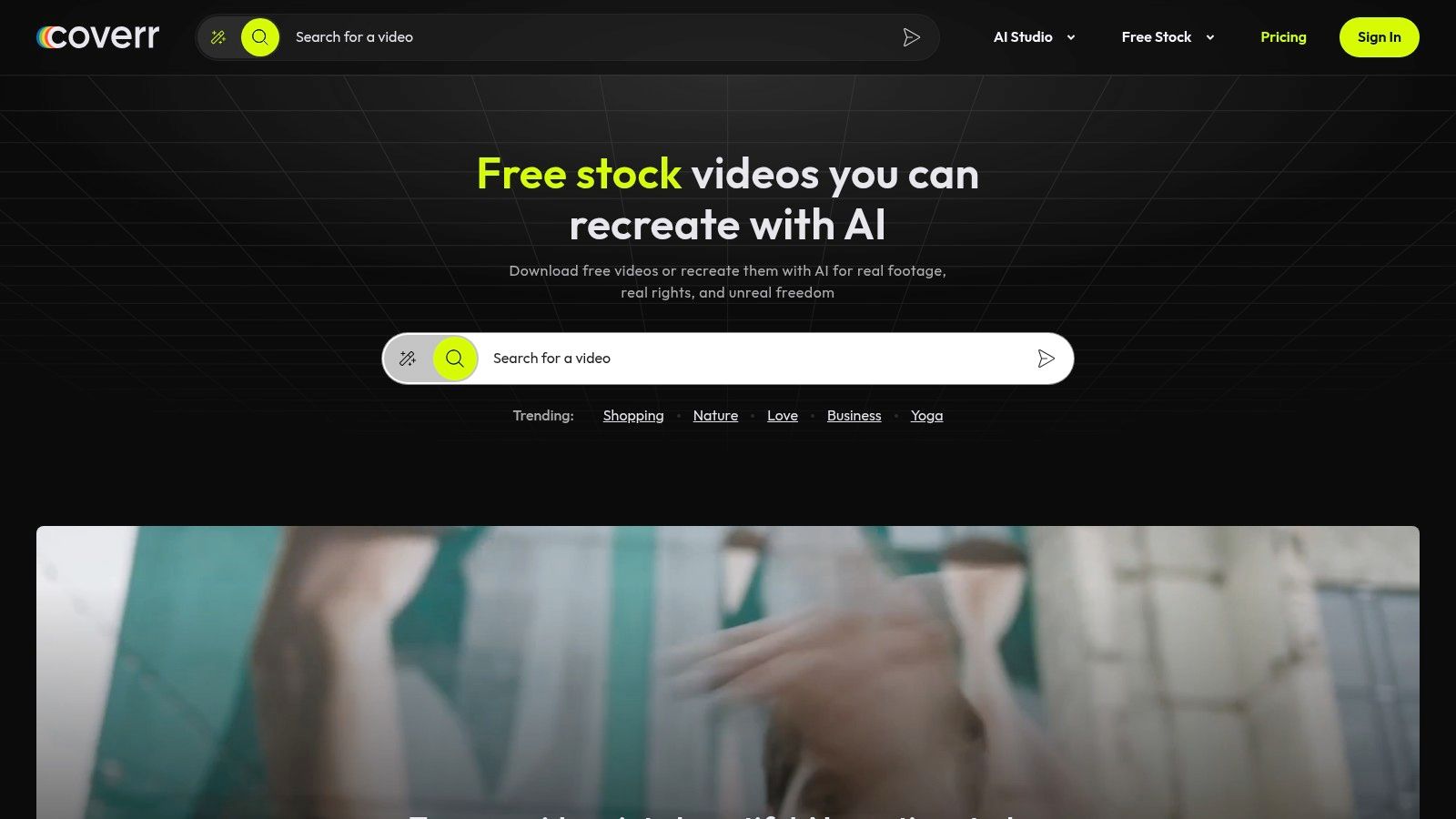
The licensing model is straightforward but has an important distinction: all clips are free for commercial use, but the free tier requires you to provide attribution to Coverr. To remove this requirement, you need a Coverr+ subscription. A significant advantage is the availability of vertical clips, which are perfectly formatted for TikTok, Instagram Reels, and YouTube Shorts. However, like many free sites, Coverr does not provide model or property releases, so commercial use of clips featuring identifiable people requires careful consideration.
Using Coverr Clips with TranslateMom
Coverr's aesthetically pleasing clips are ideal for creating visually engaging social media content that needs localization. You can download vertical videos, edit them into your project, and then bring the final video into TranslateMom for multilingual captions. Once you drag your video into the New Task screen, select your source and target languages to generate subtitles. You can then use the Style tab in the editor to add karaoke-style effects, where words highlight as they are spoken, which pairs exceptionally well with the dynamic nature of Coverr's social-ready footage.
| Feature | Details |
|---|---|
| Licensing | Royalty-Free (Attribution required for free users) |
| Quality | HD, 4K, and Vertical formats |
| Account Required? | No, for downloading |
| Best For | Social media content, branded marketing videos, projects needing a cinematic look |
| Website | https://coverr.co/ |
5. Videvo
Videvo positions itself as a comprehensive resource that goes beyond simple stock footage, offering a vast library of free and premium video clips, motion graphics, templates, and even audio files. This makes it a one-stop-shop for creators who need more than just B-roll. While it provides a significant collection of free assets, it operates on a more complex licensing model than fully free platforms, making it a powerful "freemium" alternative in the search for an Unsplash for video.
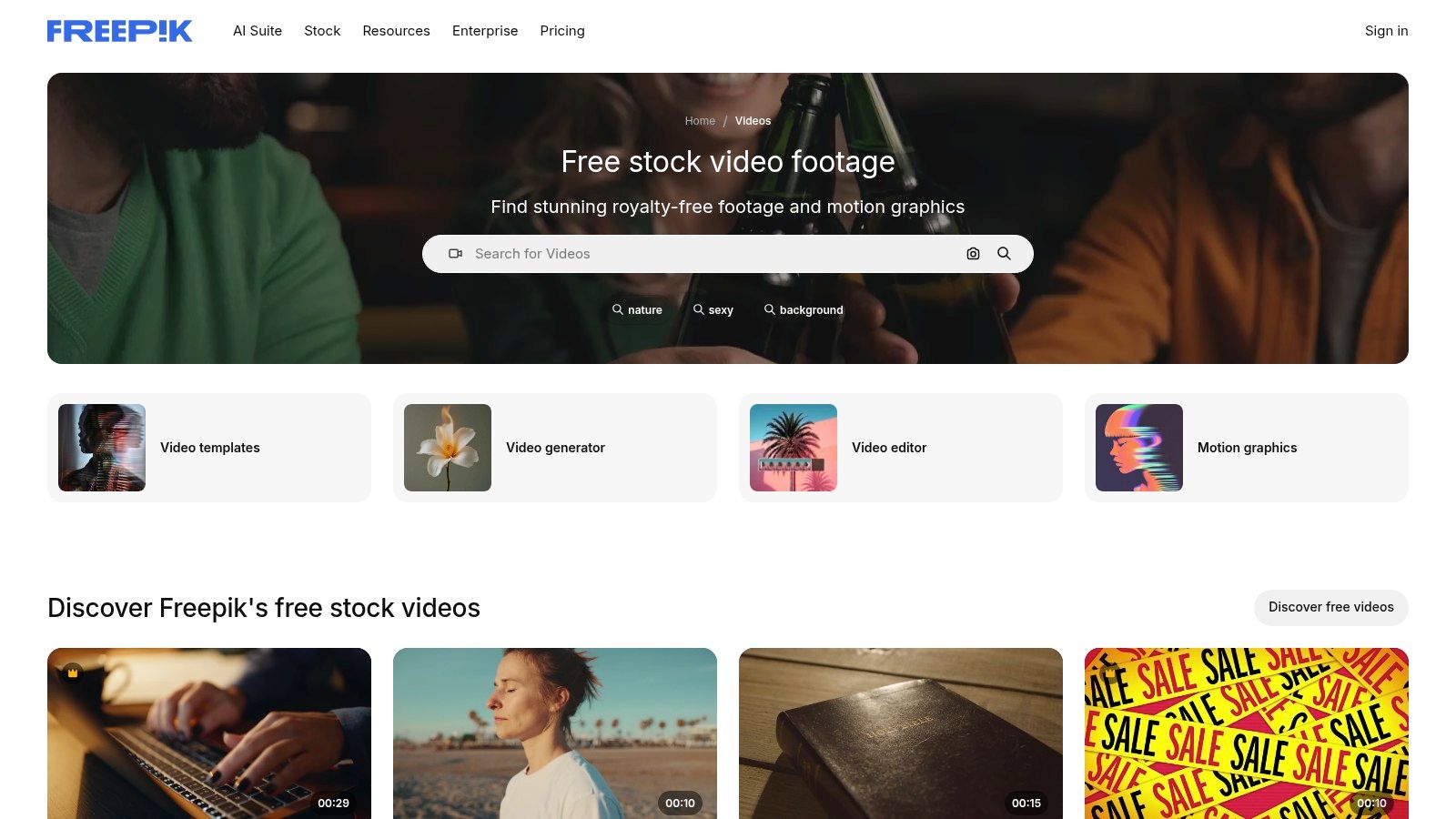
The key distinction with Videvo is its varied licensing. Free clips often fall under the Videvo Attribution License or Creative Commons 3.0, both of which require you to credit the original artist. This can be a deal-breaker for clean commercial projects, but it's a small price for accessing such a broad catalogue. For those needing unrestricted use, Videvo's premium plans are affordable and convert all downloads to a simple, royalty-free license that removes attribution requirements and expands usage rights.
Using Videvo Clips with TranslateMom
Videvo's library of motion graphics and abstract backgrounds is excellent for creating intros or explainer video segments. You can download these clips, integrate them into your main video edit, and then bring the final product into TranslateMom for localization. For instance, you could use a motion graphic from Videvo as a background for a key message, then use TranslateMom's Brand tab to upload and position your own logo as a watermark over the video. This allows you to produce highly polished, multilingual content without starting from scratch.
| Feature | Details |
|---|---|
| Licensing | Varies per clip: Videvo Attribution, CC BY 3.0 (attribution often needed), or Royalty-Free with a Premium plan |
| Quality | HD and 4K |
| Account Required? | Yes, for downloading free and premium clips |
| Best For | Creators needing motion graphics and audio alongside footage, projects where attribution is acceptable |
| Website | https://www.videvo.net/ |
6. Dareful
Dareful positions itself as a boutique source for cinematic footage, making it a unique player in the search for an "Unsplash for video." Instead of a massive, community-driven library, it offers a highly curated collection of stunning 4K and HD clips, primarily focused on nature, landscapes, and aerial views. The entire library is created by a single videographer, which ensures a consistent, high-quality aesthetic across all available clips, perfect for projects requiring a cohesive visual tone.
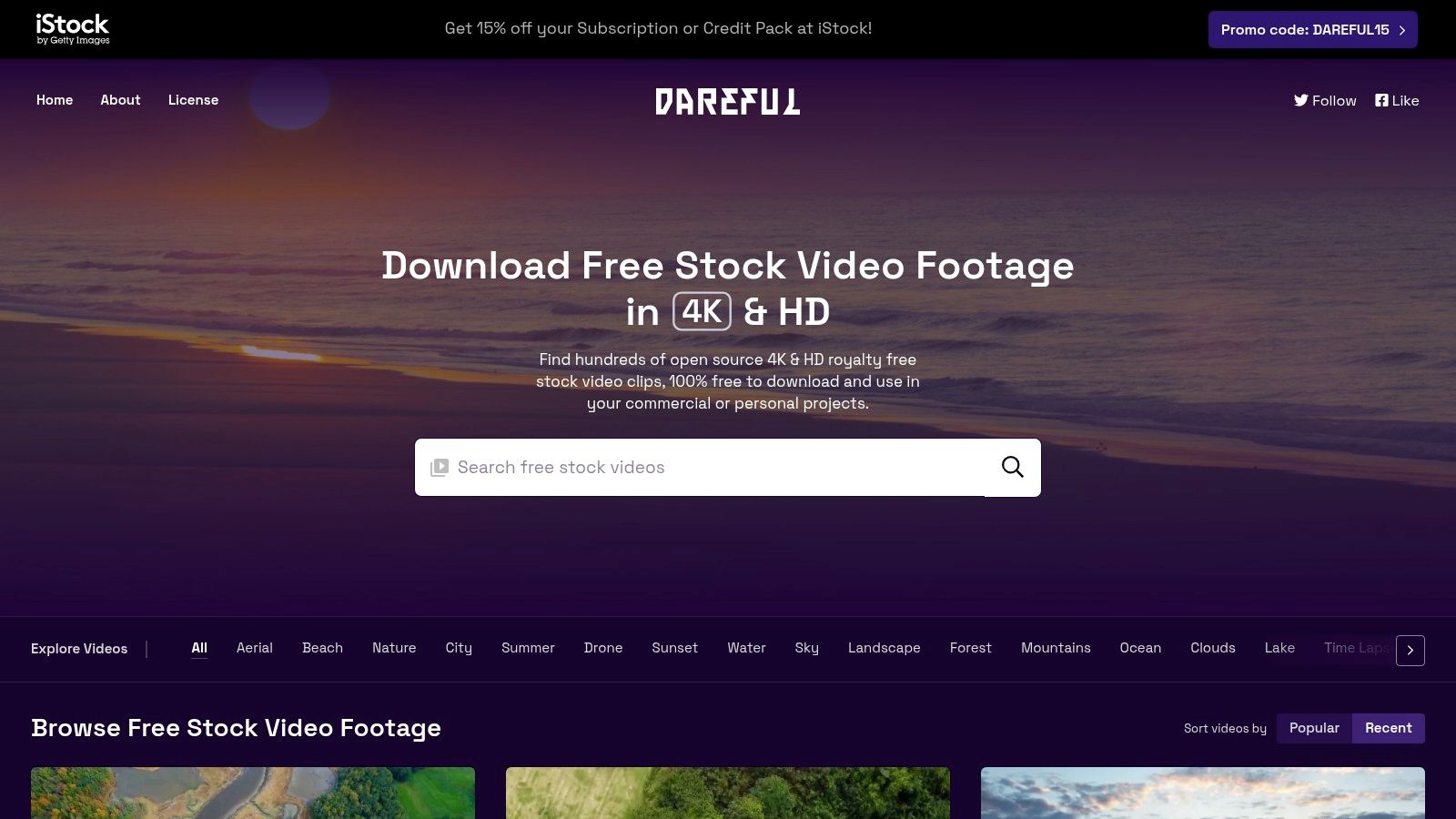
The platform operates under a simple, royalty-free license, allowing free use for both personal and commercial projects. While attribution is not strictly required, it is highly encouraged to credit Dareful. This is an excellent resource for creators needing breathtaking establishing shots, ambient backgrounds, or transitional B-roll for travel vlogs, documentaries, or marketing videos with an epic, natural feel. Its main limitation is its niche focus; you will not find clips of people, cities, or technology here.
Using Dareful Clips with TranslateMom
Dareful's cinematic clips are ideal for setting a powerful visual tone, which can be enhanced with equally powerful narration and subtitles. After incorporating Dareful’s establishing shots into your video edit, you can drag the final file into TranslateMom’s New Task screen. There, you can generate precise captions for your voice-over, ensuring the text complements the high-quality visuals. In the Studio editor, you can adjust subtitle timing on the waveform to match pauses in narration perfectly, creating a professional, polished final product.
| Feature | Details |
|---|---|
| Licensing | Royalty-Free (Attribution encouraged but not required) |
| Quality | 4K and HD |
| Account Required? | No, for downloading |
| Best For | Cinematic nature B-roll, establishing shots, travel videos |
| Website | https://dareful.com/ |
7. Mazwai
Mazwai stands apart as a highly curated collection, focusing on atmospheric and cinematic clips that feel less like traditional stock footage. This platform is an excellent resource for creators seeking an artistic or emotional quality, offering beautiful time-lapses, sweeping landscapes, and moody cityscapes. The hand-picked nature means the library is smaller and grows more slowly, but the quality and unique style make it a go-to for branded content or video intros where a premium feel is essential.
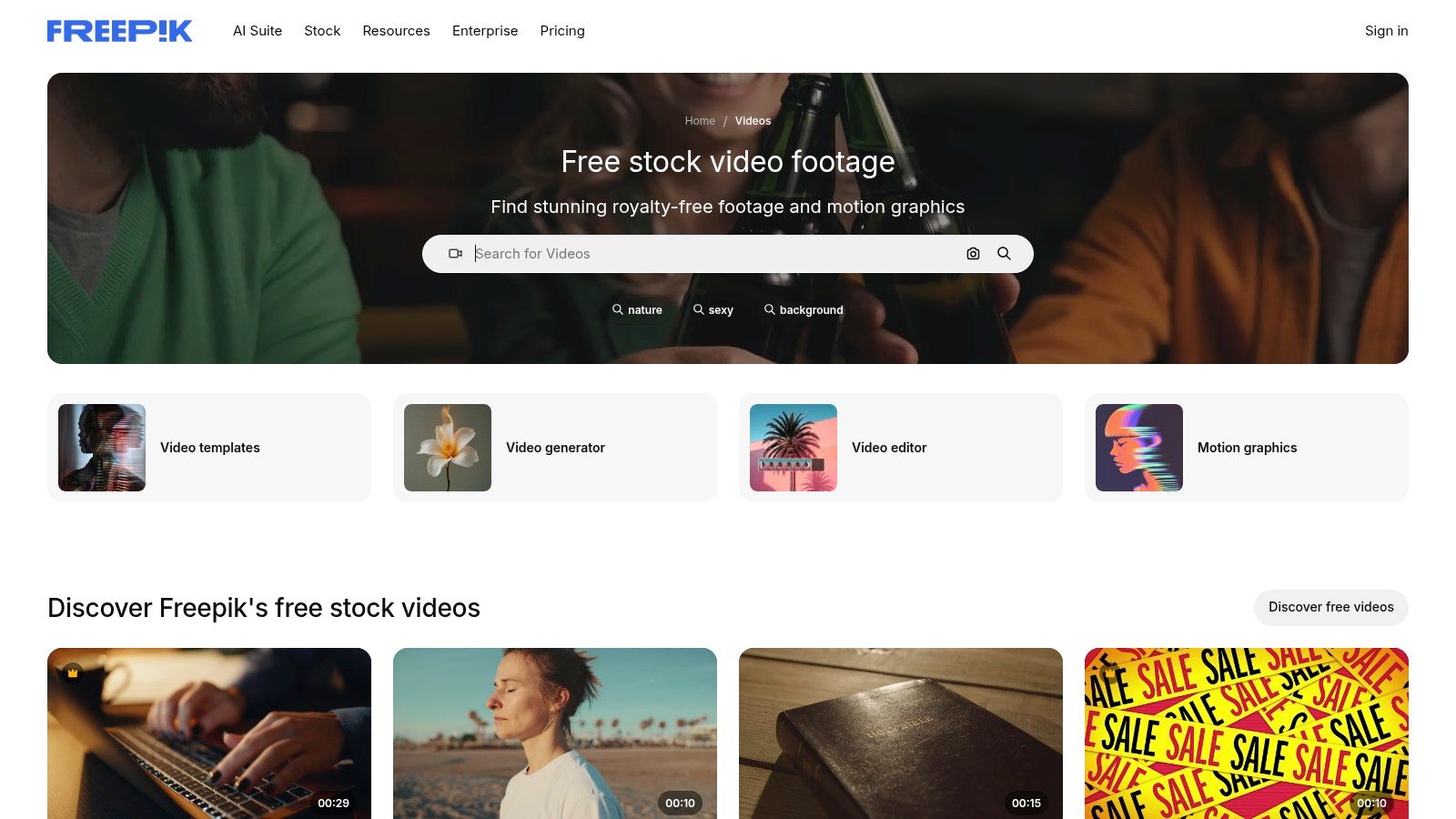
Unlike many platforms on this list, Mazwai's licensing varies per clip. Most videos are under a Creative Commons license, often CC BY 3.0, which requires attribution to the original artist. The specific license is clearly displayed for each video, so it's crucial to check before downloading. This makes it a great "Unsplash for video" in terms of aesthetic quality, but you must be prepared to provide credit, which may not be suitable for all commercial projects like social media ads.
Using Mazwai Clips with TranslateMom
The artistic B-roll from Mazwai is perfect for setting the mood in a documentary, tutorial, or presentation. Once you've edited these evocative clips into your main video, you can upload the final product to TranslateMom to add multilingual subtitles. In the Studio workspace, you can use the Style tab to design captions that complement the cinematic look of your Mazwai footage, adjusting fonts and colours to match the tone. The visual waveform helps you perfectly time the subtitles to start and end with your narration.
| Feature | Details |
|---|---|
| Licensing | Varies per clip (Often CC BY 3.0, requiring attribution) |
| Quality | HD and 4K |
| Account Required? | No, for downloading |
| Best For | Cinematic intros, branded content, artistic B-roll, projects where attribution is possible |
| Website | https://mazwai.com/ |
8. Vidsplay
Vidsplay is a long-standing repository of free stock video footage that has been serving creators for years. It operates on a simple, no-frills model, providing a collection of several hundred HD and 4K clips across a broad spectrum of categories. The platform is regularly updated with new content, making it a reliable, if smaller, choice for finding general-purpose clips for projects. Its key differentiator is the straightforward download process, which requires no account creation.
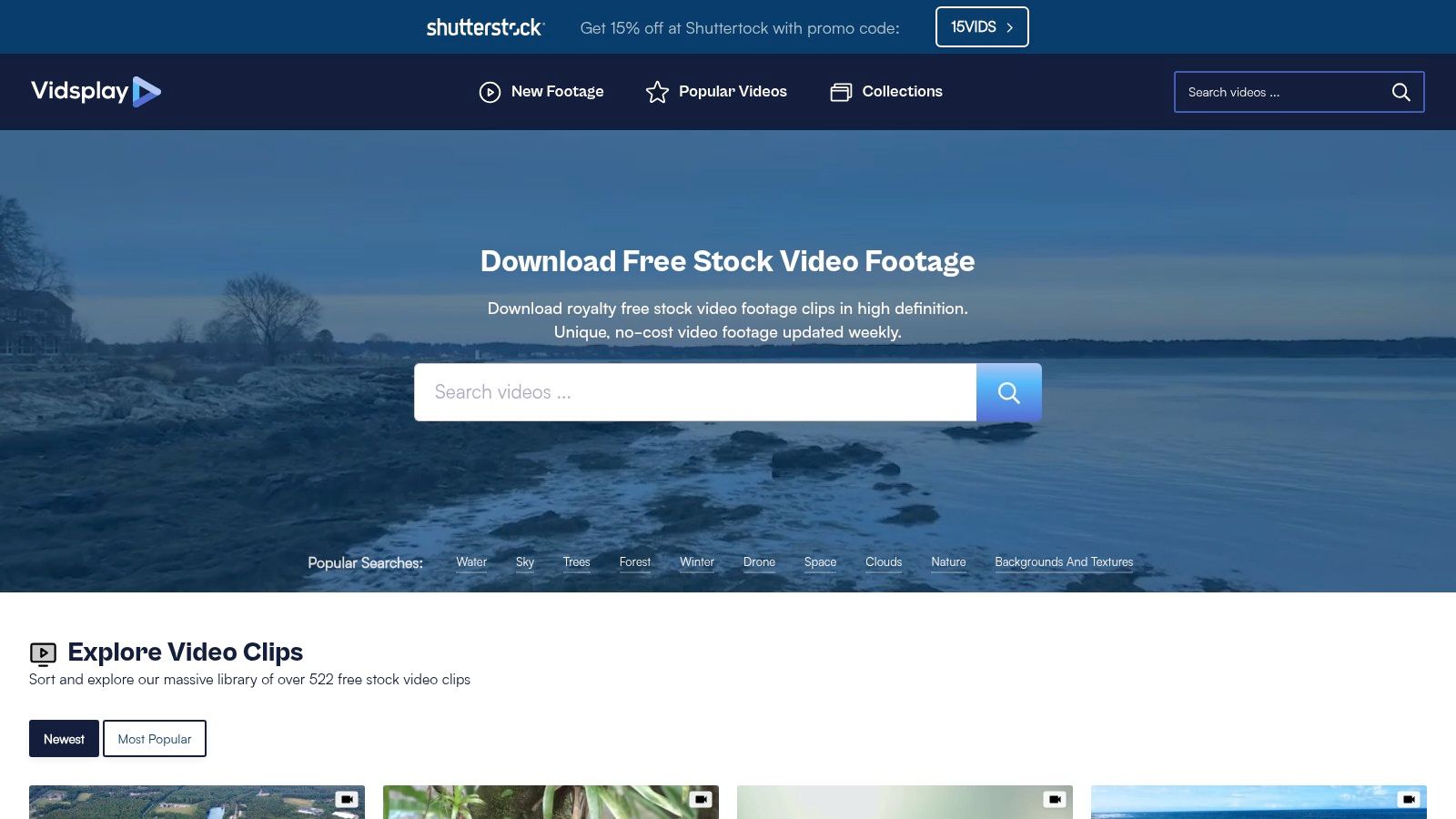
The primary trade-off for this free access is the mandatory attribution. The Vidsplay license requires that you credit "Vidsplay.com" in your final production, making it less suitable for clean, unbranded commercial ads but perfectly fine for YouTube videos, school projects, or certain social media content where a credit in the description is acceptable. While the quality can vary between clips, its simplicity makes it a decent "Unsplash for video" alternative for creators who don't mind the attribution requirement.
Using Vidsplay Clips with TranslateMom
Vidsplay clips are great for adding visual context to a voice-over, especially in educational or informational videos. Once you've downloaded clips and edited them into your main project, you can upload the final video to TranslateMom. From the New Task screen, drag and drop your video file (or press F to open the file picker) to start. This workflow is ideal for adding precise, multilingual subtitles to a video where Vidsplay clips illustrate the concepts being explained in your narration.
| Feature | Details |
|---|---|
| Licensing | Vidsplay License (Free for commercial use, attribution required) |
| Quality | HD and 4K (varies) |
| Account Required? | No, for downloading |
| Best For | Educational content, YouTube videos, projects where attribution is feasible |
| Website | https://www.vidsplay.com/ |
9. Storyblocks
For high-volume creators and teams, Storyblocks is the subscription-based powerhouse that truly functions like an Unsplash for video, audio, and images combined. It operates on an "all-you-can-eat" model, offering unlimited downloads of its entire library for a flat fee. This includes millions of HD and 4K clips, After Effects templates, motion backgrounds, music tracks, and sound effects, making it a comprehensive creative toolkit. The predictable cost structure eliminates per-clip licensing worries, ideal for agencies and production houses.
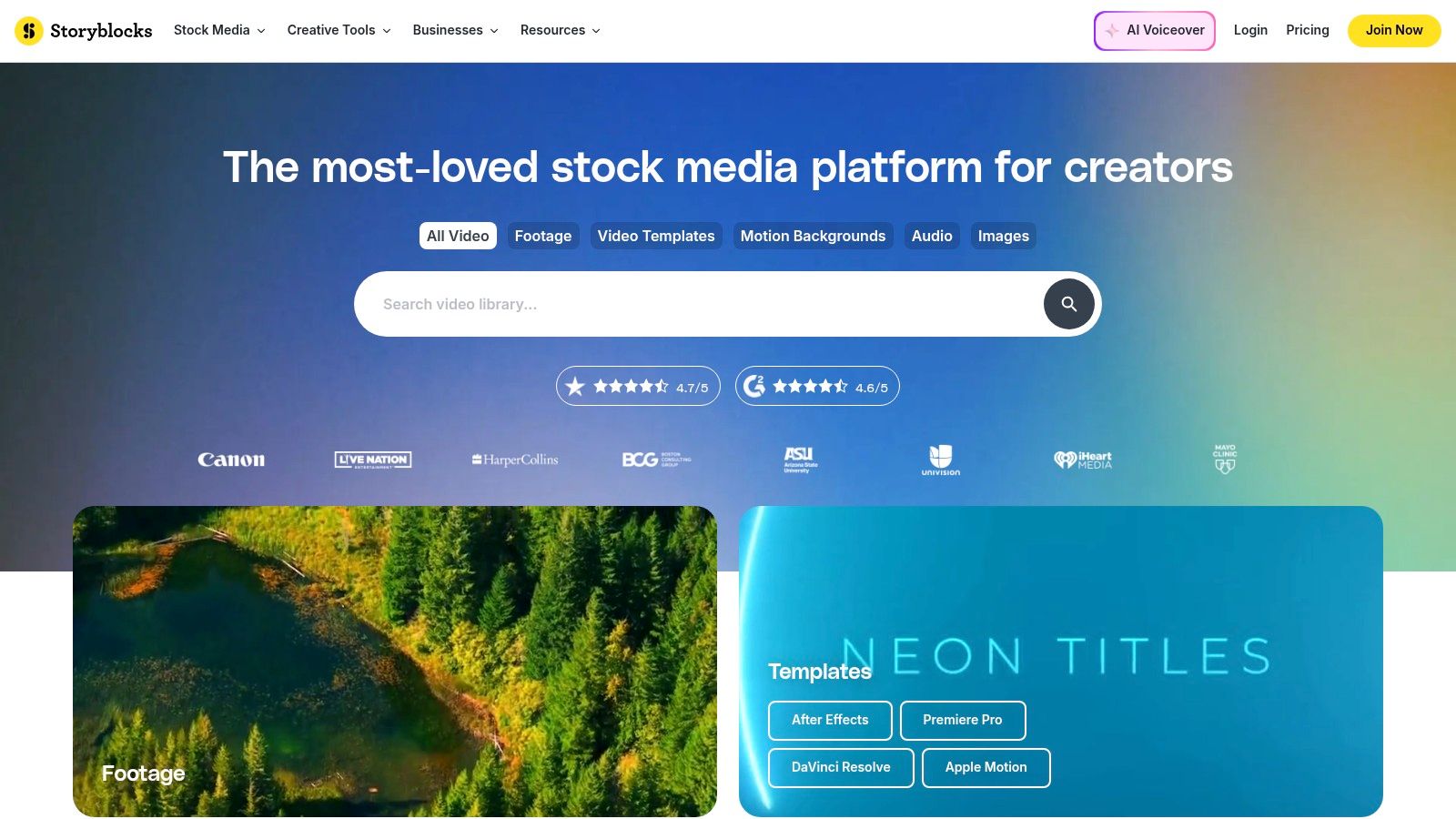
The platform’s simple royalty-free license is a major advantage, granting perpetual use rights for any asset downloaded during an active subscription, even after it expires. Storyblocks also provides indemnity to protect users from copyright claims, a crucial feature for commercial projects. While it is a premium service, the sheer breadth of the library and the inclusion of tools like an Adobe Premiere Pro plugin can dramatically accelerate production workflows. Be aware that the best pricing is typically on annual plans, and you should always verify an asset's usage rights, as some editorial-only clips may appear in searches.
Using Storyblocks Clips with TranslateMom
Storyblocks is excellent for building the visual foundation of a video, which you can then localize with TranslateMom. Assemble your project using unlimited clips, music, and SFX from Storyblocks, and render the final video. To add multilingual captions, simply drag your finished video file into the New Task screen in TranslateMom. The platform will transcribe the audio, which you can then translate into multiple languages and burn directly into the video for a polished, global-ready final product. Your edits are automatically saved to the cloud, so you can work on complex projects without fear of losing progress.
| Feature | Details |
|---|---|
| Licensing | Royalty-Free (Perpetual use for assets downloaded during subscription) |
| Quality | HD and 4K |
| Account Required? | Yes, paid subscription is required |
| Best For | Agencies, high-volume creators, and teams needing a unified asset library |
| Website | https://www.storyblocks.com/ |
10. Envato Elements
Envato Elements operates on a different model, positioning itself as an all-in-one creative subscription rather than just a free footage library. For a single monthly fee, it provides unlimited downloads of millions of assets, including stock video, video templates, music, graphics, and photos. This makes it an outstanding value for creators and agencies whose workflows require a constant supply of diverse creative assets beyond just B-roll footage.
The platform’s strength lies in its comprehensive ecosystem. You can find a 4K drone shot, a corresponding After Effects template for a title sequence, and a royalty-free audio track all in one place, covered by a single commercial license. Each asset you download is licensed for a specific project that you register, providing clear legal coverage for commercial use. While it is a paid service, its value proposition is hard to beat for high-volume production teams. If you're looking to explore options beyond this model for your creative assets, you might find value in these top Envato Elements alternative picks.
Using Envato Elements Clips with TranslateMom
An integrated workflow using Envato Elements and TranslateMom is powerful for producing polished, multilingual content. You can source your primary clips, B-roll, motion graphics templates, and background music from Elements. After assembling and editing your video, use a tool for background noise removal from video to ensure clean audio before importing the final file into TranslateMom for transcription and translation. In the Studio workspace, you can enable Dual Language Mode to stack both the original and translated captions, a powerful feature for language learning content.
| Feature | Details |
|---|---|
| Licensing | Commercial License (Project-based registration, subscription required) |
| Quality | HD and 4K |
| Account Required? | Yes, paid subscription |
| Best For | Agencies, professional creators, and teams needing an all-in-one asset library |
| Website | https://elements.envato.com/ |
11. Pond5
Pond5 positions itself as a premium, comprehensive marketplace rather than a simple free footage site, but it earns its place on this list for specific use cases. With over 30 million video clips, it offers a professional-grade library that is indispensable when you need highly specific or niche content that free platforms lack. While primarily a paid service, Pond5 includes a curated collection of free public domain clips and features a "Free Clip of the Week," making it a valuable resource to monitor.
The platform operates on a flexible model with per-item purchases, credit packs, and subscriptions, catering to both occasional users and high-volume production houses. Its key advantage is the sheer depth and quality of its catalogue, often providing the exact shot a professional project demands. The standard royalty-free licence is worldwide and perpetual, simplifying commercial use. However, for those on a tight budget, the à-la-carte pricing can become costly if multiple clips are needed.
Using Pond5 Clips with TranslateMom
Pond5 is ideal for sourcing a critical "hero" shot for a commercial or documentary that will be localized for global audiences. After purchasing and downloading your high-quality clip from Pond5, you can edit it into your main project. Once your final video is rendered, drag the file into TranslateMom’s New Task screen. From there, you can generate precise transcriptions and translations, styling the subtitles to match the professional quality of the Pond5 footage before exporting. If you need to hand off the project, you can download the subtitles as an SRT or VTT file for use in other editors like Premiere Pro.
| Feature | Details |
|---|---|
| Licensing | Royalty-Free (Perpetual, worldwide use with purchase) |
| Quality | HD, 4K, and 8K |
| Account Required? | Yes, for purchasing and downloading |
| Best For | Professional projects, niche content, high-production value commercials |
| Website | https://www.pond5.com/ |
12. Shutterstock (Video)
Shutterstock represents the enterprise-grade tier of stock footage, positioning itself as a premium solution rather than a free "Unsplash for video" alternative. With a staggering library of over 30 million clips in HD and 4K, it is a go-to resource for professional agencies, broadcasters, and businesses requiring legally sound, high-quality footage for high-stakes projects. Its powerful search engine and curated collections allow creators to find highly specific shots that are often unavailable on free platforms.
Unlike free sites, Shutterstock operates on a paid model with video packs and monthly subscriptions. This cost is justified by its business-friendly licensing, including Standard and Enhanced options that provide greater legal protection and indemnification. For teams working on client projects or broadcast commercials, this assurance is non-negotiable. While the price point is higher, the predictable licensing and availability of model and property releases eliminate the legal guesswork common with free footage.
Using Shutterstock Clips with TranslateMom
For corporate training videos, documentaries, or high-end advertisements, you might license key clips from Shutterstock and combine them with your own footage. Once your final video is edited, you can bring it into TranslateMom for localisation. Drag your video file to the New Task screen, select your source and target languages, and choose the Translation service to generate precise, professional subtitles. You can then use the Style tab in the Studio editor to ensure the captions match your brand's aesthetic.
| Feature | Details |
|---|---|
| Licensing | Standard and Enhanced Licenses (Paid, rights-managed) |
| Quality | HD and 4K |
| Account Required? | Yes, for purchasing and downloading |
| Best For | Corporate videos, broadcast advertising, projects requiring legal indemnification |
| Website | https://www.shutterstock.com/video |
12 Unsplash-for-Video Alternatives Comparison
| Service | Core features ✨ | Quality & UX ★ | Pricing & Value 💰 | Target audience 👥 | USP / Notes 🏆 |
|---|---|---|---|---|---|
| Pexels Videos | Free HD/4K B‑roll; permissive Pexels License | ★★★★ — easy search/download | 💰 Free (no attribution) | 👥 Social creators, YouTubers, marketers | ✨ Truly free + fast sourcing |
| Pixabay Videos | Free HD/4K + audio/images; consistent site license | ★★★ — variable quality | 💰 Free (credit appreciated) | 👥 Small studios, educators, creators | 🏆 One license across media types |
| Mixkit | Curated clips + matching music/templates; per-clip labels | ★★★★ — curated UX, no login | 💰 Free (check per-clip terms) | 👥 Editors needing cohesive assets | ✨ Templates & Envato upgrade path |
| Coverr | Human-shot + AI assets; vertical/social formats | ★★★ — reviewed content; attribution on free tier | 💰 Free (attribution) / Coverr+ paid | 👥 Shorts/Reels/TikTok creators | ✨ Vertical-ready + simple license |
| Videvo | Free + premium footage, motion graphics, audio | ★★★ — broad catalog; per-clip licenses vary | 💰 Freemium — upgrade to remove attribution | 👥 Motion designers, frequent editors | 🏆 Wide mix of motion assets |
| Dareful | Curated 4K nature/landscape B‑roll from one provider | ★★★★ — cinematic, consistent look | 💰 Free (attribution encouraged) | 👥 Filmmakers, creatives needing nature B‑roll | ✨ High-quality, cohesive nature footage |
| Mazwai | Hand‑picked atmospheric/time-lapse clips | ★★★★ — artsy, premium feel | 💰 Free (often attribution) | 👥 Branded videos, intros, mood pieces | ✨ Less “stocky” cinematic clips |
| Vidsplay | 500+ free clips across many categories | ★★★ — straightforward downloads | 💰 Free (must credit Vidsplay) | 👥 Educators, casual creators | ✨ Regularly updated variety |
| Storyblocks | Unlimited downloads (All Access); plugins & indemnity | ★★★★ — team-friendly workflow | 💰 Subscription (best annual) | 👥 High-volume creators, teams, agencies | 🏆 Predictable unlimited licensing |
| Envato Elements | Unlimited assets + templates; project license | ★★★★★ — end-to-end production support | 💰 Subscription — strong agency value | 👥 Agencies, studios, multi-project teams | 🏆 Lifetime commercial license per registered project |
| Pond5 | 30M+ pro clips; per-item & subscription options | ★★★★ — pro-grade footage, deep search | 💰 A‑la‑carte / credit packs / subs | 👥 Broadcast, filmmakers, niche needs | ✨ Massive marketplace for specialized clips |
| Shutterstock (Video) | 30M+ clips; standard & Enhanced licenses; enterprise tools | ★★★★★ — powerful search & releases | 💰 Paid packs/subs; higher cost | 👥 Enterprise, clients, broadcast | 🏆 Business-friendly licensing & scale |
Choosing the Right Footage for Maximum Impact
Navigating the world of stock video can feel overwhelming, but as we've explored, a true "Unsplash for video" equivalent isn't a single platform-it's a spectrum of resources tailored to different creative needs. The journey from a simple idea to a polished, globally accessible video hinges on selecting the right visual assets and integrating them into a smart, efficient workflow. Your choice ultimately depends on a careful balance of budget, project scope, and creative ambition.
For creators needing quick, high-quality clips for social media, YouTube B-roll, or background visuals, the free platforms are an undeniable powerhouse. Pexels and Pixabay stand out for their vast, searchable libraries and refreshingly simple licensing, making them the go-to starting point for most projects. They offer tremendous value with minimal friction, allowing you to source beautiful footage without worrying about costs.
Finding Your Niche and Aesthetic
When your project demands a more specific tone or a higher cinematic quality, curated platforms like Mazwai and Dareful become invaluable. These sites prioritize artistic vision over sheer volume, offering clips that feel less like stock footage and more like custom-shot scenes. While they may come with attribution requirements or more niche collections, the payoff is a unique aesthetic that can elevate your brand's storytelling and set your content apart from the crowd. This is where you find the footage that doesn't just fill a gap but actively enhances your narrative.
Scaling Up: The Power of Subscription Services
For professionals, agencies, and high-volume content creators, relying solely on free resources can become a bottleneck. This is where subscription services like Storyblocks and Envato Elements transform your workflow. They represent a strategic investment, providing unlimited access to massive, consistently high-quality libraries for a predictable monthly or annual fee. More importantly, they offer standardised, worry-free commercial licensing and often include other assets like music, sound effects, and templates. This consolidates your creative toolkit, saving you countless hours of searching and legal verification, and empowering your team to produce more content, faster.
From Footage to Final Product: Your Localisation Workflow
Sourcing the perfect video clip is only the first step. To achieve maximum impact, especially in a global market, that footage needs to be made accessible and relatable to diverse audiences. This is where a powerful localisation tool becomes the critical next piece of the puzzle. Once you've downloaded your ideal clip from a site like Coverr or Videvo, your work is just beginning.
The next step is to bring it into an environment where you can add the layers that drive engagement: captions, subtitles, and even dubbed audio. For instance, after finding the perfect clip:
- Import into TranslateMom: Use the File Upload feature to bring your downloaded MP4 file directly into a new Task. If your video is already online, you can use the Link Import feature with a YouTube, TikTok, or Twitter (X) URL.
- Generate Captions: Use the Transcription service to create accurate, time-synced captions in the original language.
- Translate for Global Reach: Select the Translation service to generate subtitles in multiple target languages, making your video instantly understandable to viewers worldwide.
- Style for Impact: In the Studio Workspace, use the Style tab to customize your subtitles to match your brand's aesthetic. You can even add "Karaoke" style animations to make your social media clips more dynamic.
- Export Your Final Video: Once you've perfected the subtitles, use the Burn-in export option. This renders a new video file with the high-quality captions permanently baked in, ready for direct upload to YouTube, TikTok, or Instagram.
The ideal "Unsplash for video" isn't just about finding free clips; it's about building a sustainable process that turns those clips into compelling, multilingual content that resonates with everyone, everywhere.
Ready to take your carefully selected stock footage and make it globally accessible? Import your video clips into TranslateMom and start adding professional-grade subtitles, translations, and dubbing in minutes. Transform your visuals into powerful stories that connect with audiences around the world by visiting TranslateMom today.