Upload caption file (SRT/VTT/ASS)
- You want captions viewers can toggle on/off.
- You need caption files for editors or multi-platform reuse.
- You are publishing to players that support subtitle uploads.
Twitter/X video translation
Translate Twitter videos (X) to English or any target language in seconds. Paste a tweet URL, generate translated subtitles, fine-tune timing in the editor, and export SRT, VTT, ASS, or a burned-in subtitle video for social sharing.
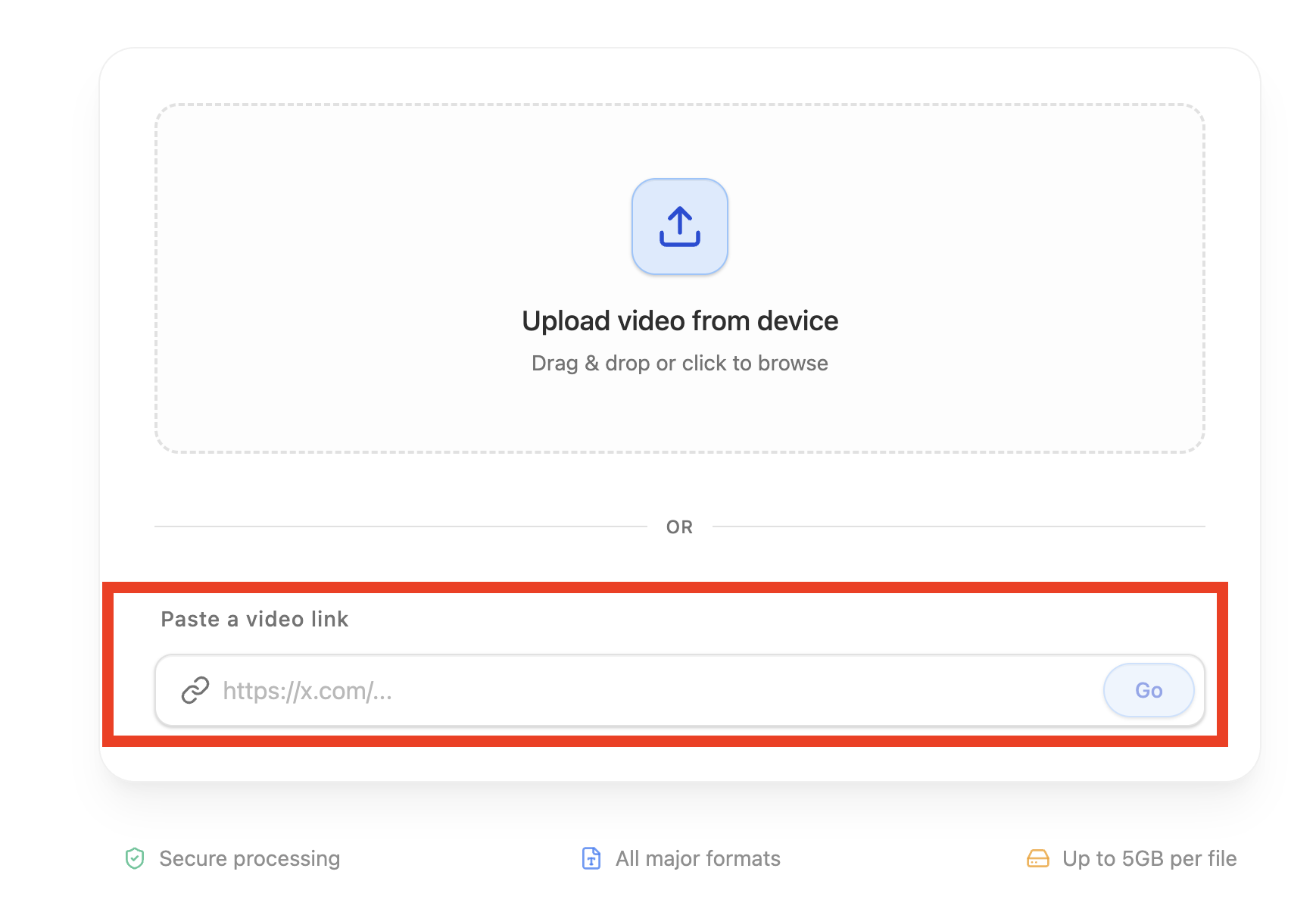
Copy the Twitter/X post URL and import it in TranslateMom.
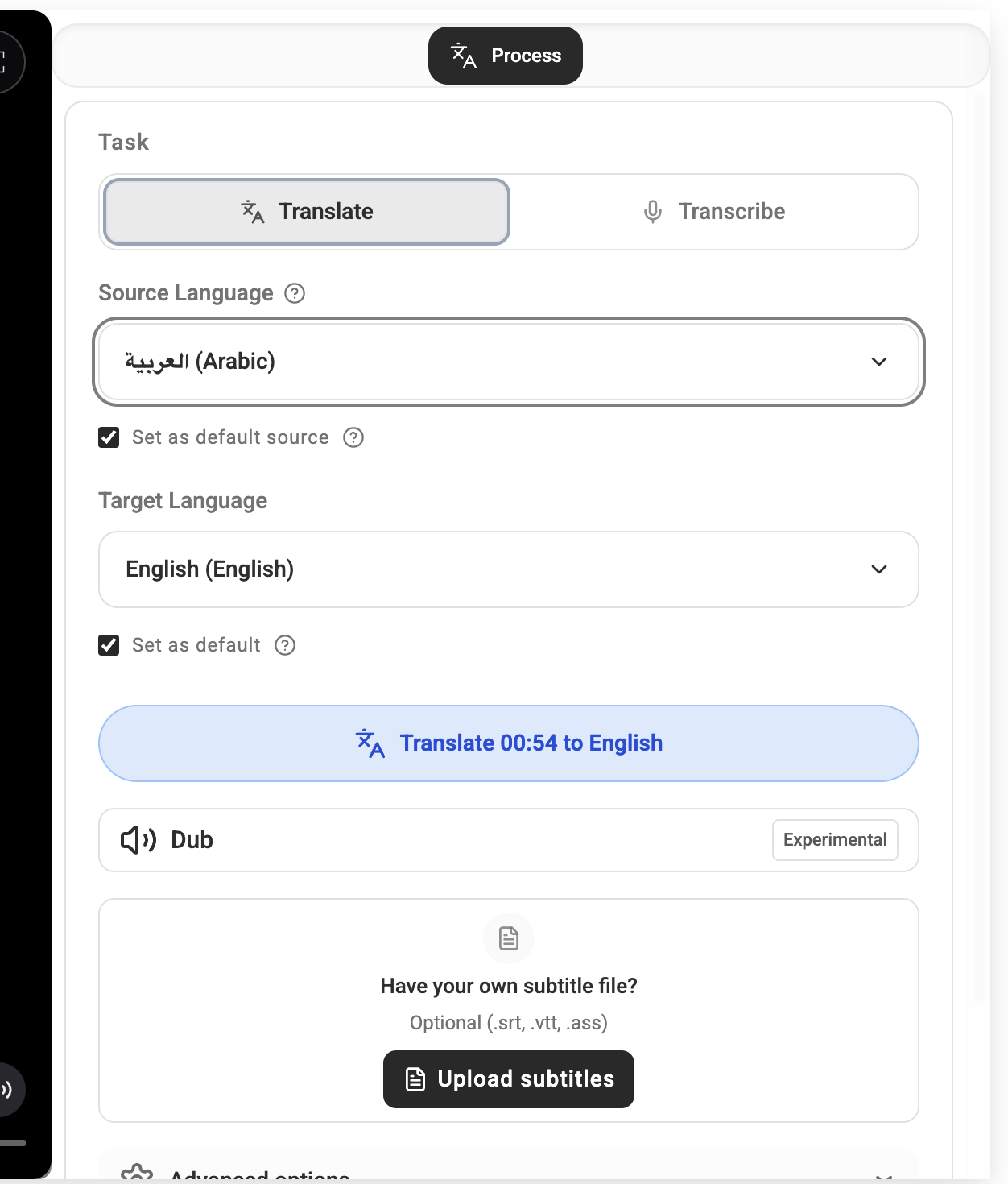
Select source and target language (for example: Japanese to English).
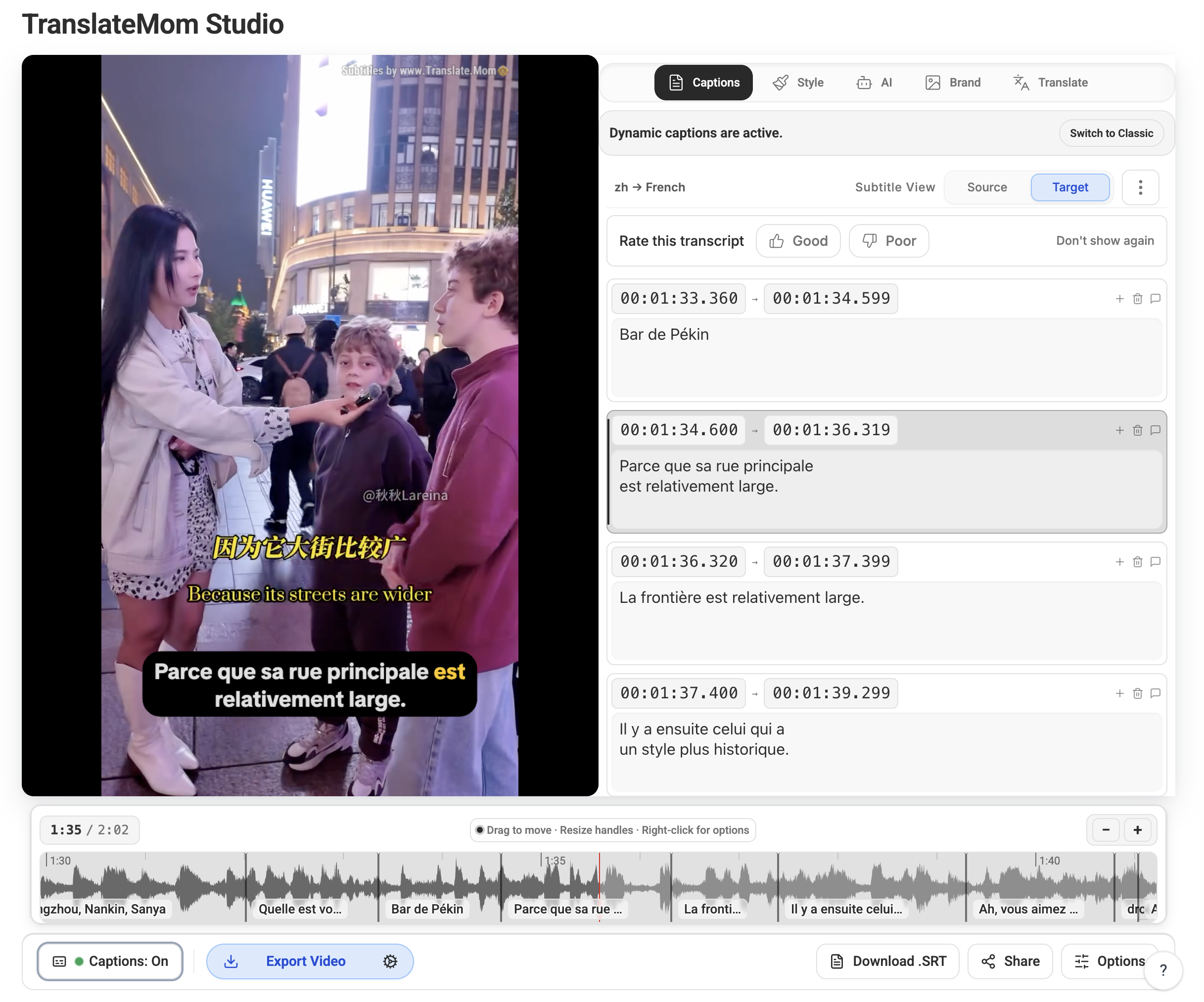
Run Translation, then review timing and wording in the Studio editor.
Export as SRT, VTT, ASS, or render a burned-in subtitle video.
| Format | Best for | Notes |
|---|---|---|
| SRT | YouTube uploads and quick handoff to editors | Most widely supported subtitle format. |
| VTT | Web players and HTML5 video workflows | Great choice for websites and browser playback. |
| ASS | Advanced styling and karaoke-like effects | Supports richer visual subtitle styling. |
| Burned-in video | X, Instagram Reels, TikTok, and autoplay feeds | Captions are always visible in sound-off feeds. |
Need a longer walkthrough? Read how to translate X/Twitter videos for additional workflow details.